Search the Community
Showing results for tags 'truss'.
-
Hi, it might be a general question for Vectorworks software across, but I've got a specific question for my usecase. Is it possible to replace a truss symbol in a drawing, similar to "Replace lighting devices" for... lighting devices?
-

Truss tool tickmarks, distribution
Tomas Lohin posted a question in Wishlist - Feature and Content Requests
Some of my feature requests which popped-up on my mind recently I would like to have an option to add tickmarks to a truss I would like to distribute given number of tickmarks evenly on a hanging position I would like to have Distrubute/Align function for curved trusses and pipes too Thanks for listening -
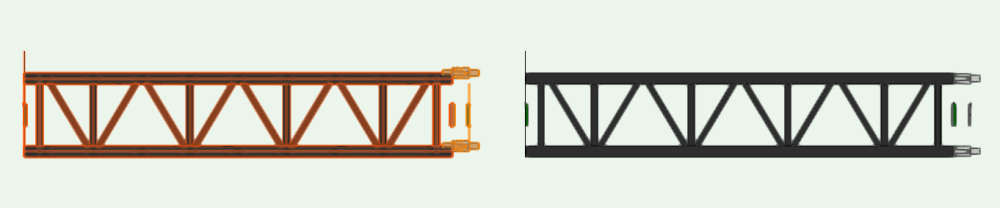
Hi, I've created a hinge for prolyte S40T. When I attach a truss to the hinge, it snaps correctly. But when I attach the hinge to a truss, the magnets move as you can see on the picture below. How can i resolve this problem? kind regards, Mathijs van Ommen
-
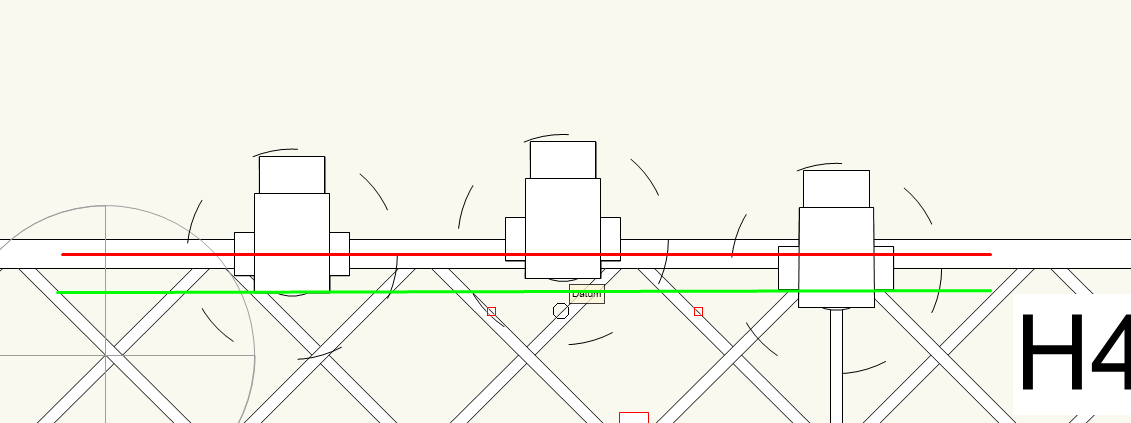
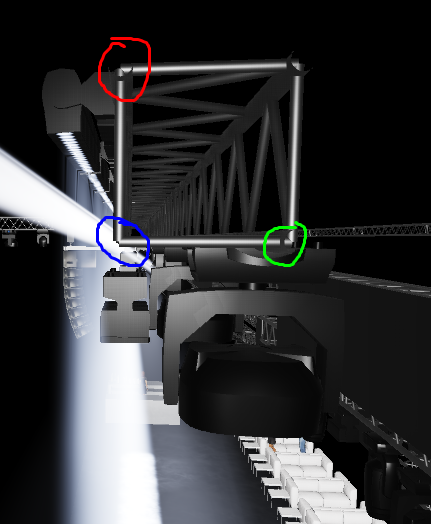
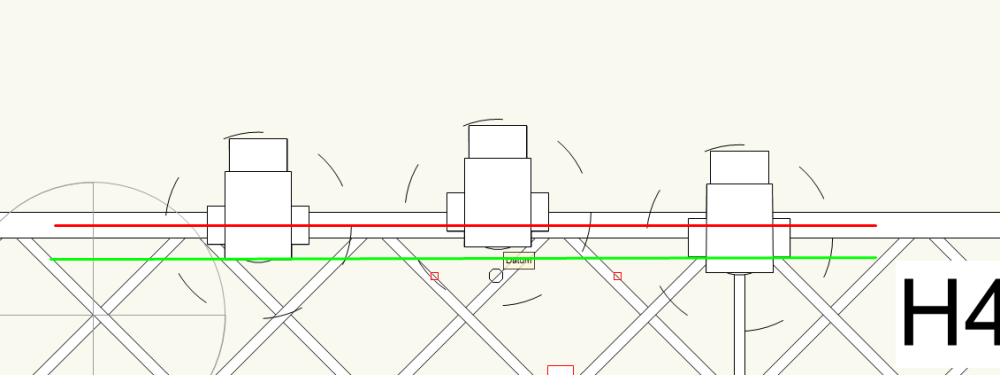
Hello guys I need hang some fixtures on diferente locations of truss. Usually, we just hang on the lower pipes of the truss, but now I have the necessity to hang some fixtures on the front top pipe of the truss. I already tried but I never have a position to snap a fixture on top pipe. How I can make it? Another question. I hang fixtures on truss, but sometimes the fixtures dont snap on the center of the pipe. Thank you in advance Cristiano
-
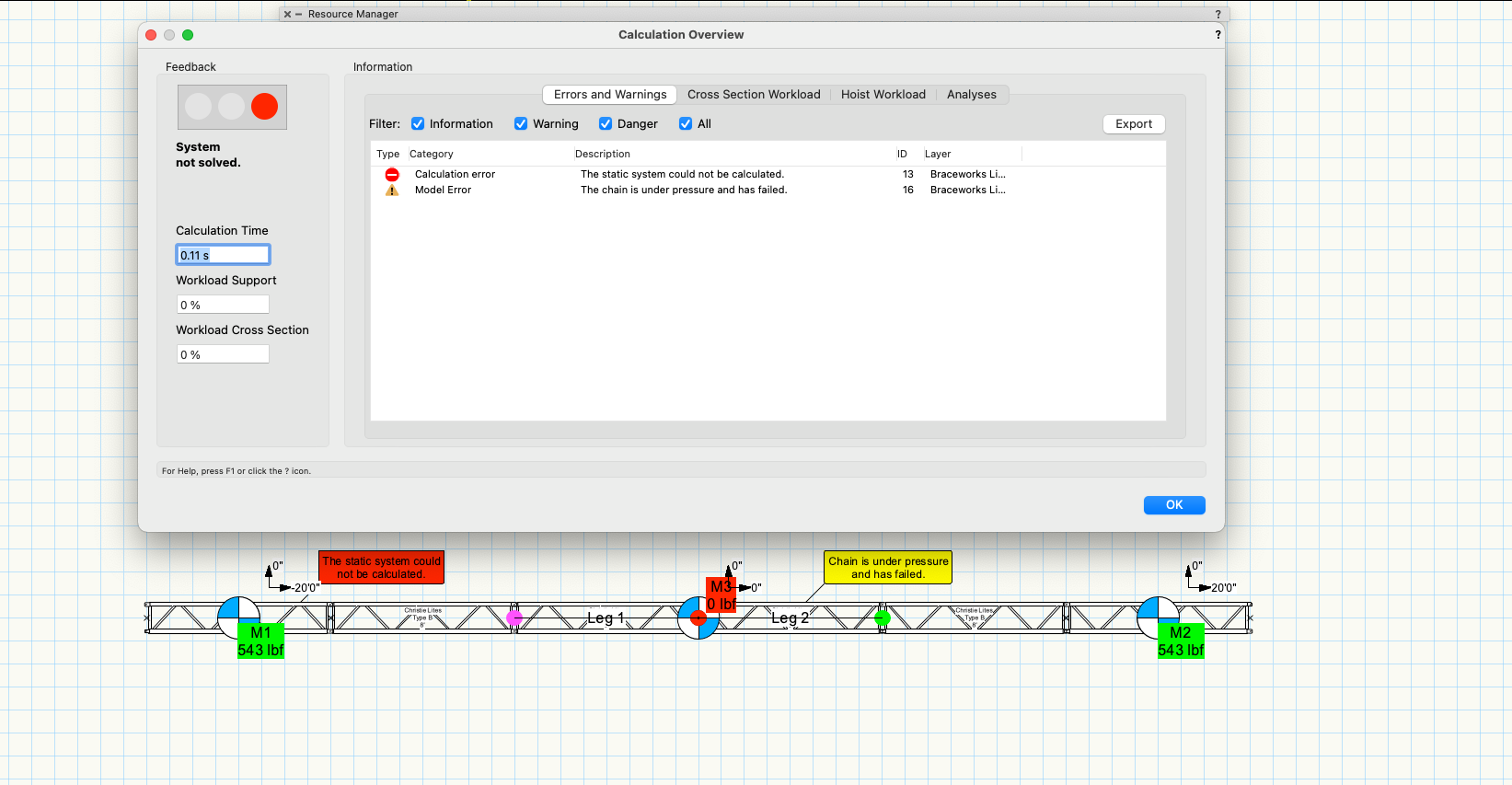
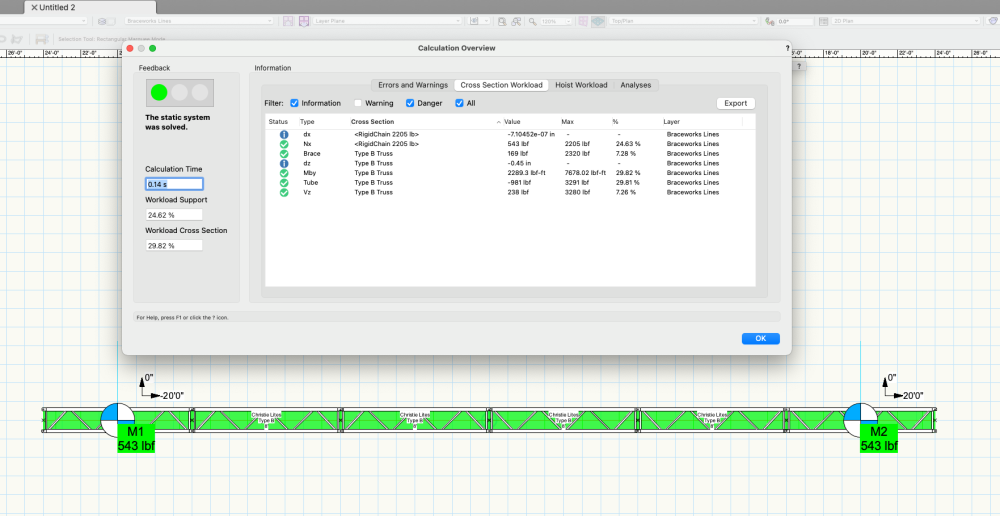
I'm trying to insert a truss bridle with the "Reverse Two Leg Bridle" tool - but BW seems to think there is a chain under pressure and keeps failing. Disabling Second order analysis returns a weight value of 0 lbf on the centre hoist. A simple truss, with 2 points calculates without issue. However, once I add the centre inverted bridle BW fails. What am I doing wrong? Is this not the intended use of this tool? @JustinVH @jcogdell
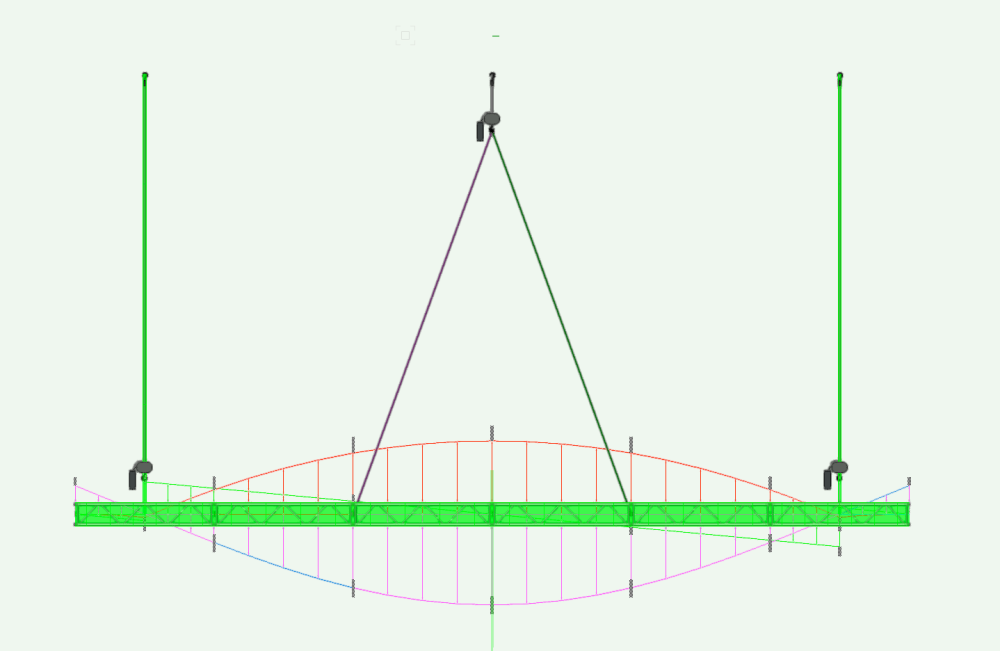
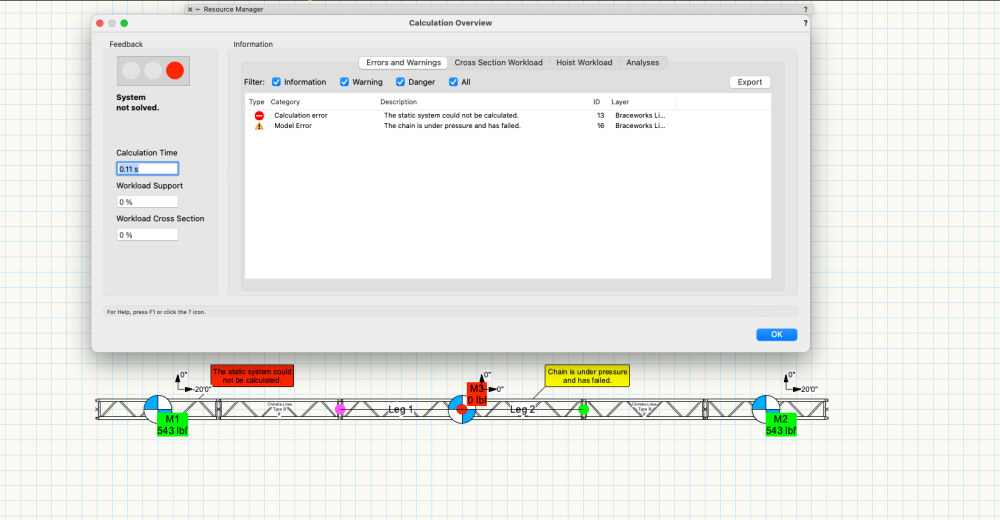
-
Hello fellow Vectorworkers, Just wondering if this is a bug for anyone else or if I'm missing a step.. On a Hanging Position comprised of Truss objects, if one sets the Hanging Angle of the Hanging Position, altering any other parameter of the Hanging Position (either moving it in the viewport or from the Object Info Palette), resets the Hanging Angle to 0 deg. VW22 SP2.1 Build 627588 Win 11 Thoughts? Thanks! Tom Hanging Position Bug.vwx
-
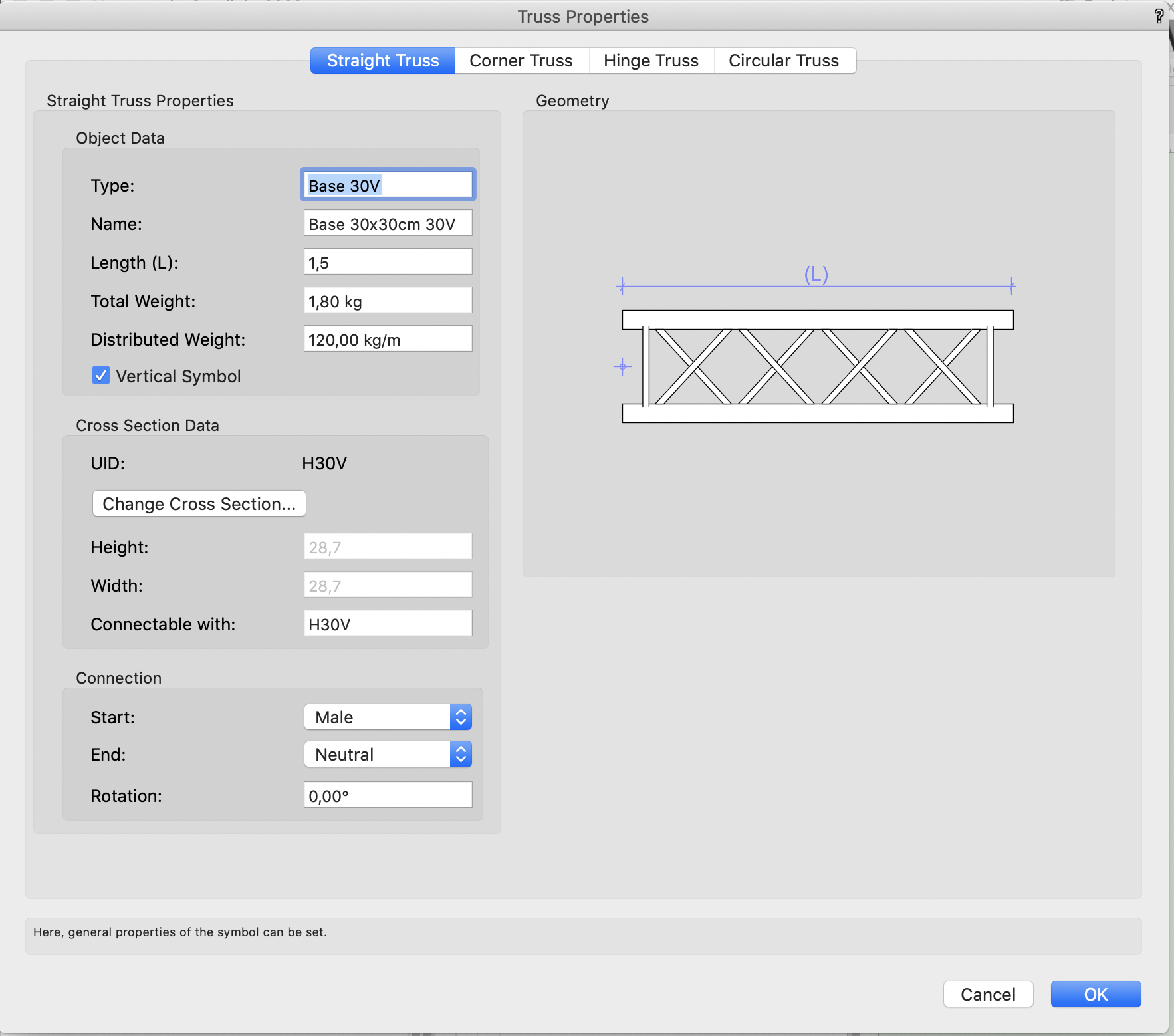
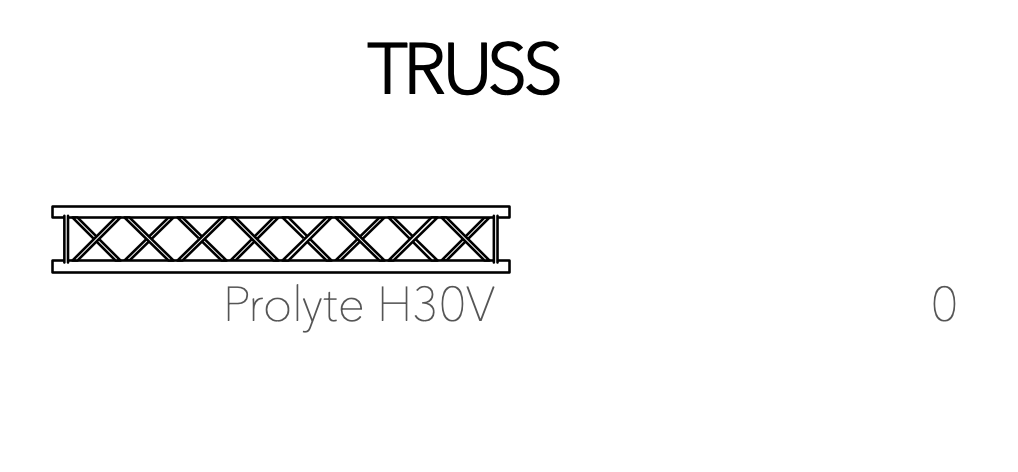
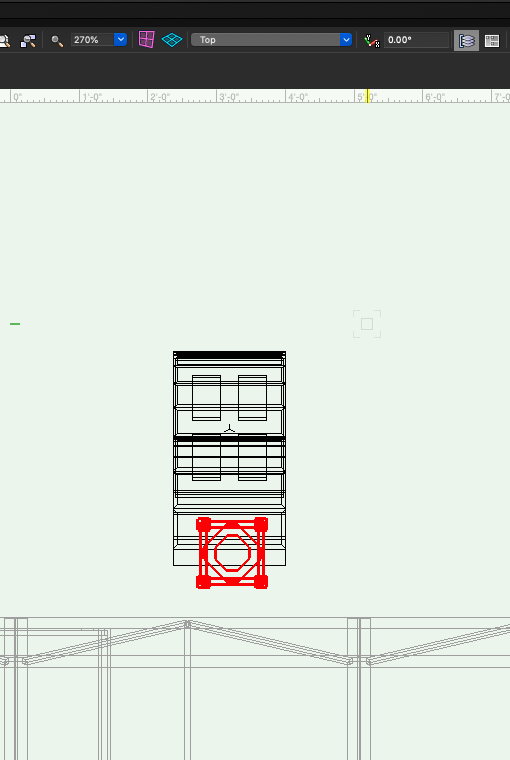
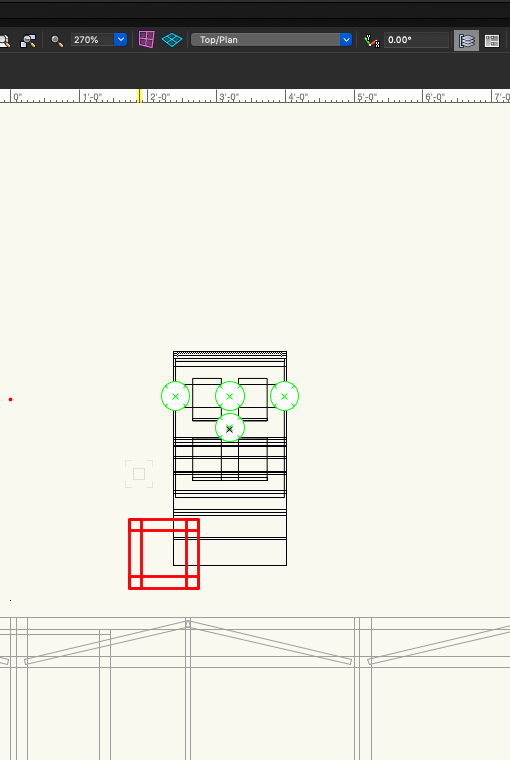
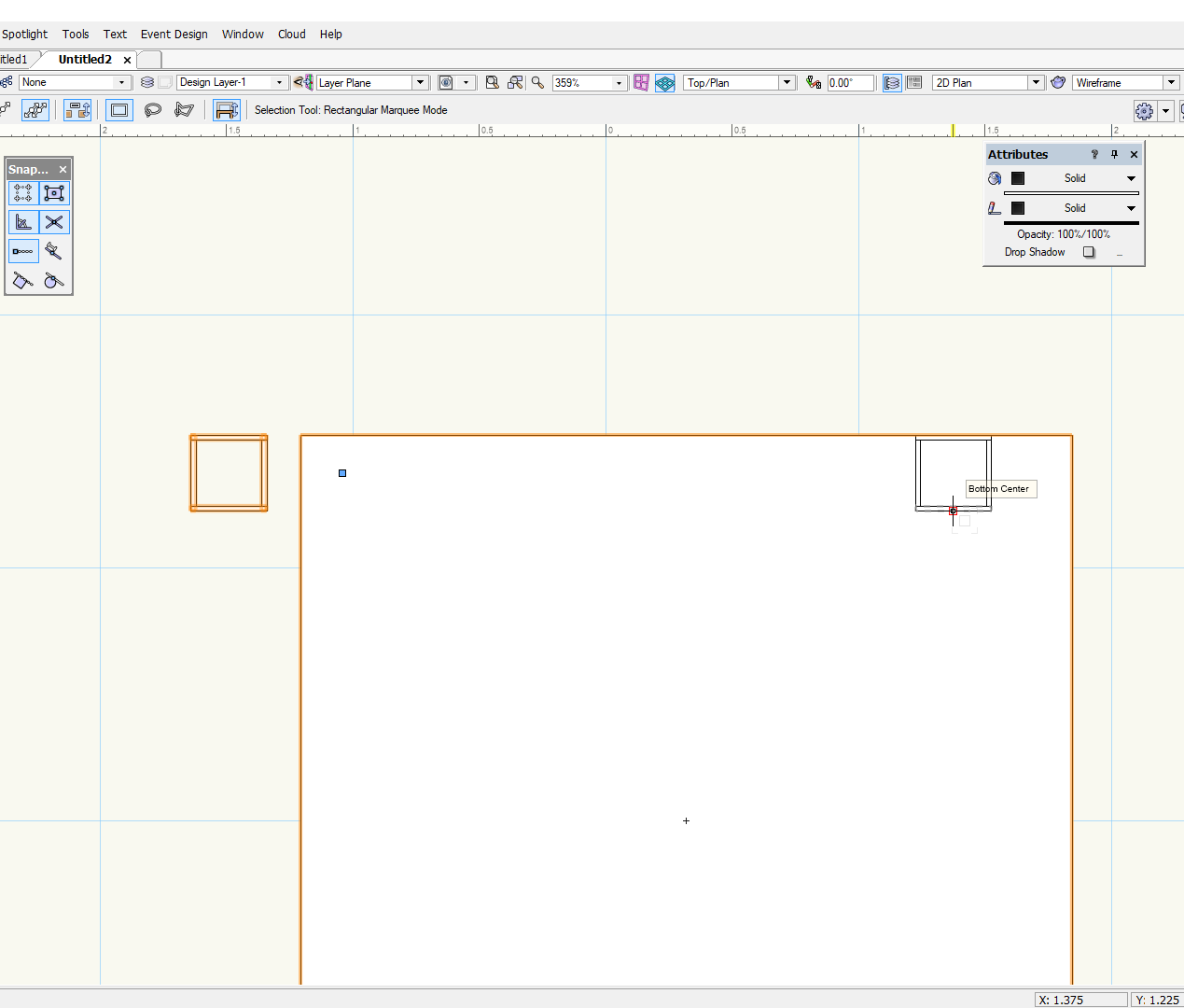
Hello, I'm trying to make a Prolyte H30V top plate 30x30cm. I already made a base version, and that works fine. Now i'm trying to make a upside down version which not work properly. When trying to connect to the truss, the plate automaticly rotates with the pins facing up. I was already playing with starting / endpoints but unfortunately it doesn't work out. Has anybody a solution or experiences on this subject?
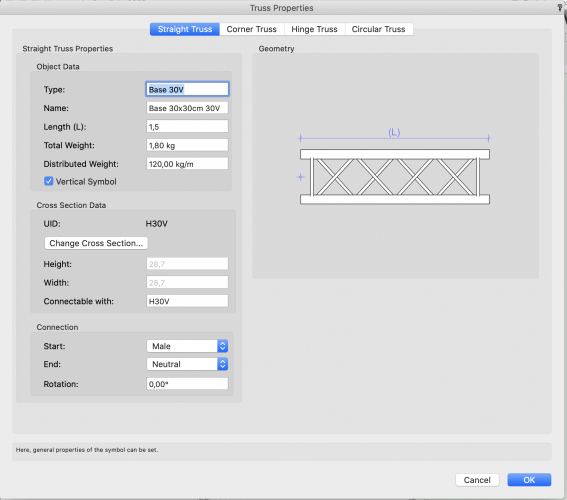
-
Hey folks! When im trying to move+copy truss segments to connect it to the boxcorner truss it sticks to random magnet. Please find video in attach. Запись экрана 2021-10-03 в 20.56.10.mov
-
Good Morning Everyone, I have several truss symbols, That I need to add into my truss library for Braceworks. I have all of the engineering information but was wondering if there was a HOW TO located somewhere that I could quickly reference.
-
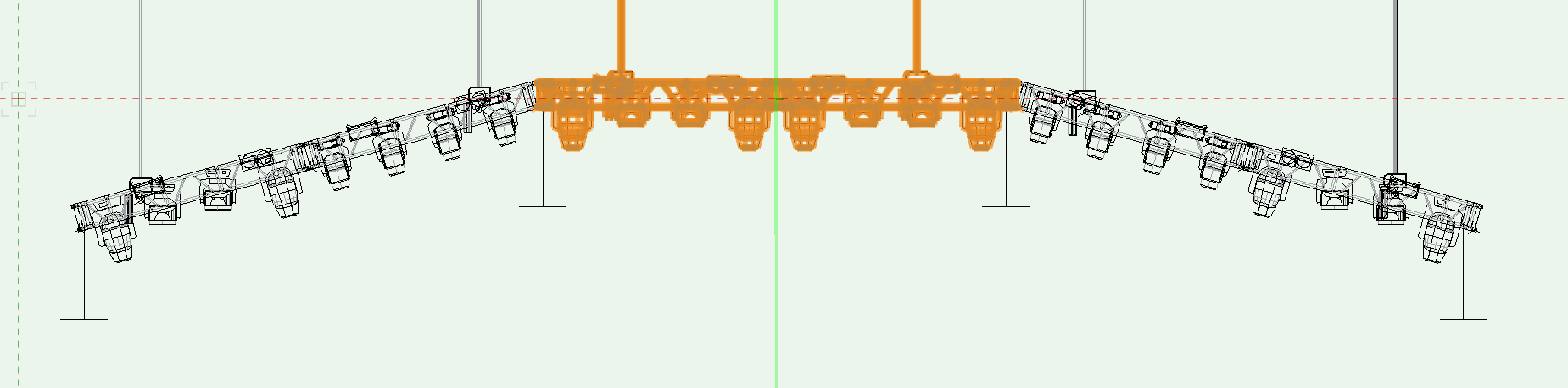
I think its time for the community of minds. In the picture bellow (front view) the LD want to pitch the ends of the truss downward for an added effect. Right now Braceworks sees this as 3 different systems but it need to be one system since they will be connected in real life. When I attempt to put a hinge or custom angle piece of truss in I can only get it to bend on the X,Y axis. Has anyone been able to hinge truss on the X axis and get it to calculate properly? Also this is HUD truss so I can't get the angle right in Top/Plan then rotate into the correct position.
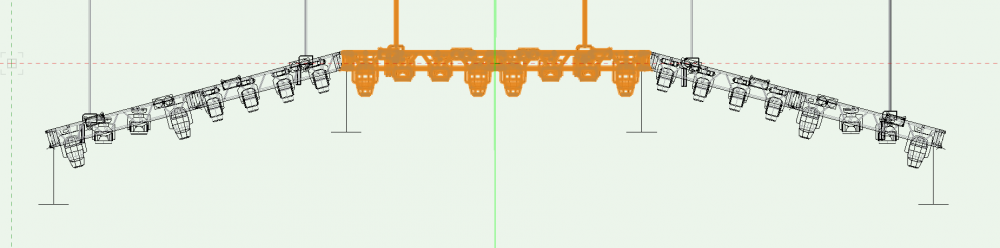
-
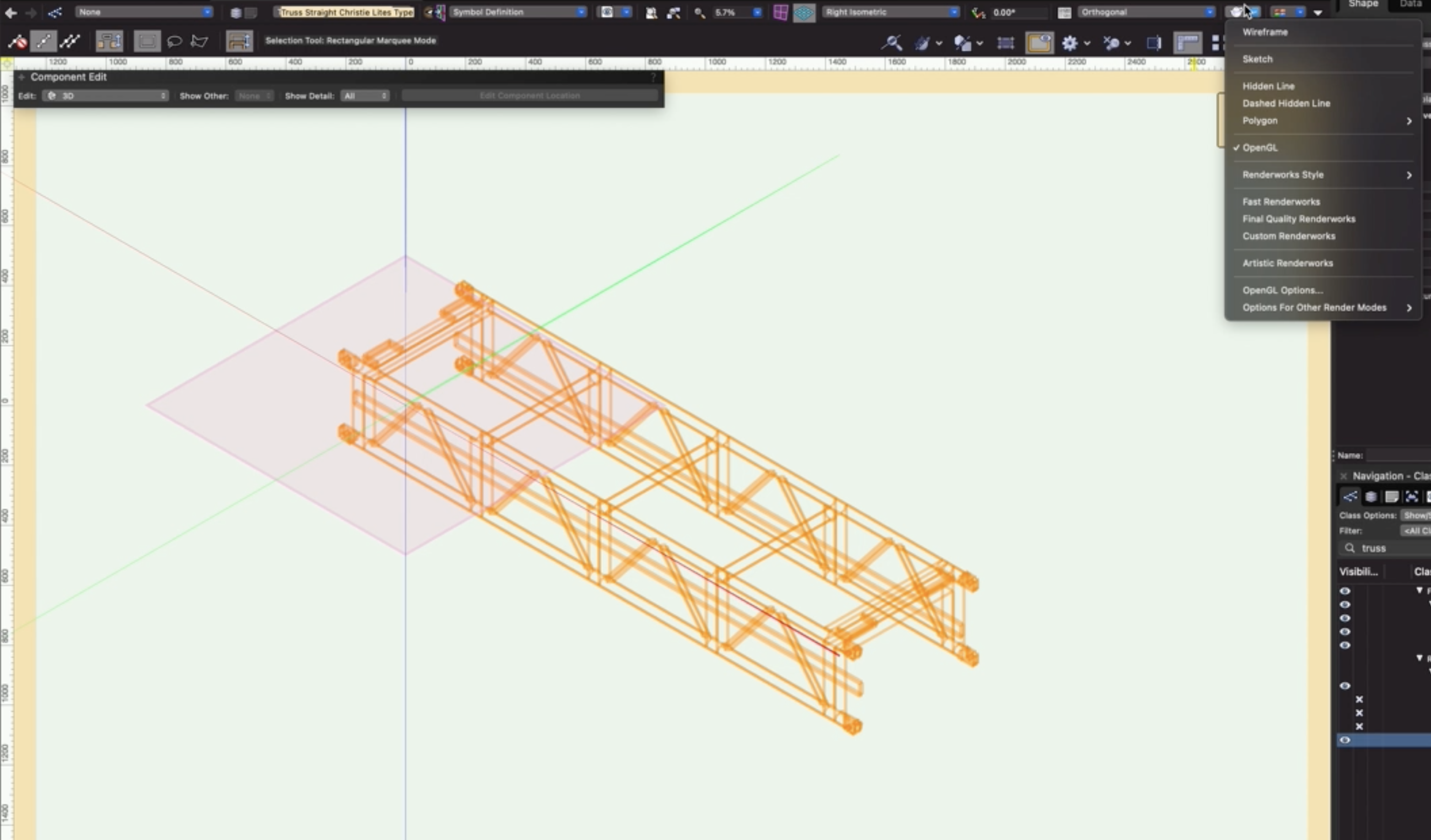
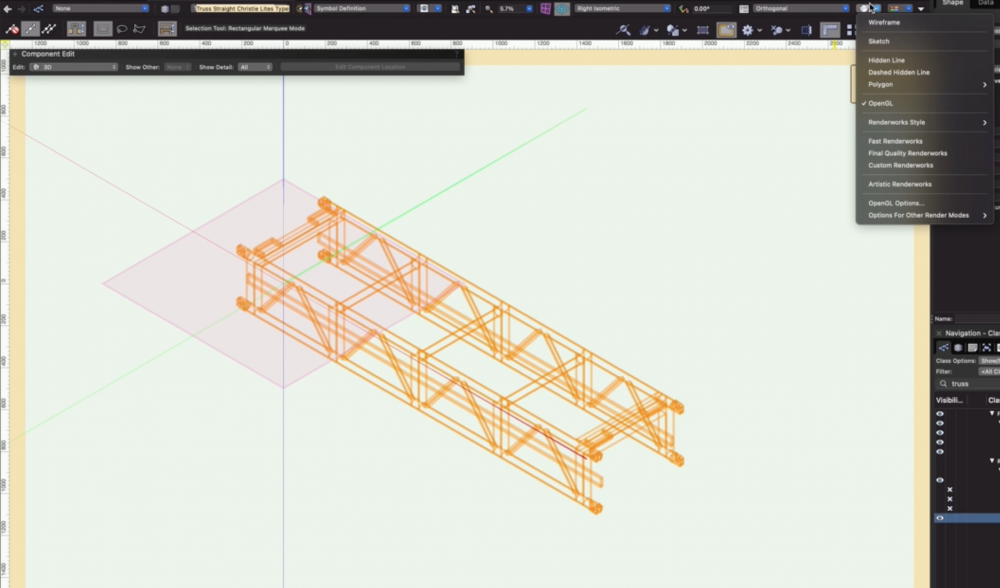
Just placed a bit of Christie Lites 7'10" F-Type truss in a drawing straight out of the VW library... As you may be able to see from the attached screenshot, when in OpenGL (or anything other than Wireframe) the truss does not render, however, is still there as it highlights when hovered over and is selectable. I did have other truss in the drawing that was rendering absolutely fine. I have also tried in a blank file and checked the 3D component to make sure that it's solid. Can't work out what's going on after having a good look. Any suggestions/help would be greatly appreciated! Many thanks!
-
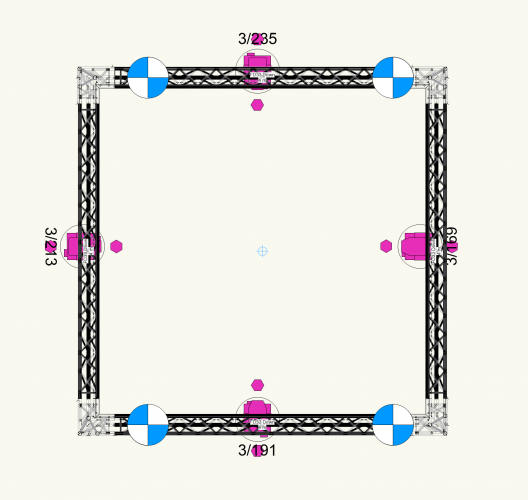
Hey! I'm really fighting with the truss tool in VW2021. Don't know if I'm really stupid or if there's something wrong. Anyway, please have a look at this. I can't get the trusses to have the same 2D color, no matter what I do. It's a cut out from a bigger drawing I'm making. Please see attached file and image for reference. I want everything to correspond with the class, both 2D and 3D, disregarding what kind of truss it is. Also, in the drawing there's some LED's I can't select as well. Why is this? Many thanks! // martin Arena_OnlyBoxTruss.vwx
-
I would like to be able to add various other types of instruments to the instrument summary for final presentation. As you can see from the image attached I have got as far as adding a truss symbol into the summary by attaching a light info record to the 2D symbol which has then meant it has appeared in the build list. However, whilst this is great, i'm struggling in getting the count working properly. Please can someone advise on how to get this working? I've tried altering many parameters in the light info record but i'm unsure as to what data the software uses to calculate the "count". Many thanks Dan

- 5 replies
-
- 1
-

-
- light info record
- instrument summary
- (and 3 more)
-
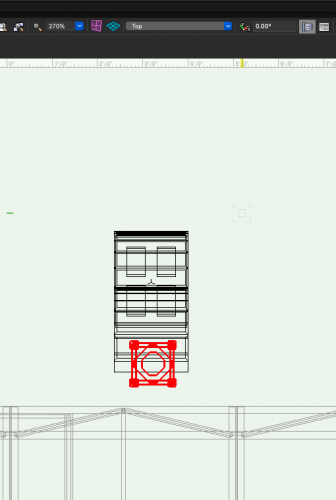
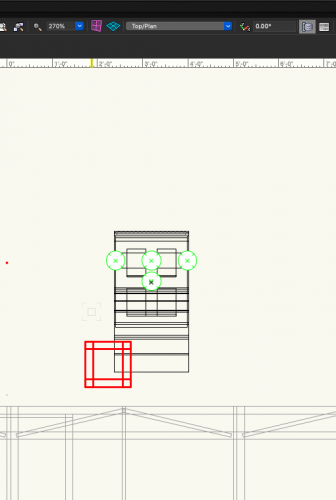
Hey all, For some reason a truss object that's vertical has different 2D and 3D X position. The two images are in Top/Plan and Top views, so the same perspective, but they're drastically different. Any insights on how to fix this?
-
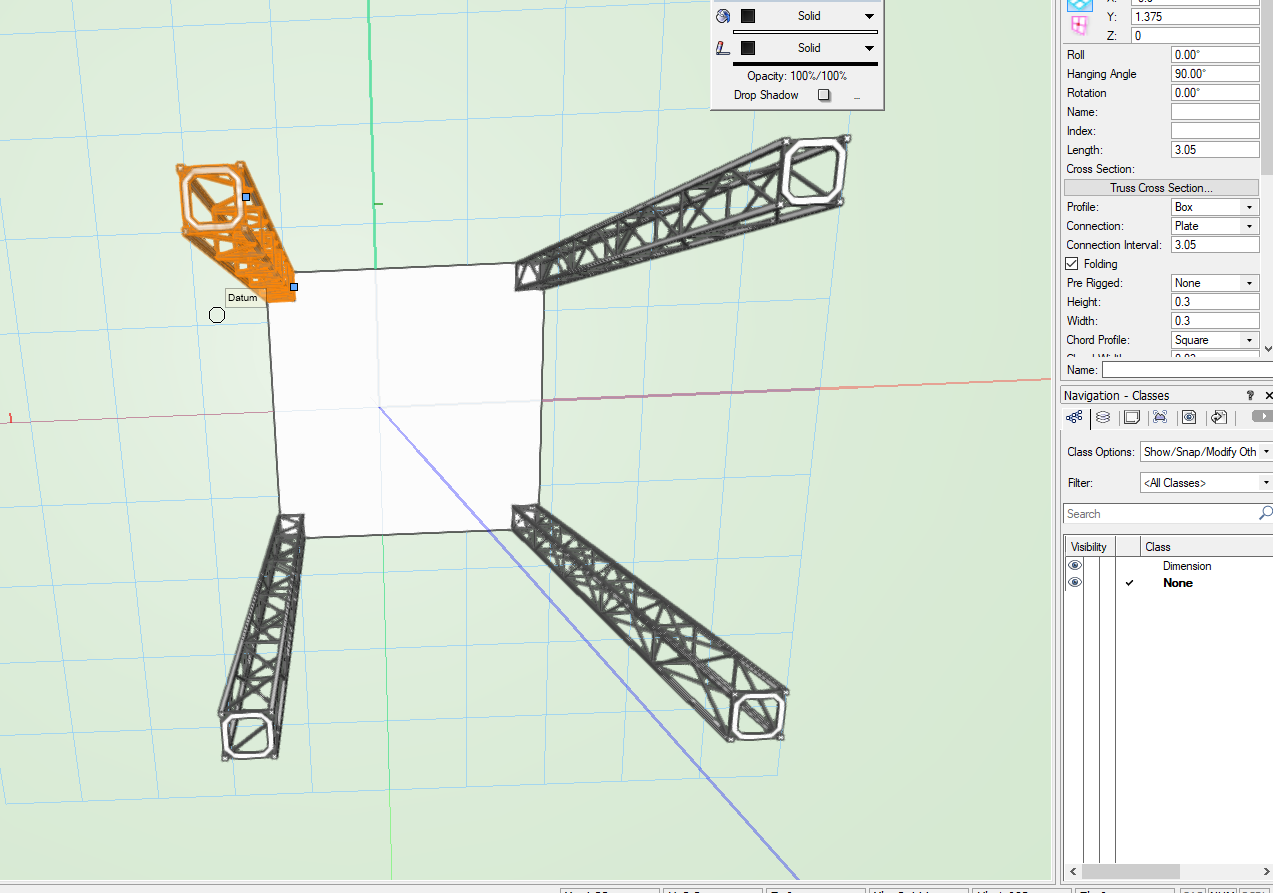
Hey Online! I was wondering why I was having issues with lining up a simple stick of truss to a generated floor when you change the hanging angle by 90 degrees? The center point of the truss seems to be the starting point of the drawn truss. In one pic from the 2D planview you can see it clearly not placed on the floor. In the other in the 3D view you see it lined up. Is there a way of having the rotating truss to take the centerpoint of the truss while vertical instead of the starting point?
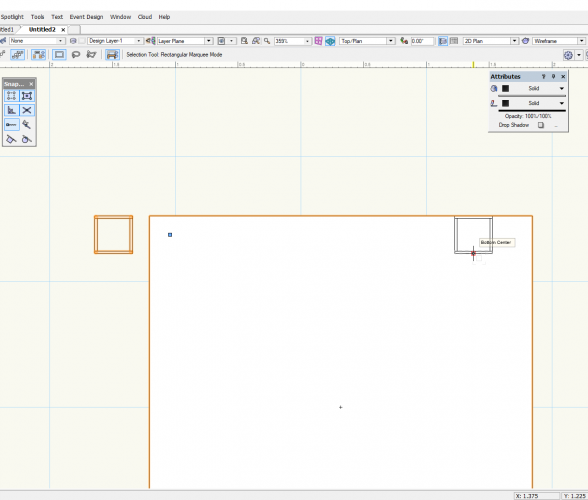
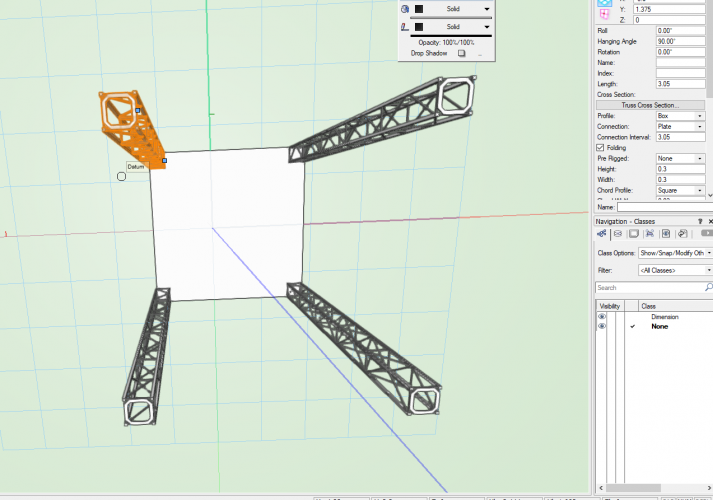
-
hi , im trying to add the spacer to the universal corner block , the auto insert tool will just snap one to the middle of the truss , and not 4 spacers on each side. by duplicating the symbol then editing 2d and 3d component, i created my own symbol for a corner block with spacers. Im just failing to fix the the auto insertion parameters as the 6 mentioned points are very difficult to understand, does anyone have an idea about this?
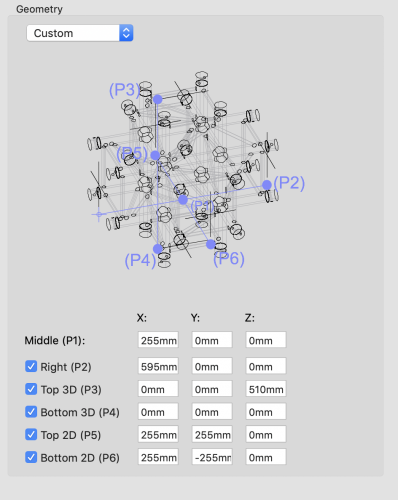
-
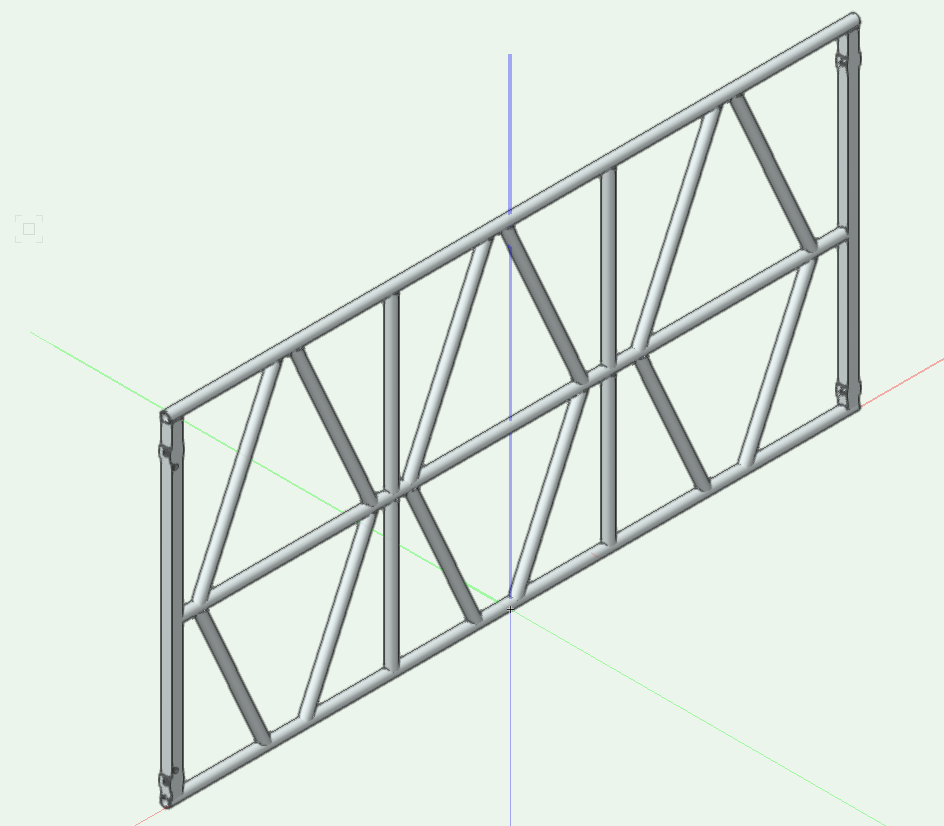
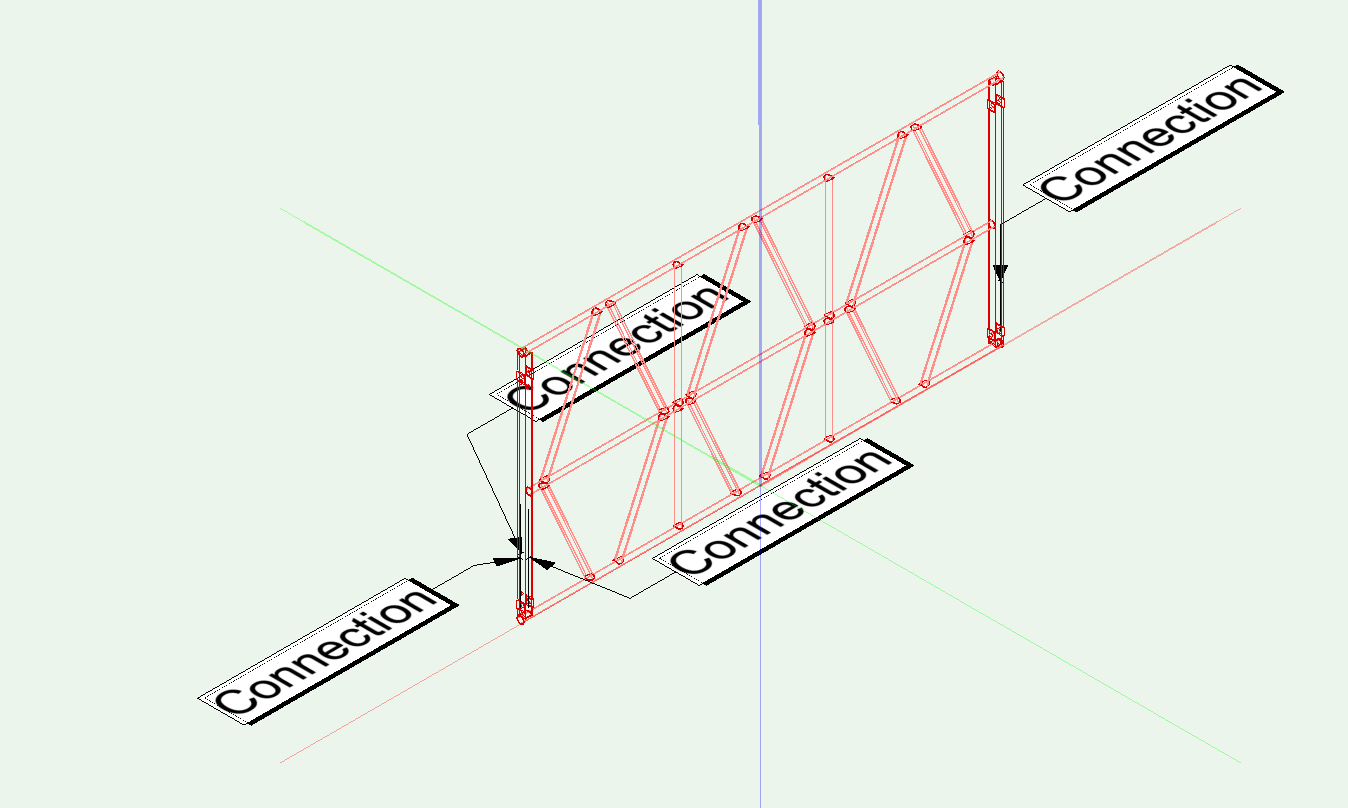
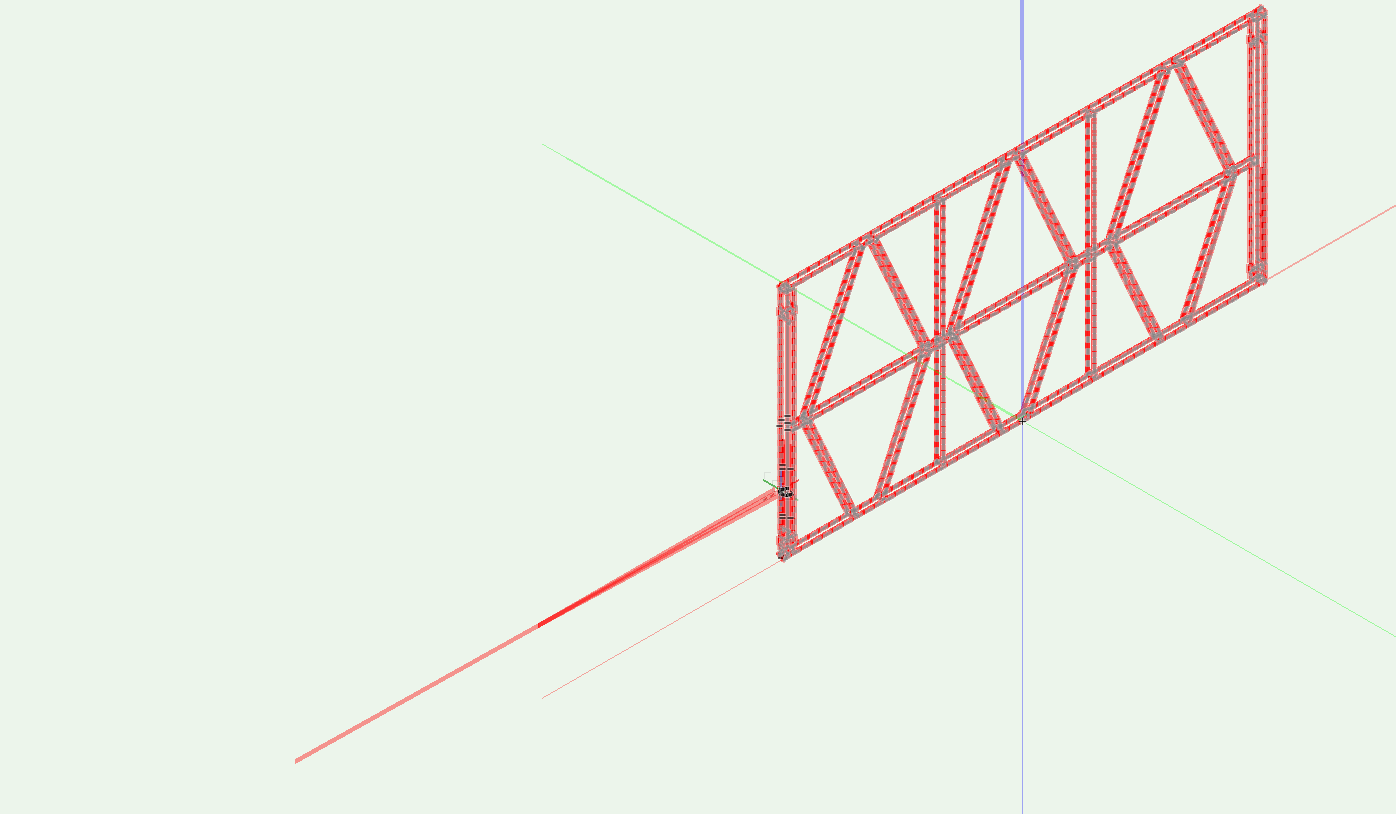
I'm trying to make some custom truss that technically is a 4-way corner block. There are connection points at each end of the truss and two offset toward one side. Here are some screen grabs of what I'm working on. When I try to make the connection on the offset side, I'm getting some really results. Thoughts? Offset Truss.vwx
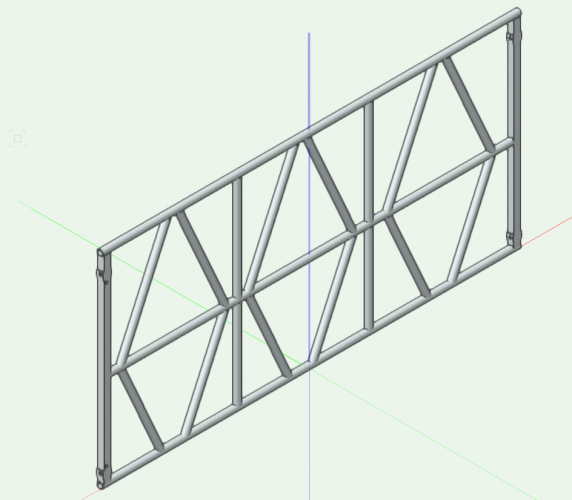
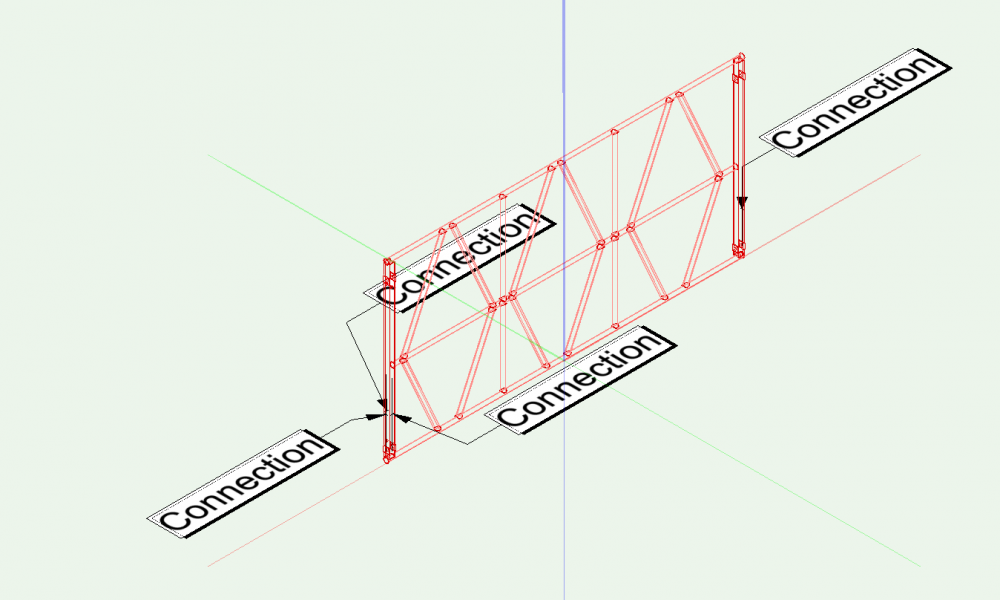
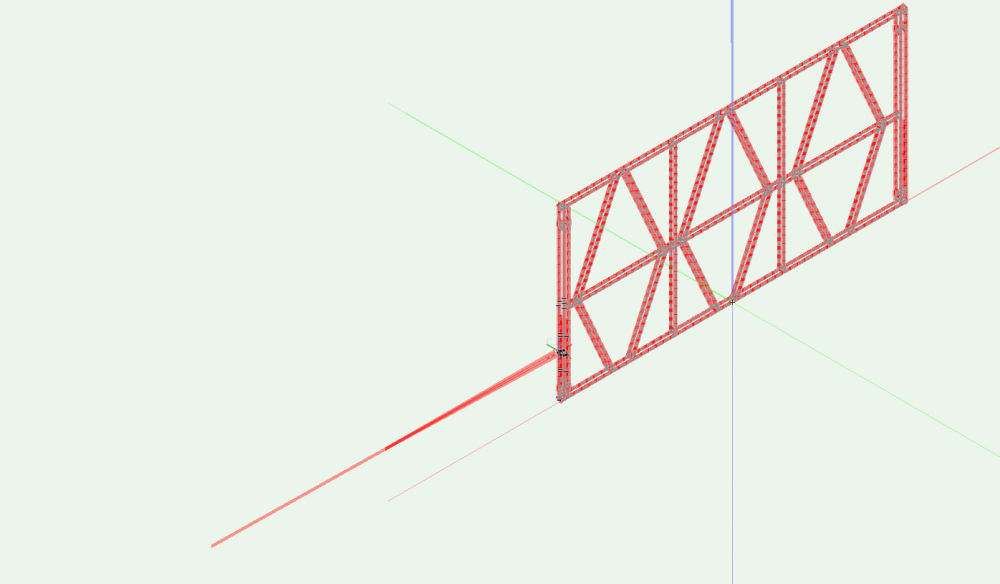
-

Spotlight Truss and Motors Legend Tool
allannathan posted a question in Wishlist - Feature and Content Requests
Spotlight Truss count tool... We have a Lighting Label Legend plugin to summarize Lighting Object names and qtys. Can we have a plugin to summarize Straight Truss and motor size, length, and qty? -
Ok, I can't figure out how to build truss towers with the insert truss tool. There is no hanging position option with the TomCat truss. Also cant find a truss base objest. Help?
-
Is it possible to replace truss that has been converted to a hanging position? I built a lighting rig and then found out that the supplier changed the size of the truss from what was in the drawing. I'm trying to change the type of truss in the hanging position but can't seem to do it as a group operation. I can delete each individual piece of truss and replace it one-by-one but that will take me forever. I've edited the position, selected the truss, tried replacing the truss but I can't seem to find a way to do it. Ideas? Thanks.
-
Hi there! simply question : its possible to have a full library from Litec ? to works better with Braceworks web:https://www.litectruss.com/products/ Library: - Trusses - Conical trusses - Libera system - High load Trusses - Towers - Flytowers Thanks in advance.
-
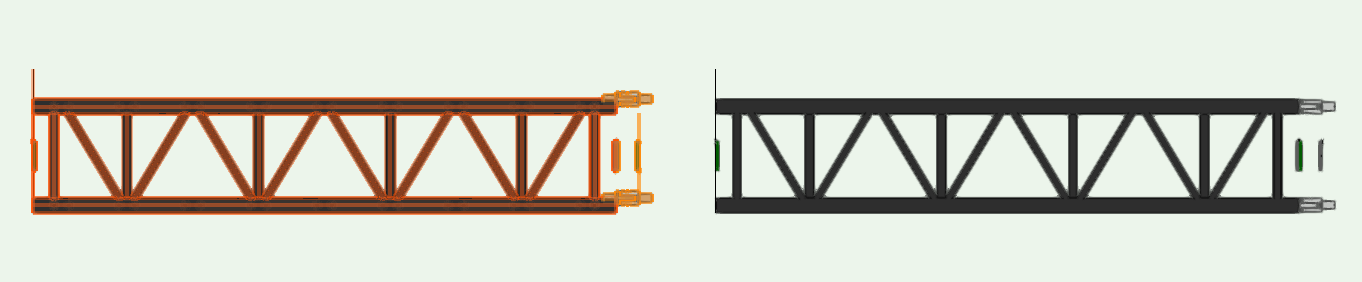
Hey all, While importing VWX truss symbols from the subscription library, the symbol shows up as a solid in 3D (see attached). Does anyone know how to make them show up like a normal truss. Like when using the Spotlight Truss Tool Plugin?
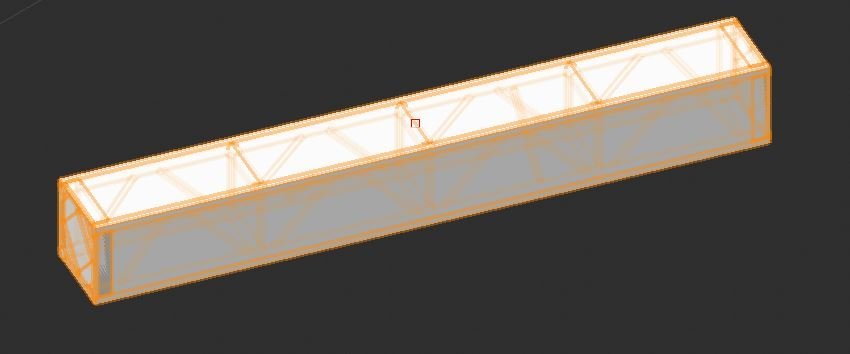
-
Is there a way to replace truss without having to do every piece by itself? Like you can with lighting fixtures... Select all of it and hit replace?
-
What is the process of adding additional manufacturers truss libraries to both Vectorworks and Braceworks?
-
How do you get spigot truss corners to work correctly? They insert into the middle of the truss - parallel to it and you can't attach another truss 90 to it... What am I doing wrong?