
Jump to content

Ethan R.

Member
  • Posts

    447
  • Joined

  • Last visited

Reputation

50 Excellent

2 Followers

Personal Information

  • Occupation
    Designer & Exec Prod. / Snr Prod. / Tech Prod.
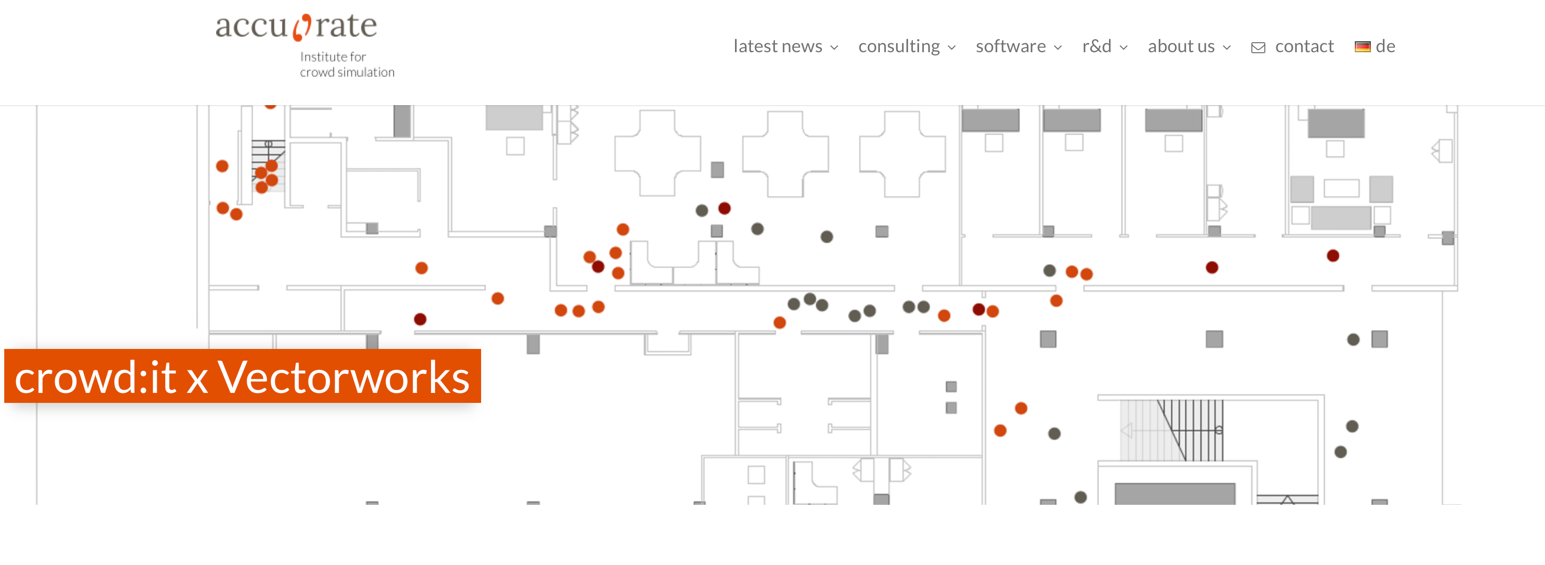
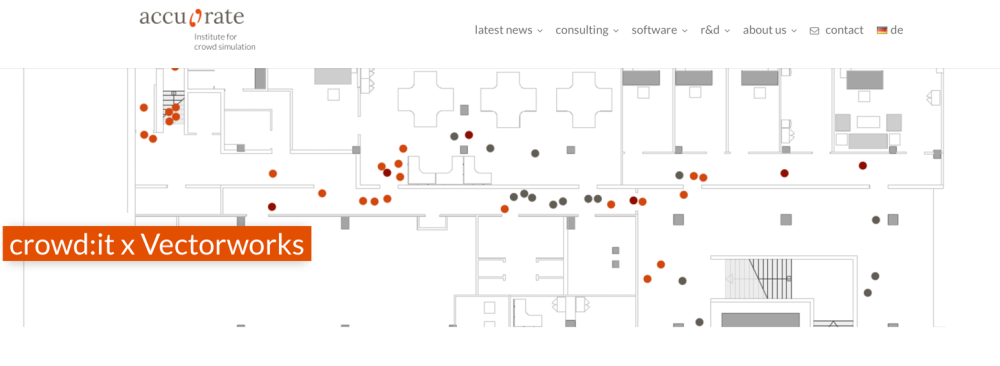
  • Homepage
    www.19d.org
  • Location
    United Kingdom

Contact Info

  • Skype
    septemous

Recent Profile Visitors

4,295 profile views
  1. Hi - I’m using a bit of my Sunday to dig into the bluebeam integration and having trouble figuring out a good 2-way workflow. Is there a best practices guide or video? I've gotten this far: Drawings published to Bluebeam Studio Mark-Up & Notes in Studio Notes / Mark-Up pulled back to VectorWorks and this is where I fall off ... I can import the issues into the BCF manager - but I can't seem to then push the notes BACK to Bluebeam. I can't seem to then post the updated drawings back to the same session in order to then mark the note COMPLETE in blue beam. if I delete the fixed note in VectorWorks, it will simply import again from bluebeam? Bluebeam and the BCF don't actually seem to be connected? Questions: How do I push comments back to bluebeam? How do I push changes back to the same session so people can see the changes and mark "approved" How do I archive comments that are approved so they don't import again to VectorWorks? How do enable true 2-way syncing? Is this even possible? is bluebeam actually the best solution for what I'm trying to do? My goals are: Provide a reviewable document to clients so they can make notes. Provide a workflow to communicate those changes back to the client. provide a place to have a live punchlist onsite to show images of issues that can be tracked. Thank you Ethan
  2. I was starting to fall down this Rabbit Hole and I'll stop myself now and stick to vertical columns! Perhaps this is something that will be updated in 2026 VectorWorks! Thank you for your time. E
  3. Thanks @markdd and @Scott C. Parker what I'm seeing is lots of ways to adjust position to the bounding box, and vertically to other tags, but not horizontally to other tags. Am I reading that right? Thanks!
  4. Updated with sample file in initial post. Thx
  5. As a follow-up: I'm trying to figure out how to make my labels dynamic as well. Apolgies if this is all buried in a video somewhere - if it is, please point me to it. Thx
  6. PROBLEM In my Data Tag, I have Static Text Labels and Dynamic Text Fields. I want to use word wrapping to allow fields to have more text (ie. for Descriptions) QUESTSION: How do I keep my labels aligned with the dynamically sizing fields? Screenshots enclosed: Top - the data fields NOT wrapped Bottom - the data field text Wrapped thanks! Data Tag Sample.vwx
  7. ooh- those look great - should be part of 2026!
  8. Hey Bill - can you share? I'm feeling like a dunce right now. I find the symbol in the "Select Casing" - but my only option for a stand is the plate or Pipe & Base - and that at a height.
  9. Hi all - adding this here .. but I think I might be going into the AI to teach me how to do it - I'm needing a nice big baseplate for a Tomcat 1212 goalpost. I'm not seeing one in existence. Fingers crossed there might be a simple solution before I dive in deep!! Thanks!
  10. Yeah - found a few online solutions - was hoping form something simpler and Mac! what I found is: https://www.autodwg.com/dgn-to-dwg/default.aspx
  11. Hello, Working ona project and the ground plans are in Microstation .dgn format. Anyone have any brilliance on how to get into VectorWorks? Thanks! EJR
  12. https://blog.vectorworks.net/2017/05/designs-made-walking-simtread-2-5-software I found a blog-post for SimTread - can't find much else?
  13. In VW 2019 there was a plug-in to work with CROWD:IT https://www.accu-rate.de/en/en-crowdit-x-vectorworks/ What happened to that? Is there any other Crowd Simulation tool? We are looking for pinch points in our design and want to play with fire code compliance, etc. Thank you
  14. Bumping this for a muslin material. I'm looking to make a scrim and it would be quite useful 🙂
×
×
  • Create New...