Jump to content

Search the Community

Showing results for tags 'keynote'.

  • Search By Tags

    Type tags separated by commas.
  • Search By Author

Content Type


Forums

  • Announcements
    • Announcements
    • News You Need
    • Job Board
  • Feedback
    • Roadmap
    • Wishlist - Feature and Content Requests
    • Known Issues
    • Wishes Granted / Issues Resolved
    • Forum Feedback
  • General
    • Troubleshooting
    • General Discussion
    • Architecture
    • Site Design
    • Entertainment
    • Previsualization
    • Braceworks
    • ConnectCAD
    • Energos
    • Rendering
    • Workflows
    • Buying and Selling Vectorworks Licenses
    • Hardware
  • Customization
    • AI Visualizer
    • Marionette
    • Vectorscript
    • Python Scripting
    • SDK
    • 3rd Party Services, Products and Events
    • Data Tags
  • Solids Modeling and 3D Printing
    • Subdivision
    • Solids Modeling
    • 3D Printing
  • Vectorworks in Action
  • Archive
    • Resource Sharing
    • Machine Design

Calendars

  • In-Person Training - North America
  • In-Person Training - UK
  • Coffee Breaks
  • Essentials Seminars
  • Webinars
  • Community Groups

Categories

  • Knowledgebase
    • Tech Bulletins
    • Troubleshooting
    • Workflows
    • How To
    • FAQs

Categories

  • Marionette - Objects
  • Marionette - Networks
  • Marionette - Nodes
  • Marionette - Menu Commands

Product Groups

There are no results to display.


Find results in...

Find results that contain...


Date Created

  • Start

    End


Last Updated

  • Start

    End


Filter by number of...

Joined

  • Start

    End


Group


Occupation


Homepage


Hobbies


Location


Skype

Found 9 results

  1. Hi All It would be great to be able to customise the keynotes beyond what is currently possible. For instance, the same way a Detail Callout can be. This way you could create good looking Keynote markers (aligned etc) linked to the list. Effectively allowing you to create a drawing list. It would also be good to "start" the numbering of a keynote from any given point, this way you could automate the drawing numbers, even if you have a different list of drawings assigned to the same project. I have attached an example Detail Callout that would be great as a keynote callout. Also how the list could look with "Drawing number; Description". (ignore my numbering for now) If this exists already please let me know. Thanks
  2. Today I duplicated a Sheet Layer which had a bunch of Callouts placed as Keynotes in a SLVP Annotations. Much to my surprise, when I went to the Duplicated Sheet Layer, none of the Keynotes were as expected. They looked like Callouts placed as Keynotes, but the Keynote Legend was blank. Going back to the original Sheet Layer (which was duplicated), and all of the Keynotes which were previously linked to the Keynote Legend, were now not linked to the Keynote Legend. This is in Vw2025 Update 7 on macOS 12.7.6. I have attached a sample file duplicating the steps below: 1. create keynotes in SLVP Annotations on Sheet Layer 2. choose Duplicate Active Layer from the 'Show Organization Layer Dialogue Box...' pulldown; 3. On the duplicated Sheet layer, it looks like all of the keynotes are there, but they are not connected to any Keynote Legend 4. If you double click on the Keynote legend, all of the notes disappear. 5. Go into the SLVP Annotations, select all the Keynotes, and add to Default Legend — they reappear on the Keynote Legend. 6. If you go back to the original Sheet Layer, the Keynote Legend is empty as all of the Keynotes have been removed from the Keynote Legend. But the Keynotes still appear in the SLVP, but they are not linked to anything. 7. If you edit the SLVP Annotations, select all of the Keynotes, and chose ‘Place as Keynote’, select the Keynote Legend for that Sheet, they are restored. I'll file a Tech Support request for this, but in the interim I would advise against Duplicating Sheet Layers with Keynotes & Keynote Legends. keynotes bug 2025.vwx
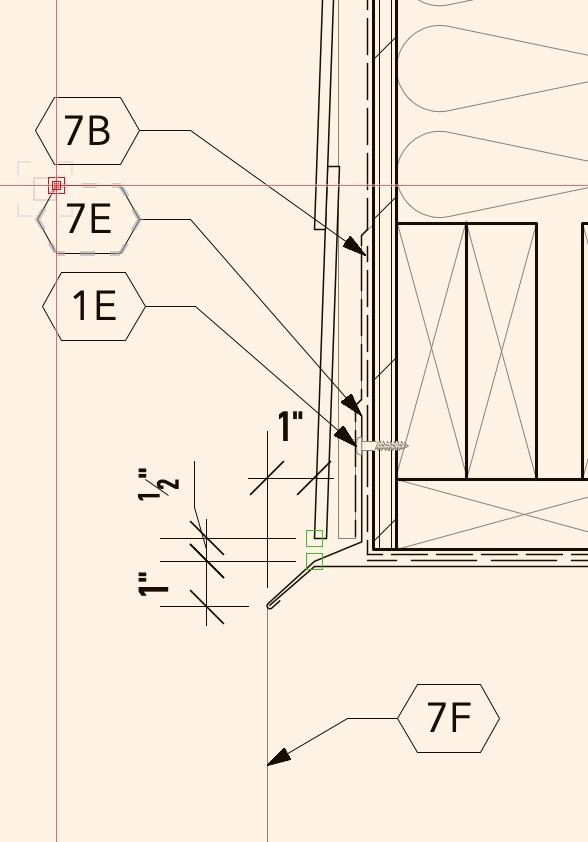
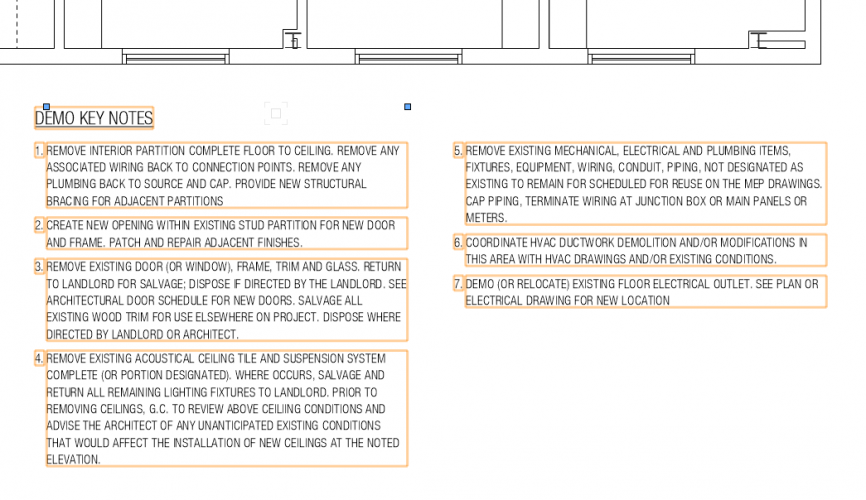
  3. Hi, Have turned my callout into lovely keynotes (i.e numbers 1, 2, 3 etc ) making the drawing look much neater. However for the life of me cannot find or figure out how to place a lovely legend to one side referencing those notes. Thanks in advance for any lifeline! VW2020 Architect
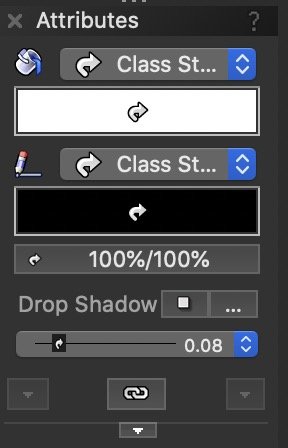
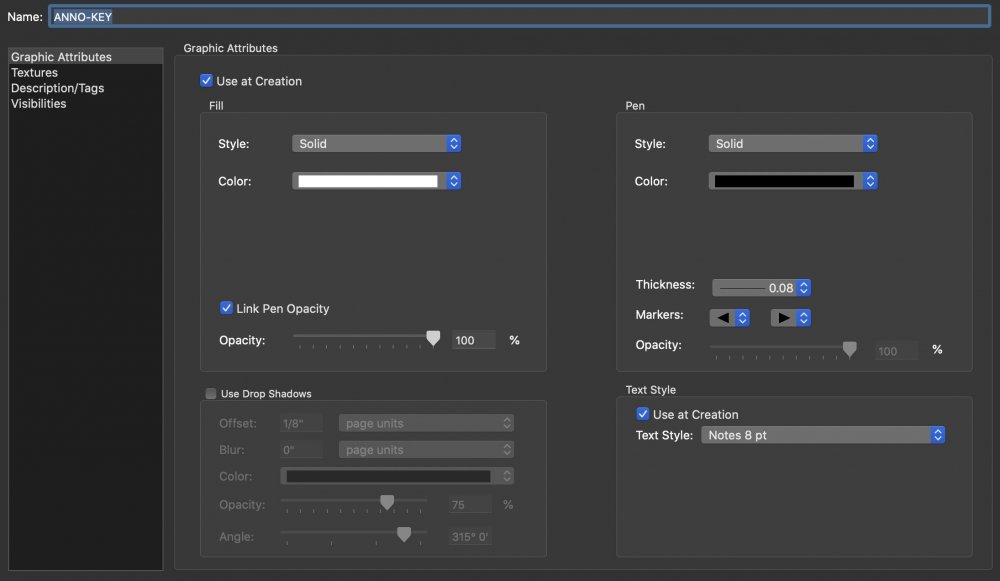
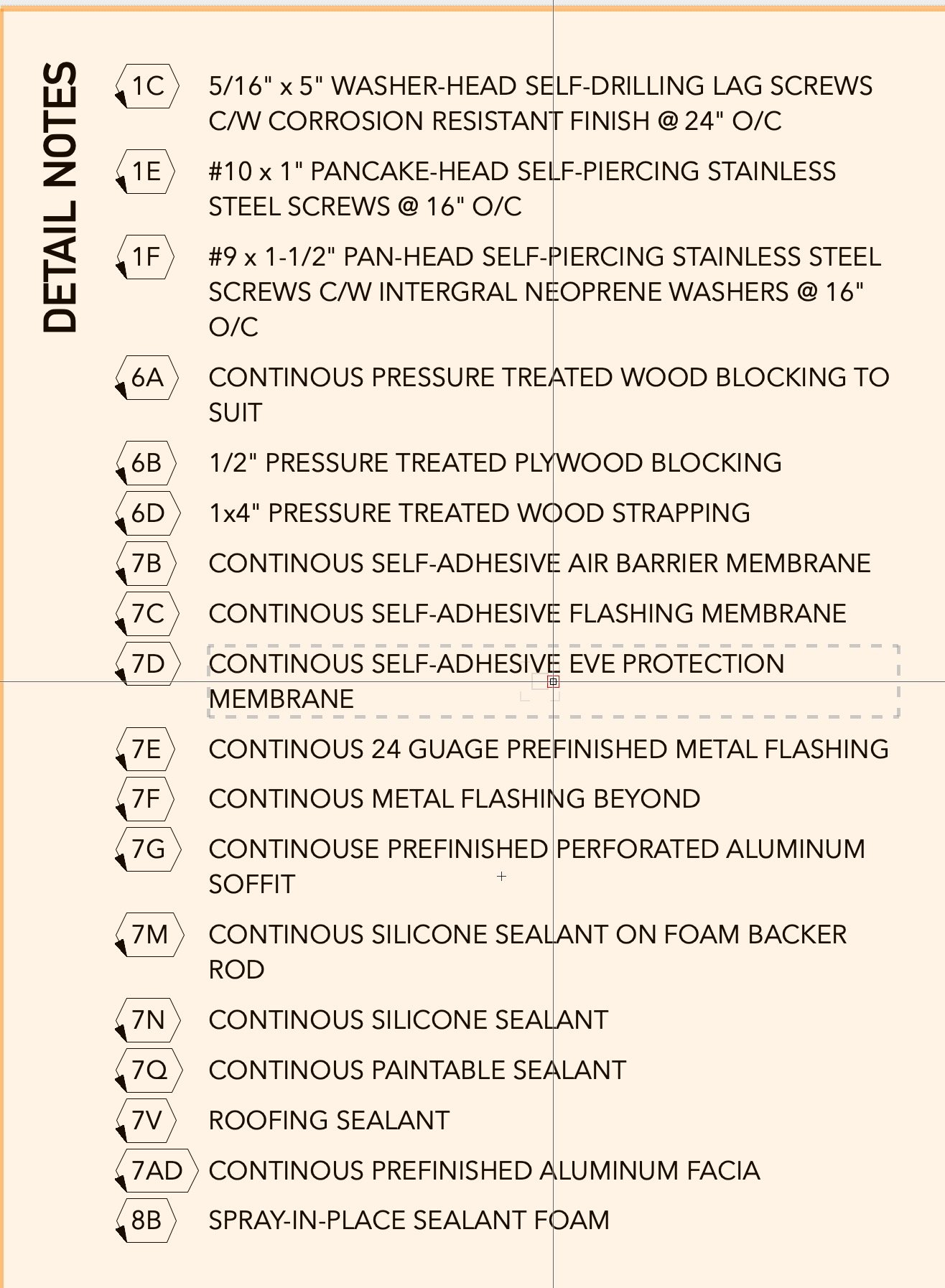
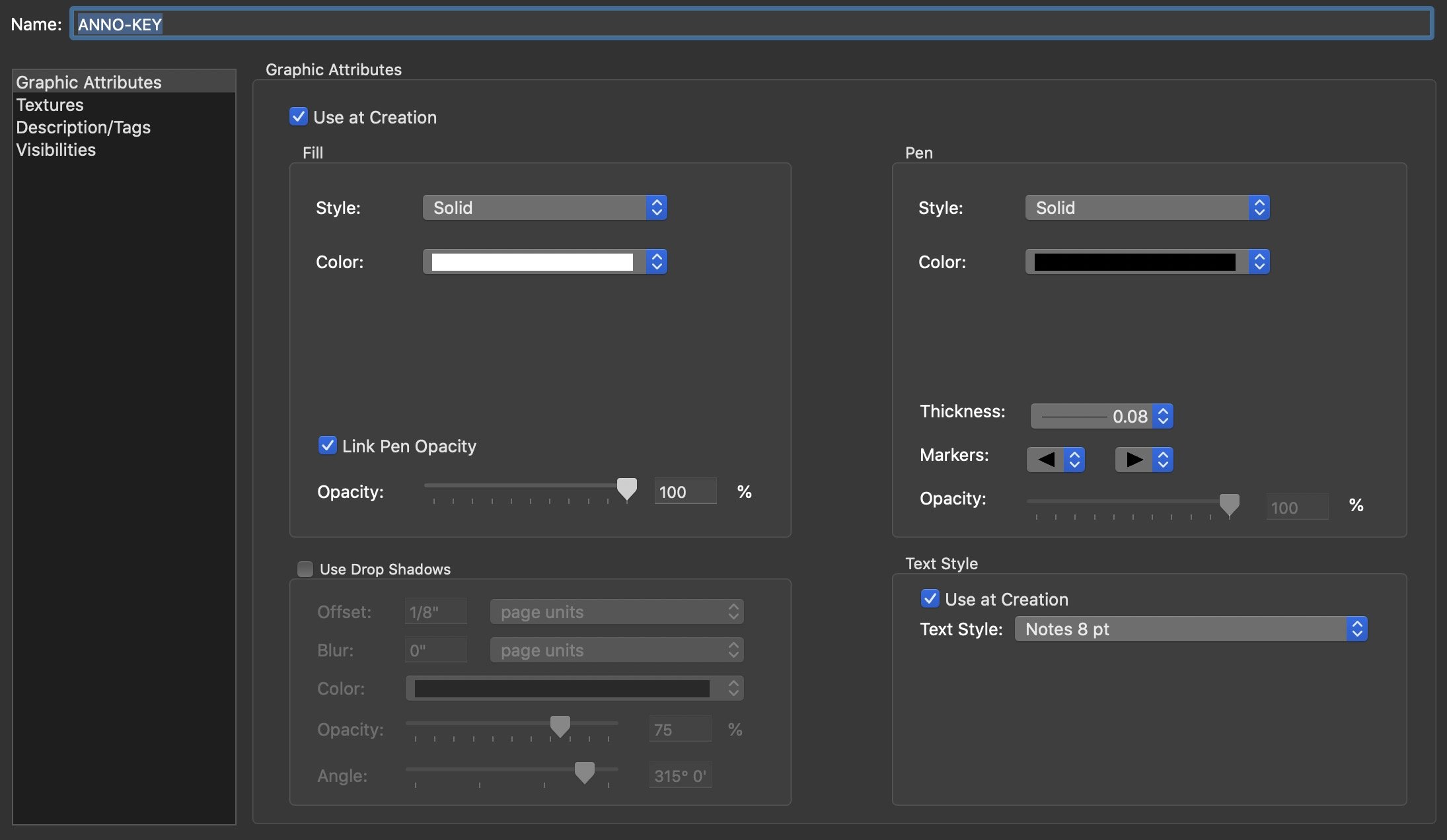
  4. Hi Folks, It's been a while since I've posted here but I've got a weird thing happening in my Keynote Legend. The line markers are showing up on the bubbles in the legend... Has anyone else seen this? Any idea how to remove the line markers? I've tried setting a default without the markers then applying it to the legend and that doesn't work. The Legend and keynotes are all in the same class ANNO-KEY. If I change the class the end markers just change to whatever is set in that class. There doesn't seem to be an option to turn them off.. Any help / suggestion is much appreciated! -Dylan
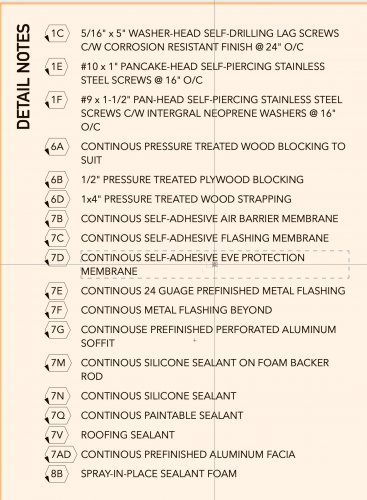
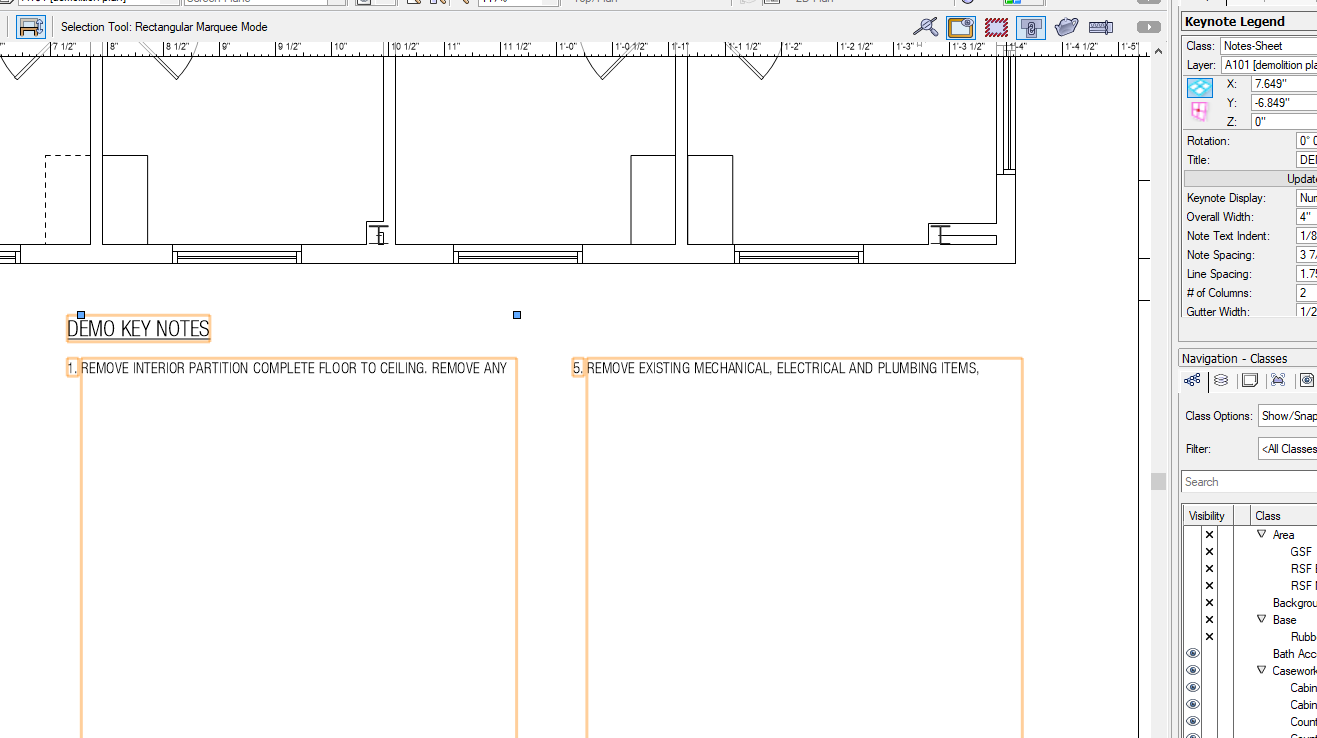
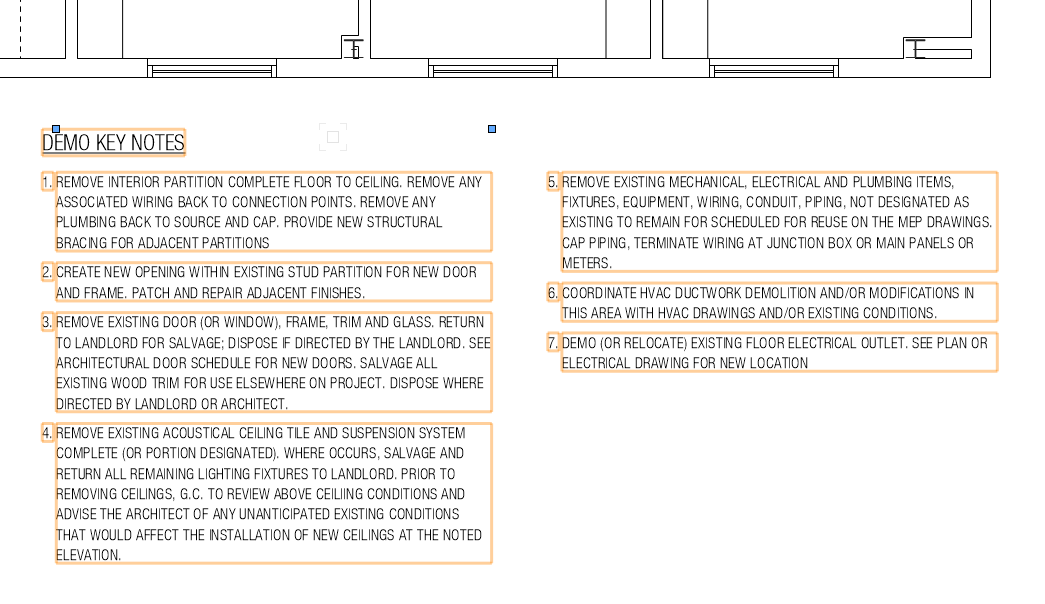
  5. Has anyone else had a problem with their Keynote Legends expanding while editing and adding Callouts inside a Viewport? I believe this happened before (2020?), but had been resolved. Now it's happening again for me. I have to exit the VP, and click "Update" in the OIP. @Matt Panzerany ideas? BTW, this happens in all files. Before and after images below. Image 1 - after exiting VP Image 2 - after updating Keynote Legend
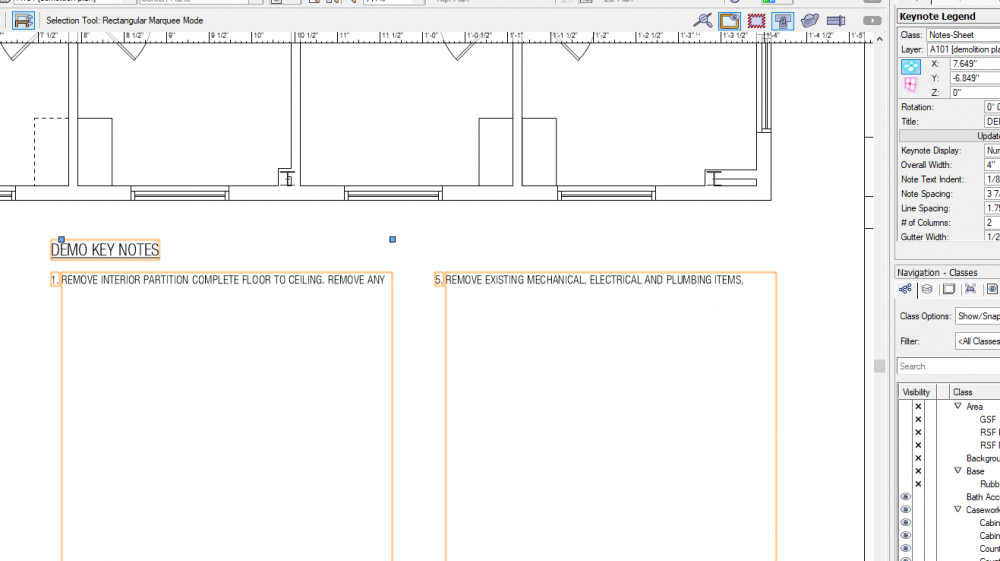
  6. I have used Keynotes and Legends on several projects. My current dilemma is I have a drawing file with keynotes shown in the annotation viewport but no Keynote Legend. I have tried to take a legend from another file in the same project and create a new file and keynote legend yet I can not recreate or restore the Keynote Legend. Has anyone else come across this issue and do you have a fix?
  7. I have just been introduced to keynotes. I love these - loads of potential!! However - in addition to the description (which is essentially a title?) and note text (which appears on the key on the drawing,) please can we add additional data? Like a record type setup? For example, I want to be able to set up a drawing with keynote callout numbers, and an associated key with a note / summary of each item, which I can do at the moment using the notes database. I then want to be able to set up a worksheet showing these numbers and note text, but also another data column (or series of columns if needed) showing further detailed data linked to each of the items in my key - for further specification reference. I don't think this is possible right now aside from setting up additional non-linked records... but it seems like a straightforward(ish?!) addition to the current keynote function, and would be AMAZING for us in terms of functionality.
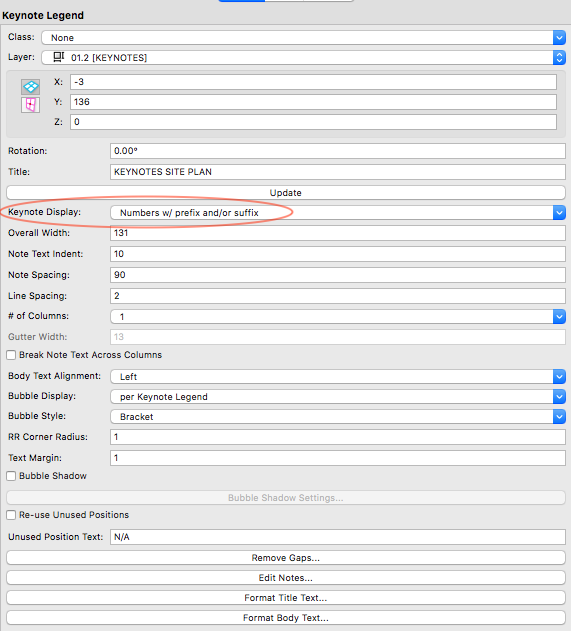
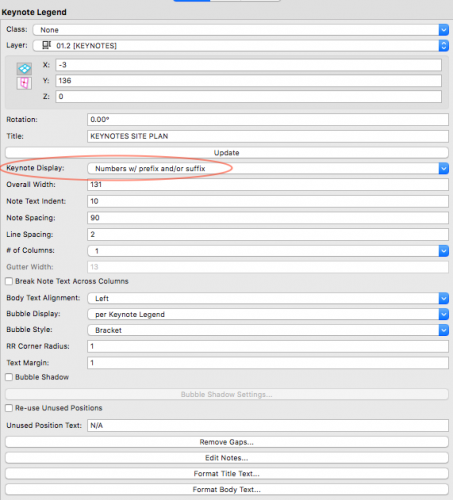
  8. Hi, can anyone tell me how to added the prefix or suffix to the keynote? I have the option in the object info but can't find where to set the prefix/suffix. Thanks
  9. Dragged copies of Callouts lose their Text Style and become <unstyled> . I have also submitted a VSS Support Request for this. STEPS: 1. Create a Callout with a Text Style. 2. Click-drag a copy of that Callout; 3. Either drag the Callout leader so that the Callout flips sides, or double-click on the Callout to edit the callout text. 4. Upon finishing editing the text of the Callout (or making it flip sides) the Callout will lose its assigned Text Style and become <unstyled>. I sure hope the new Vw2017 Analytics reporting feature can see how much time I spend on stuff like this.
×
×
  • Create New...