Felix_
-
Posts
9 -
Joined
-
Last visited
-
Hi, I'm trying to find a way to do a multi-column text block on my layout. Is this still not possible 9 years after your original post or am I missing something?
-
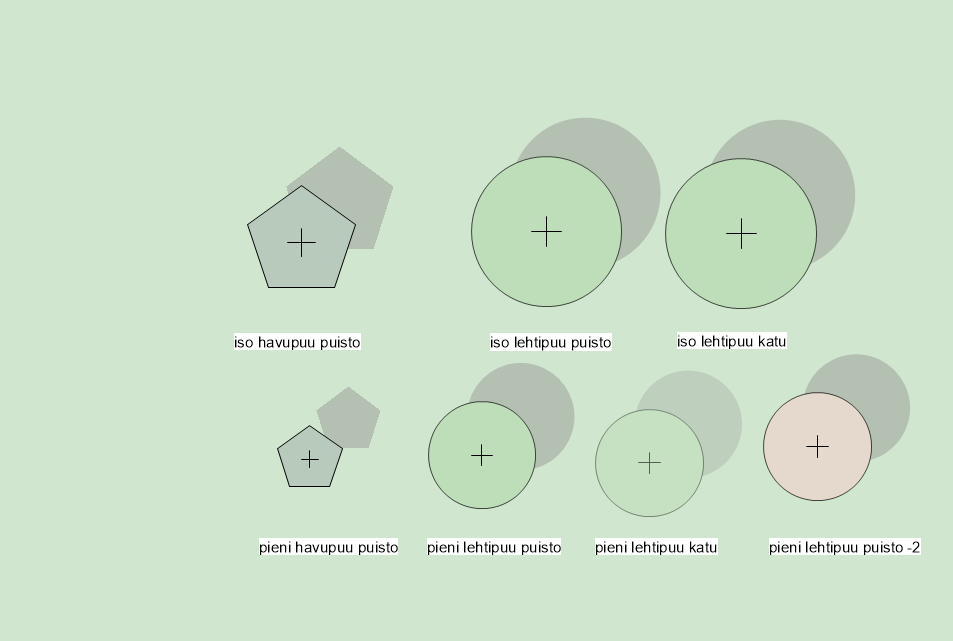
Did something move on this matter? I'm struggling with the colors too. When we moved from a CAD/photoshop workflow to Vectorworks, the idea was to produce good good-looking 2D plan straight from VW, but when I try to get different subtilities in the colors it feels like there isn't the full range of color available on the plan. Even in the proposed libraries, if I choose a darker green, it makes it fully black... Really annoying.
-
-
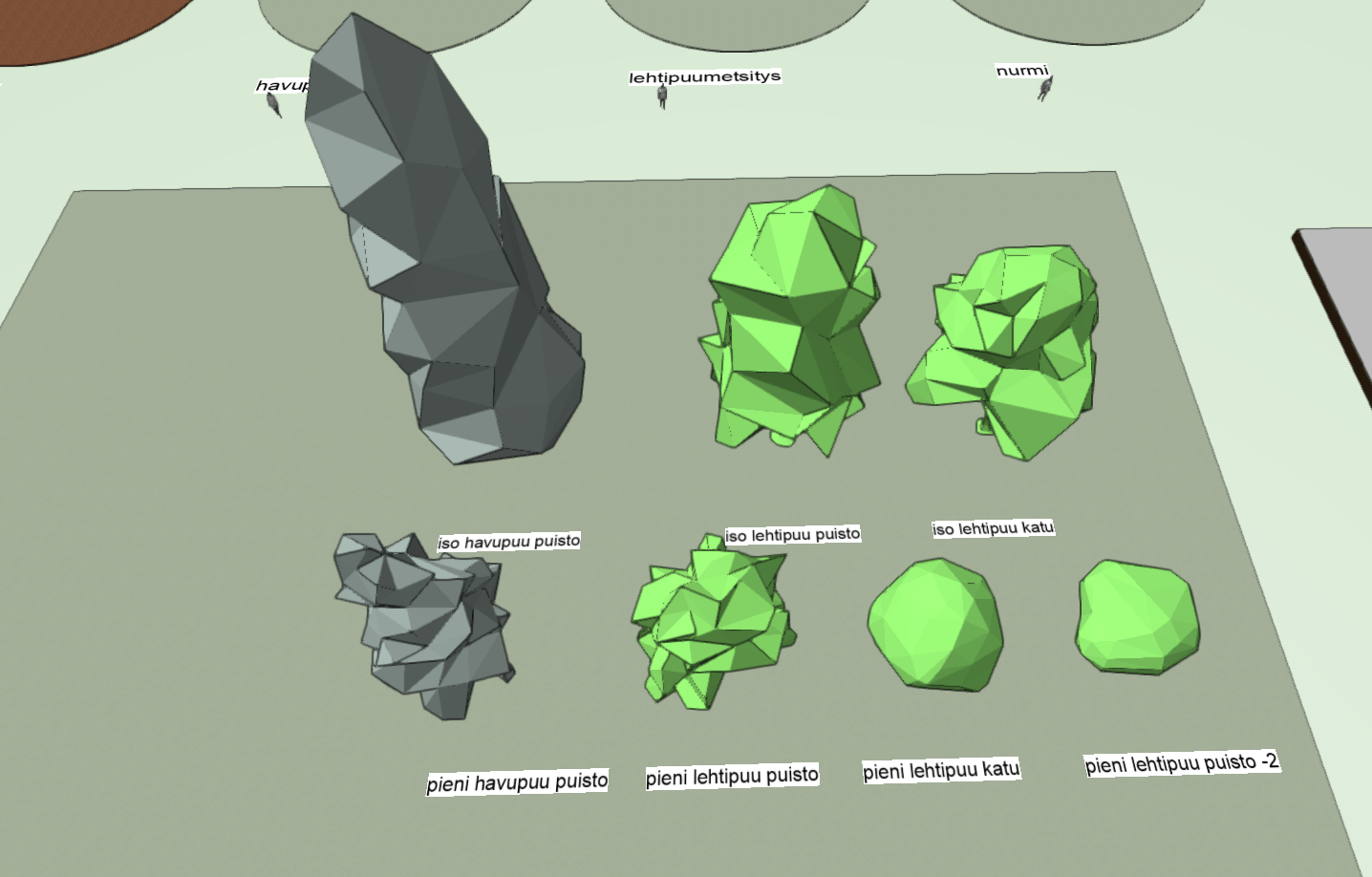
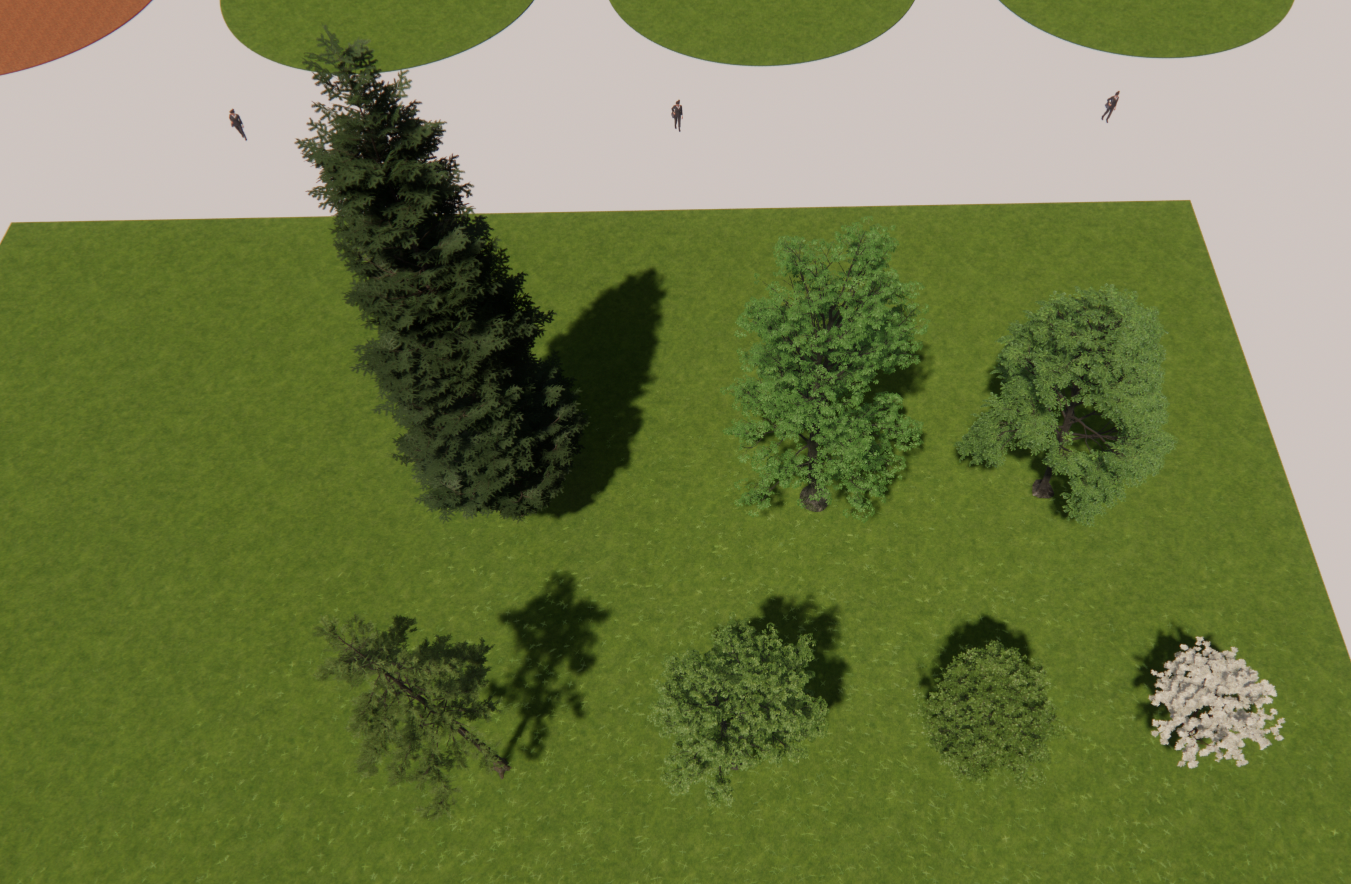
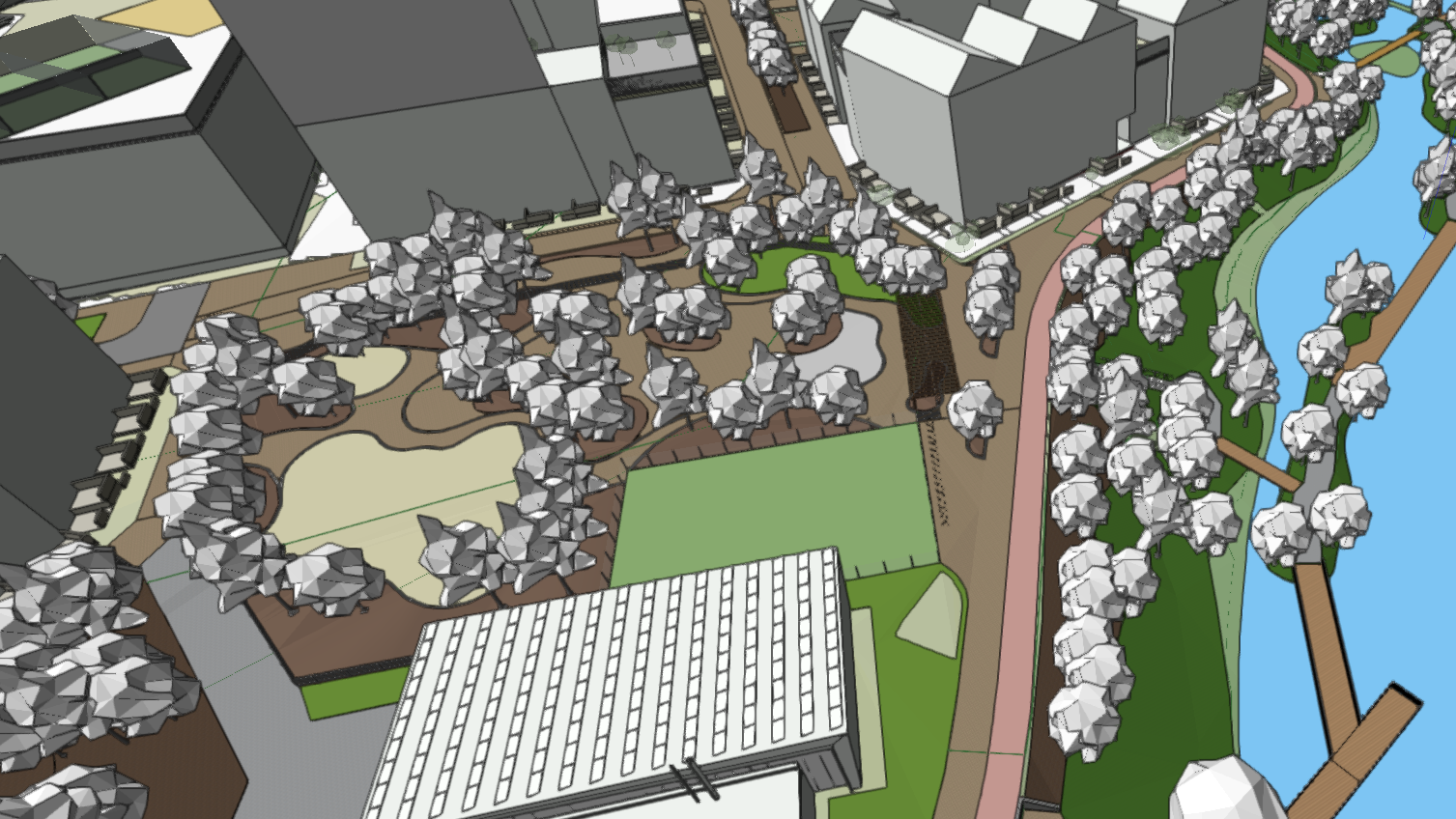
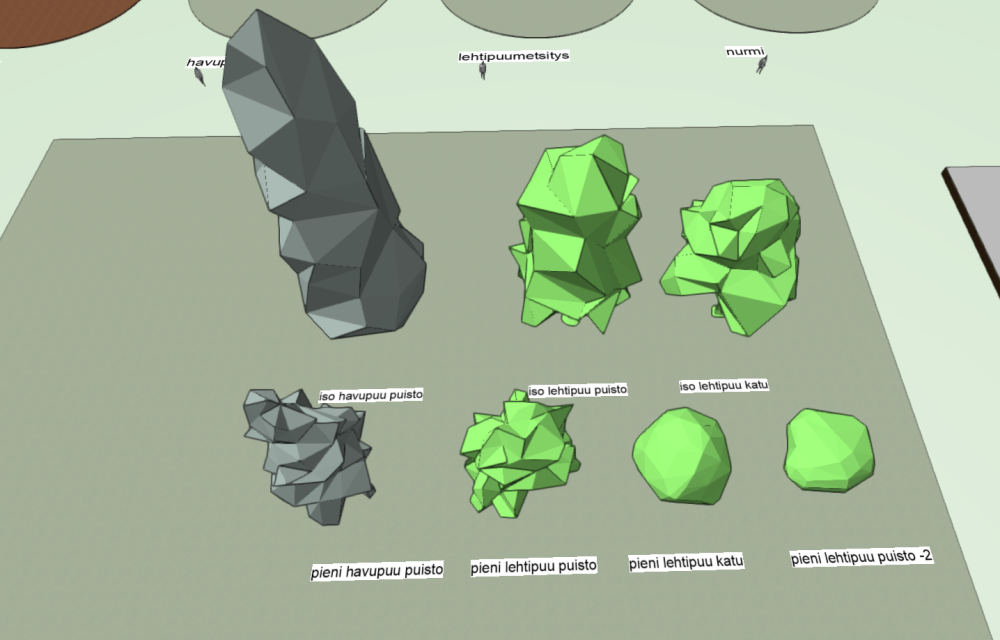
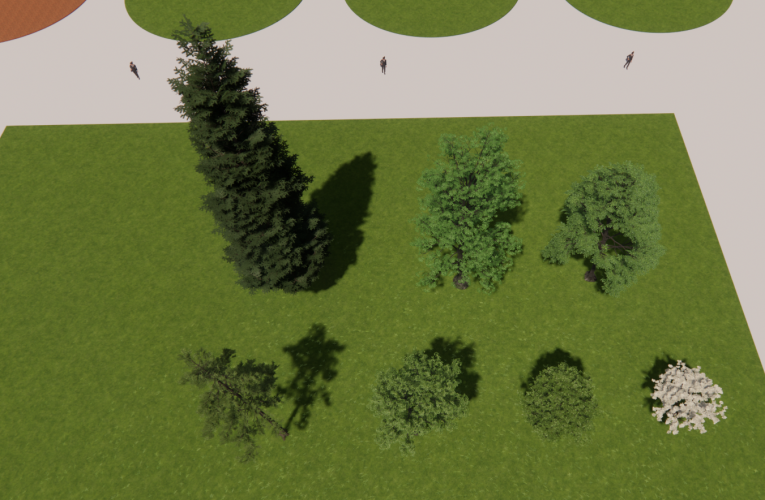
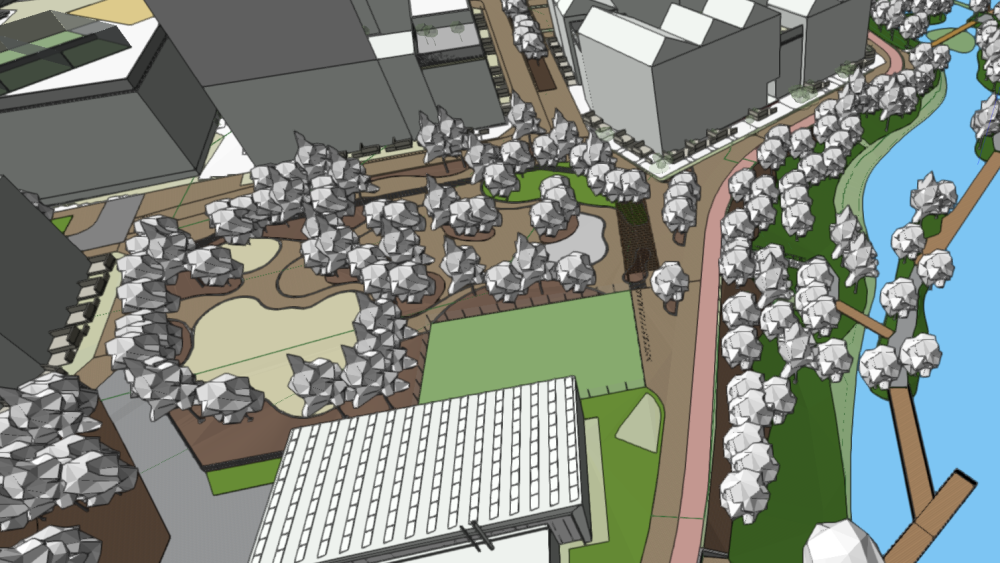
Hi, We are a landscape architecture office, this year we changed our workflow from CAD/Rhino/enscape to Vectorworks/enscape. We can see many advantages already in this transition, however, we see also some big issues. Enscape used to be always open on Rhino and helped us design. Now just opening the escape window takes more than 15min, and it "charges the geometries and material everytime". If I decide to hide something on the file, it never comes back in the enscape I have to close and open it again which is nonsense in our workflow, I can't waste hours waiting for the geomtries and materials to charge again and again. The area is pretty large, the VWX model is pretty large 380MB, it has 800+ BIM trees with 3d escape assets embedded in the 3d geometries of each symbol. We don't even have any plant or furniture assets yet. I have to have these visuals ready by the end of the week, the design ain't gonna change much now, it's just about producing the pictures. My machine is powerful, the graphic card drivers are updated, and we use the latest version of Vectorworks (2024+update 1) with the latest version of Enscape (3.5.4). Do you have a similar experience? Do you have any tips? What can be improved in the workflow? Is there a way to lighten up the VWX file before clicking the escape button to have our "window to the real" in real-time? Thanks.
-
Thank you @Katarina Ollikainen for answering this oh-so-interesting topic. We would win so much time with an updated contour label tool. 💗
-
Contour Label frequency/quantity/settings
Felix_ replied to yasin2ray's question in Wishlist - Feature and Content Requests
Any news on this topic ? -
Same problem here !
-
Hi @Dave Donley Is there any progress in this matter ? I see this was alreadyan issue in 2021, now 2 years later where are we ? We are very interested in this. Best Regards, Félix
-
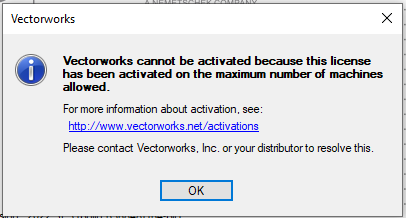
Hi, We are experimenting with Vectorworks and tried out in diffrent computers at the office, I'm using both Laptop and desktop computer, but while trying to install vectorworks on the desktop computer I couldn't activate the license and get this message: I can access the admin pannel, but I can't find anywhere to kick my colleagues who installed but do not need vectorworks. I'd like to deactivate all the machines in which it is installed under our license number. How do I do that ? BR, Félix