AlanW
-
Posts
3,392 -
Joined
-
Last visited
Content Type
Profiles
Forums
Events
Articles
Marionette
Store
Everything posted by AlanW
-
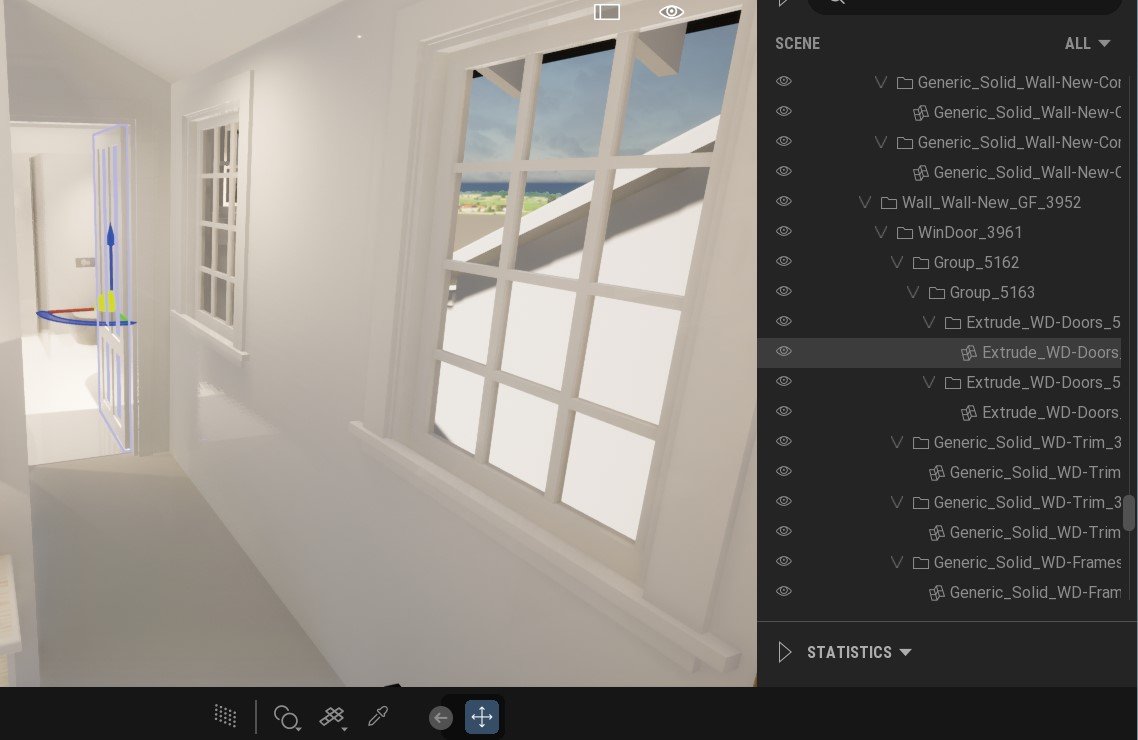
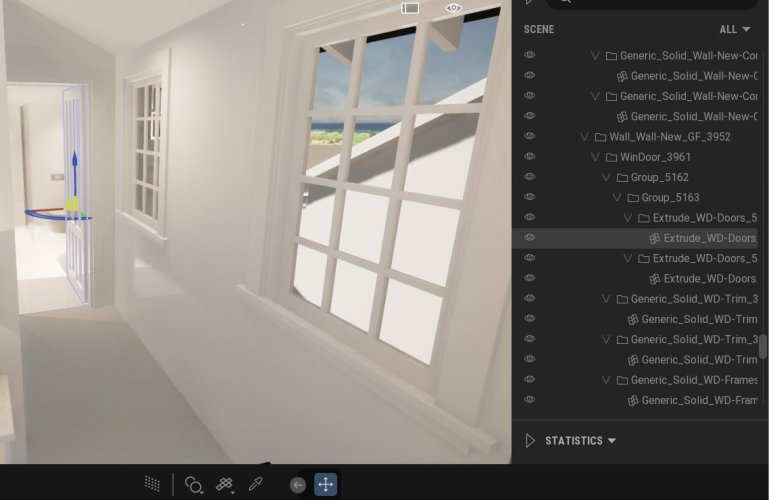
Hi Finally using Datasmith over 3DS export and the screen resolution heaps better with DataSmith. One issue i find is that in Twin Motion when i import and keep Hierarchy the doors and other items break down into subcomponents, so when i want to put a rotator on a door i have to add all the door components to the rotator rather than one object, the Door. Am i missing something or can this be adjusted so that only the door object is exported rather than all the subcomponents seperatly? With a big file currently the expanded list is way too large. Thanks in advance. Alan
-
@GalMake sure none of your adjacent modifiers touch or overlap, this causes the terrain to do strange things.
-
Ant ideas as to why my roof face fill is showing like this?
AlanW replied to hollister design Studio's topic in Architecture
@hollister design Studio HI this video may assist https://www.youtube.com/watch?v=lvYGzeW05ik -
Ant ideas as to why my roof face fill is showing like this?
AlanW replied to hollister design Studio's topic in Architecture
@Benson Shawthe 2d polys form the basis of generating the 3Droof face and should be deleted when creating the roof or roof face. The roof or face can contain the 2d hatches as well as the 3d texture for either shaded or wireframe. some people ad a hatch over the roof but this is not needed. the component off set has an issue, sometimes the offset is a negative and sometimes its a positive even when you type the same offset. i saw in the file only the none class polylines were causing the problem and not the 3d parts. Alan -
Ant ideas as to why my roof face fill is showing like this?
AlanW replied to hollister design Studio's topic in Architecture
@hollister design StudioHI, the issue is the 2d lines you started with have solid fills (None Class and the computer fills the colour between the ends of the lines. Set all your 2d lines to none fill and should solve your problem. I hope. Alan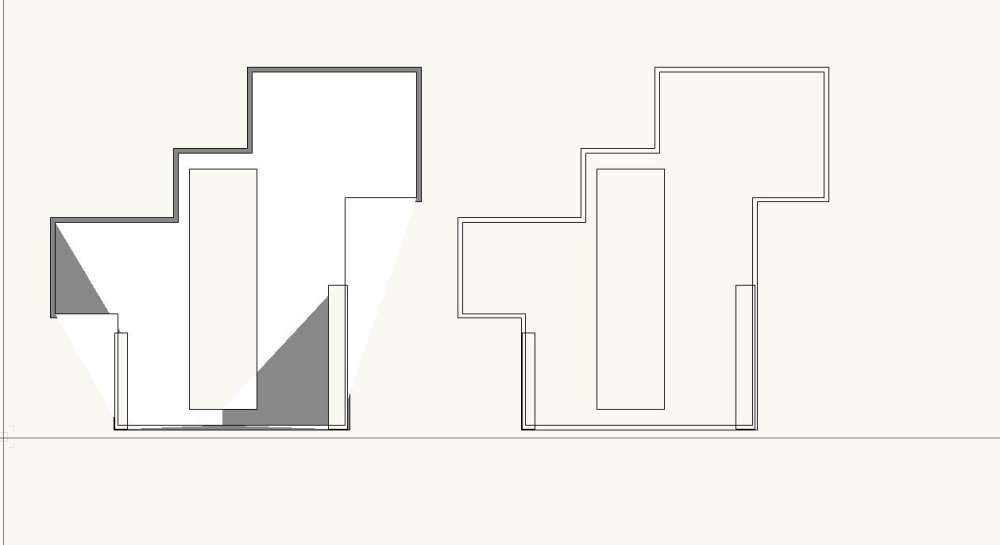
-
@line-weight LOL thanks, that works 🙂 sometime these have a simple solution looked by different eyes. Thanks again to all and this forum is the best for getting feedback.
-
Thanks Pat, From the script magician to a Noob like me LOL. Haven't been into writing scrips so I may need a tutorial to start with. Thanks Alan
-
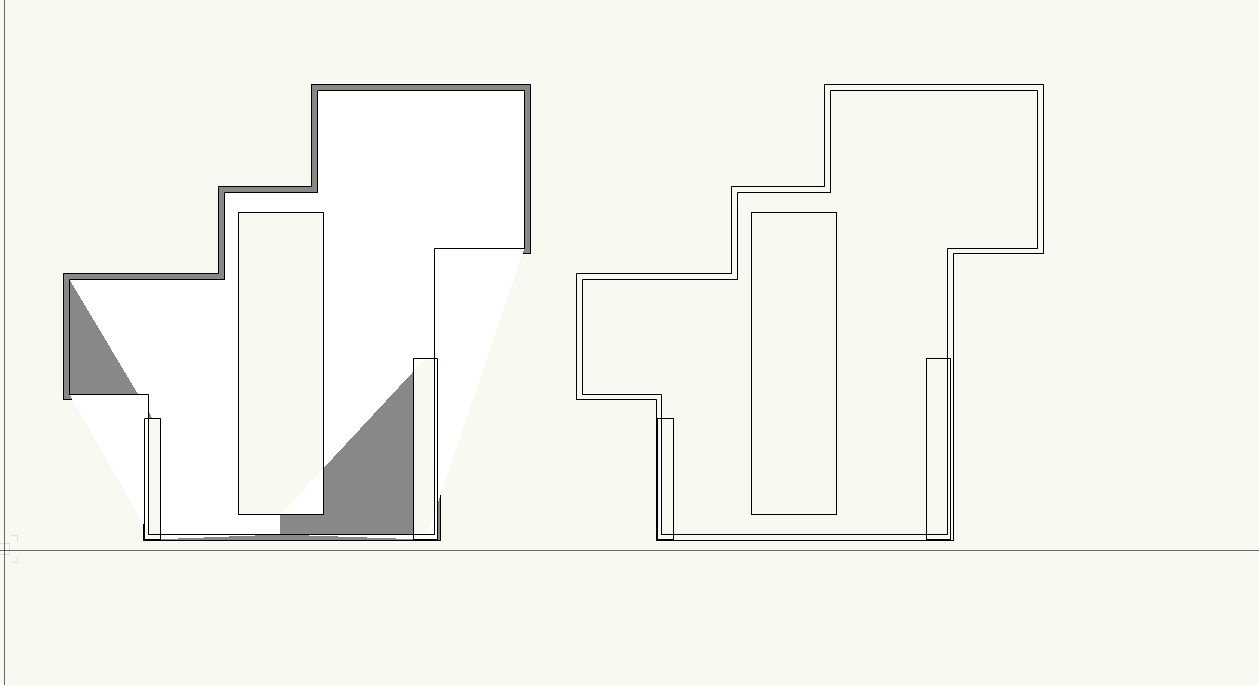
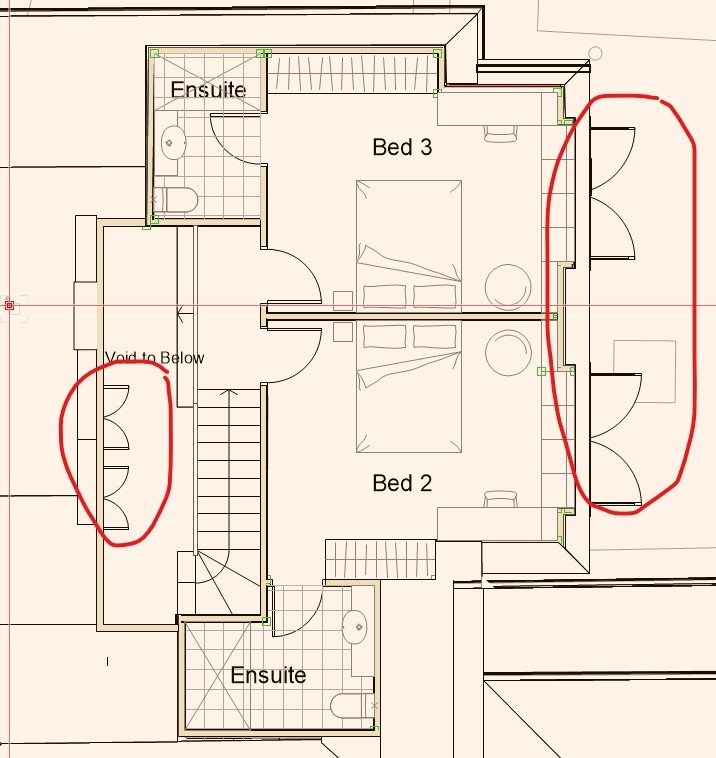
Hi, Is it possible to close the doors on the lower level design layer so they don't appear in the upper floor plan when multiple design layers are visible without masking them. I can close them but when i need the lower floor plan the doors are closed when i need them to show open.????? See attached Thanks
-
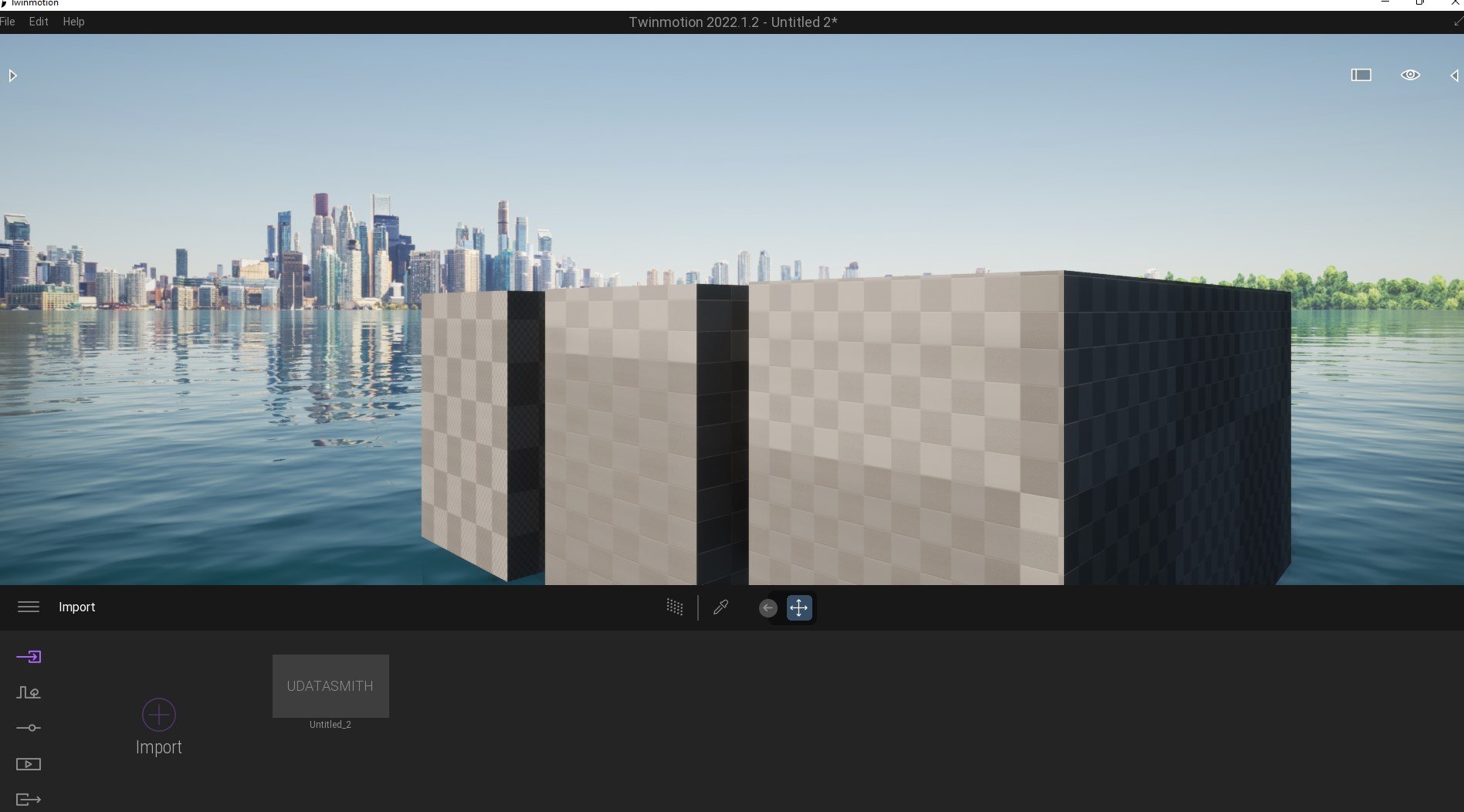
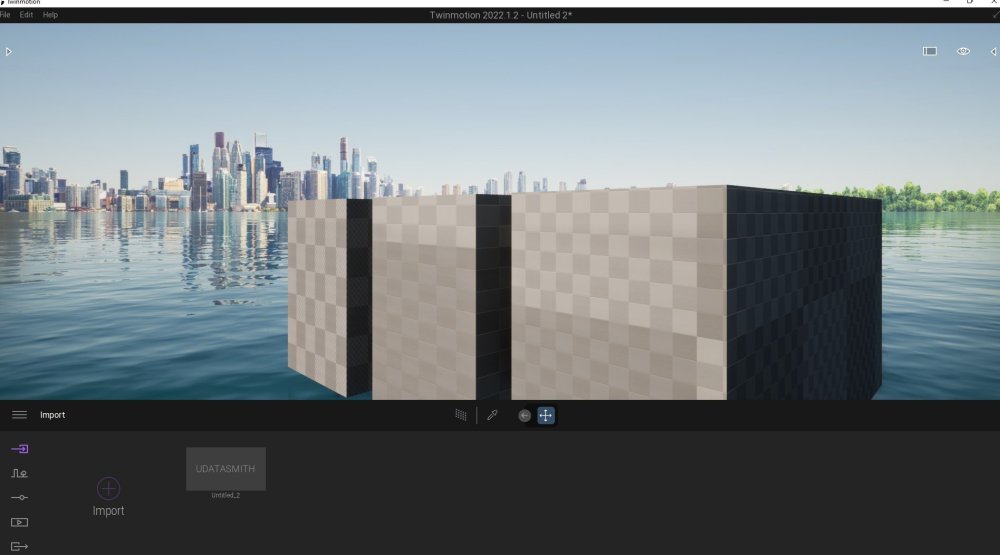
Hi Dave, Still appears to be issues with some textures from VW and Water in TM not connecting. See attached. Alan Untitled 2.vwx Untitled_2.zip
-
Hold the B key as it will view to the item you want and you can drag it easily. HTH
-
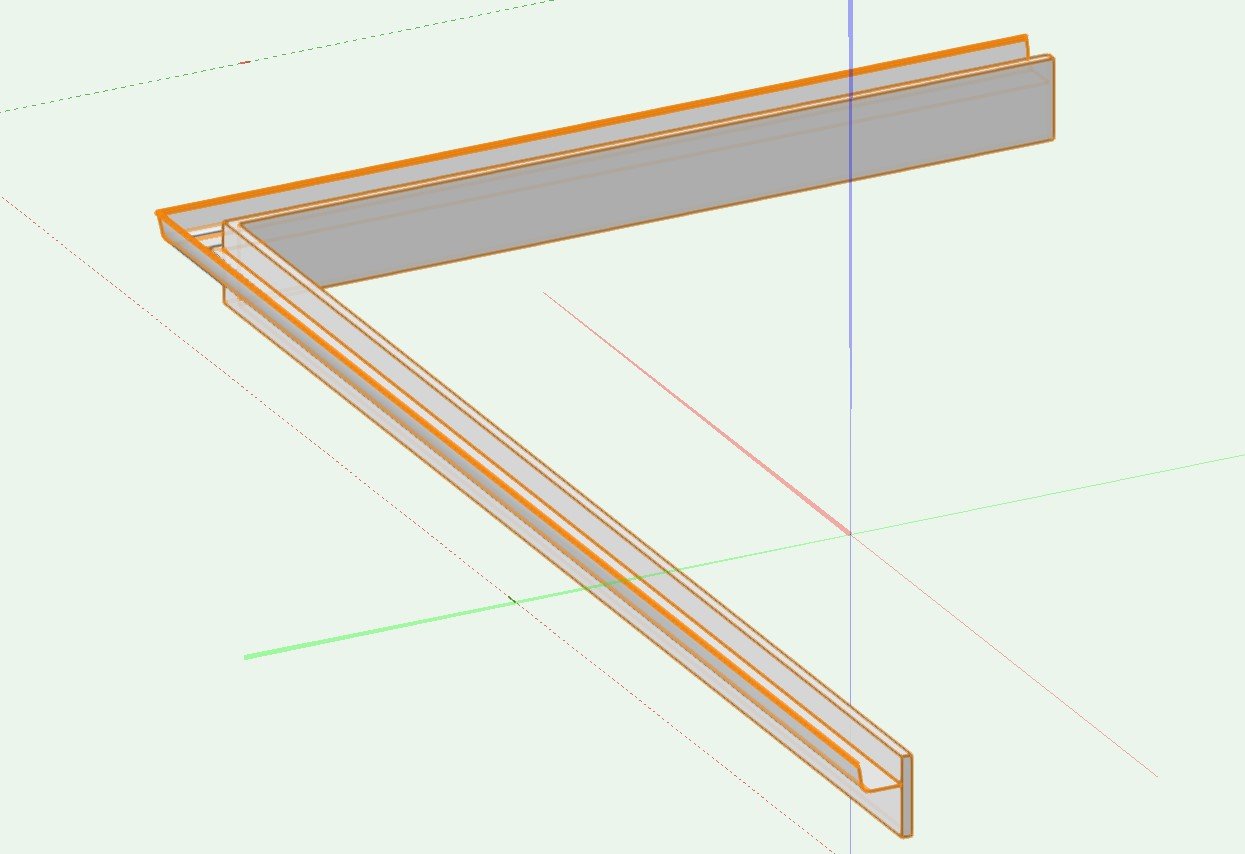
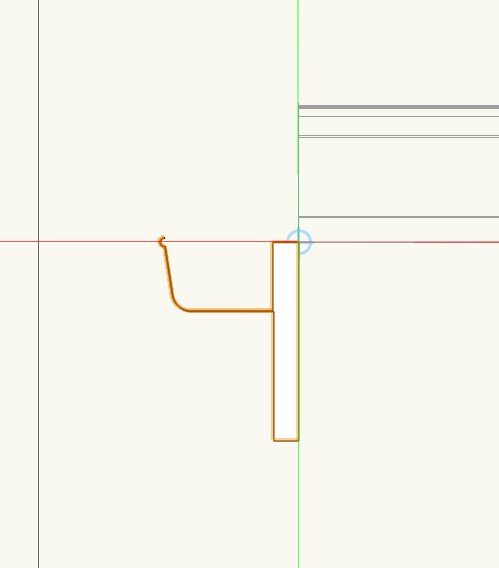
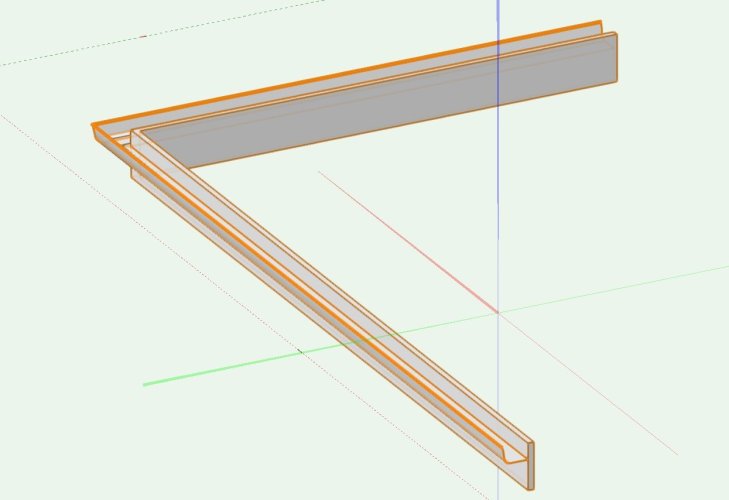
Hi what i would do is to create a profile fascia and gutter and extrude along path. Remember the profile extrudes down the centre of the profile so you move the profile NOT the line. See Attached. HTH
-
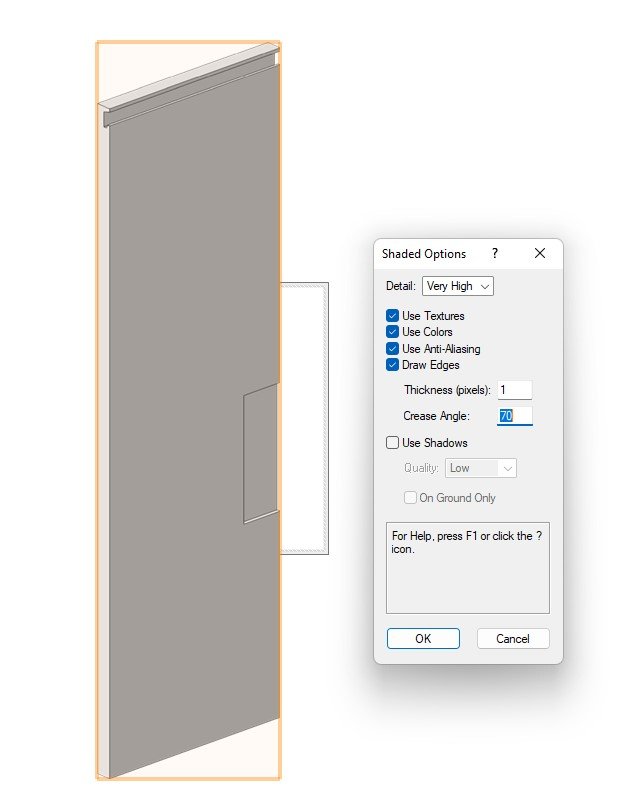
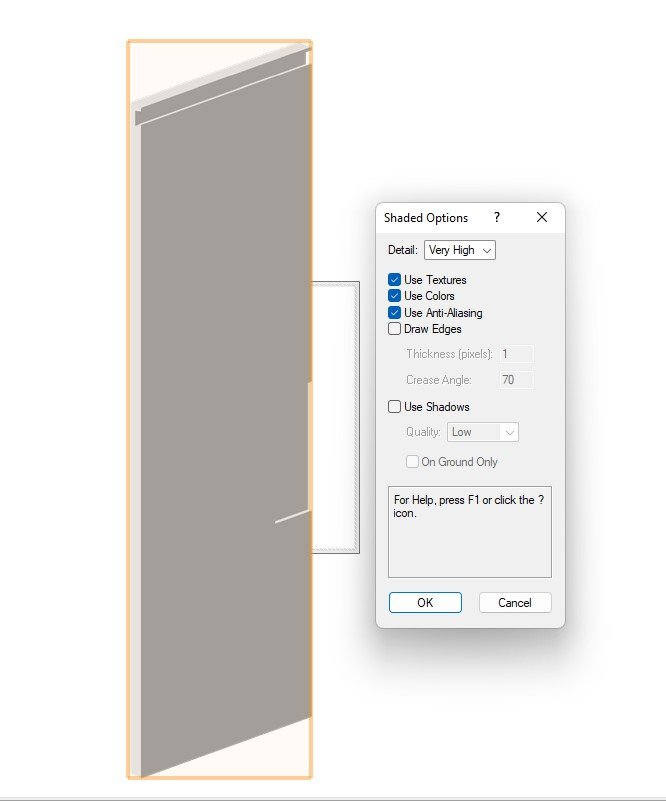
Hi My settings seem to show the edges reasonably well.
-
Site Model & Plants not importing into Twinmotion
AlanW replied to Shane W's question in Troubleshooting
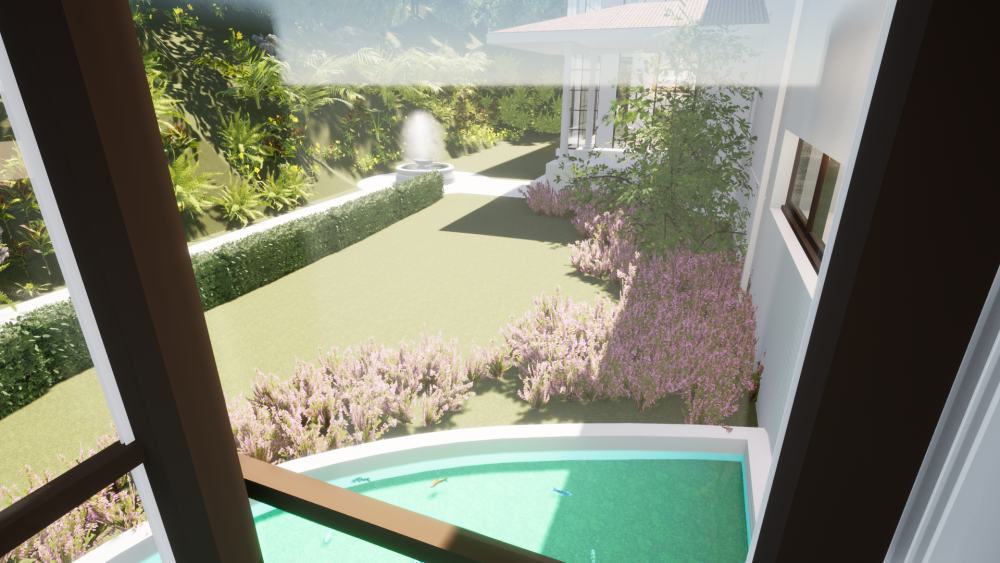
Hi, I still use C4D to export my final model from VW and do all the dressing up in TM. Never have any issues with strange textures or geometry. Datasmith not working properly yet as far as i can see. I import based on Textures always. VW create different items with any texture and change them in TM. HTH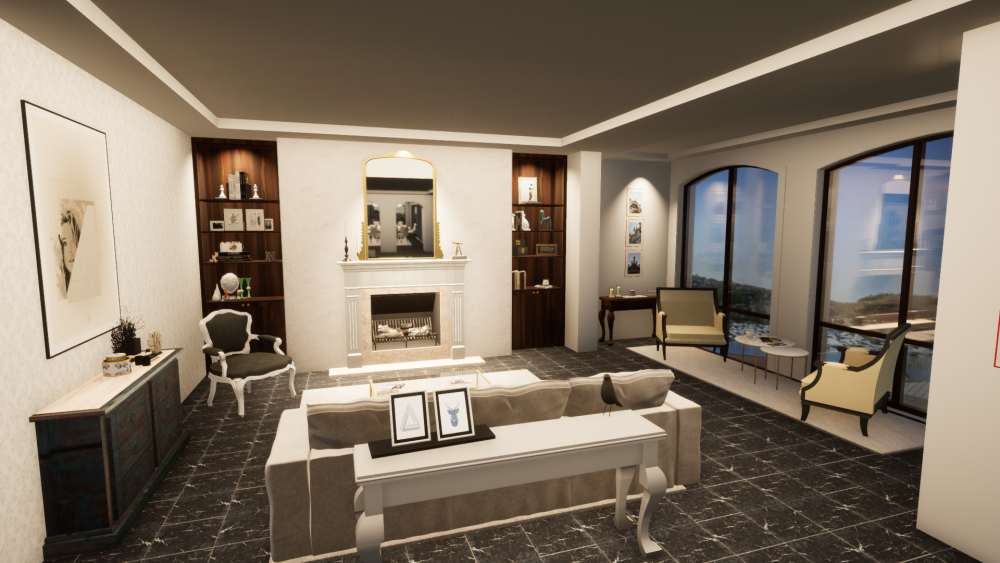
-
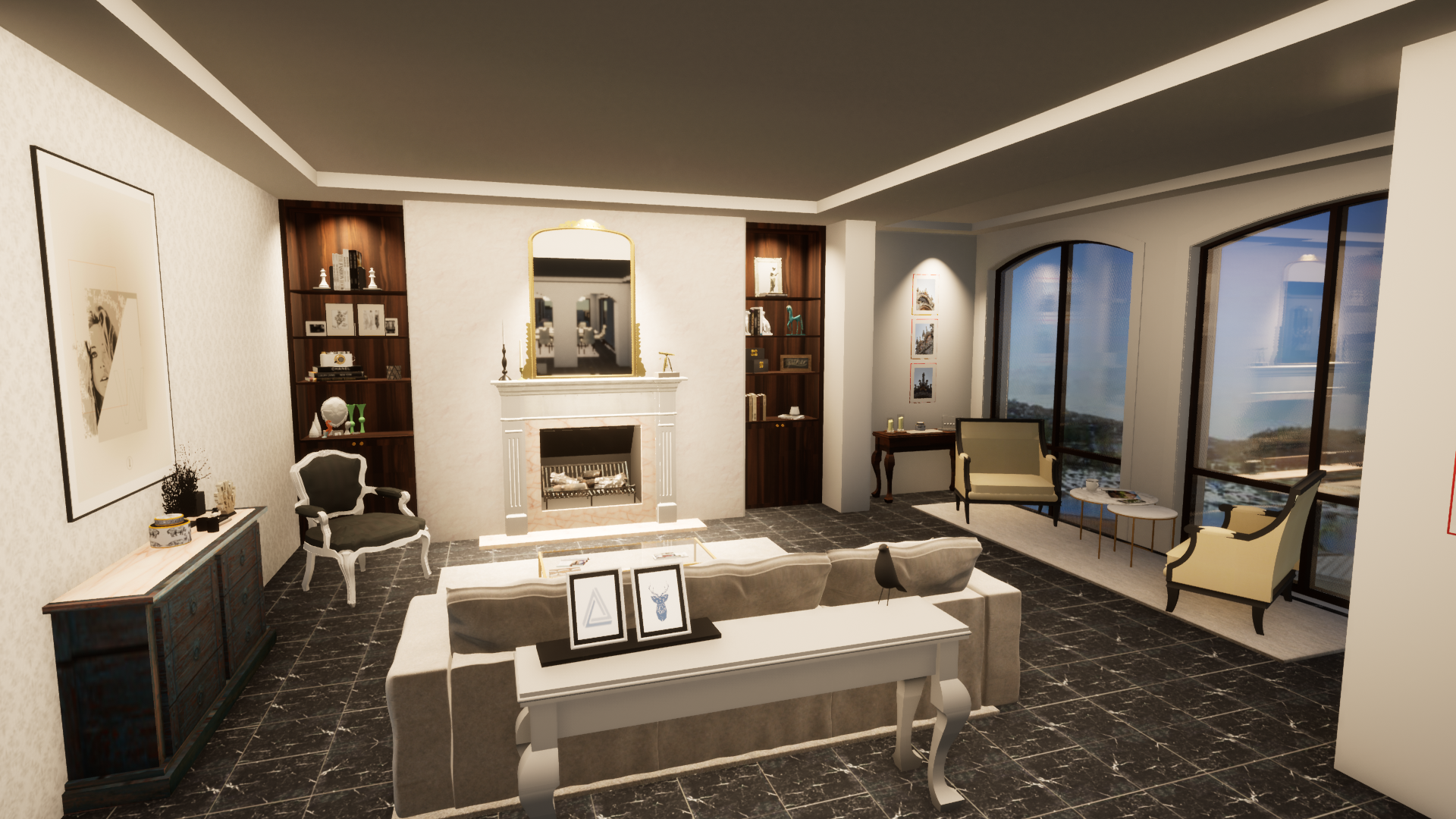
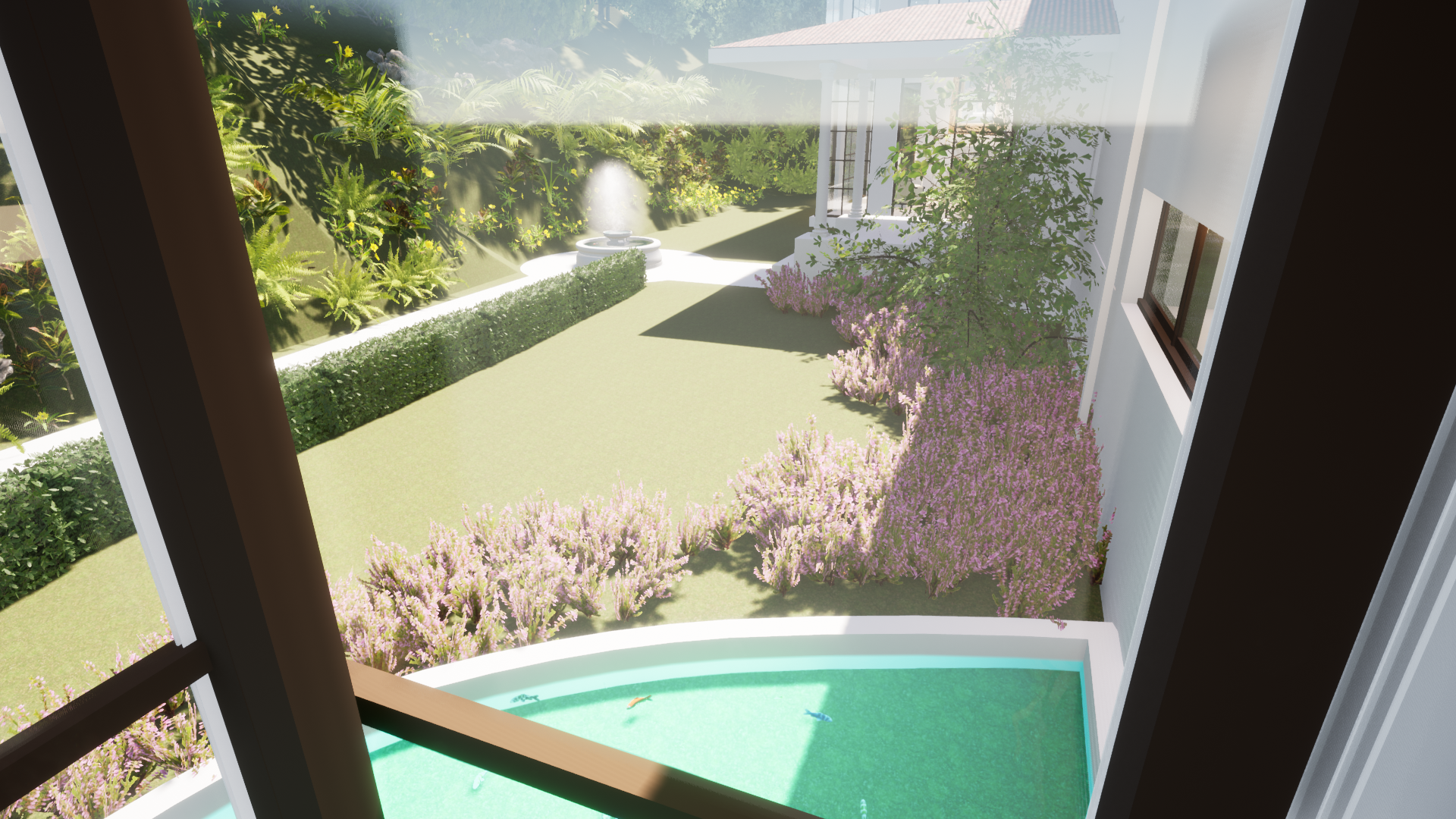
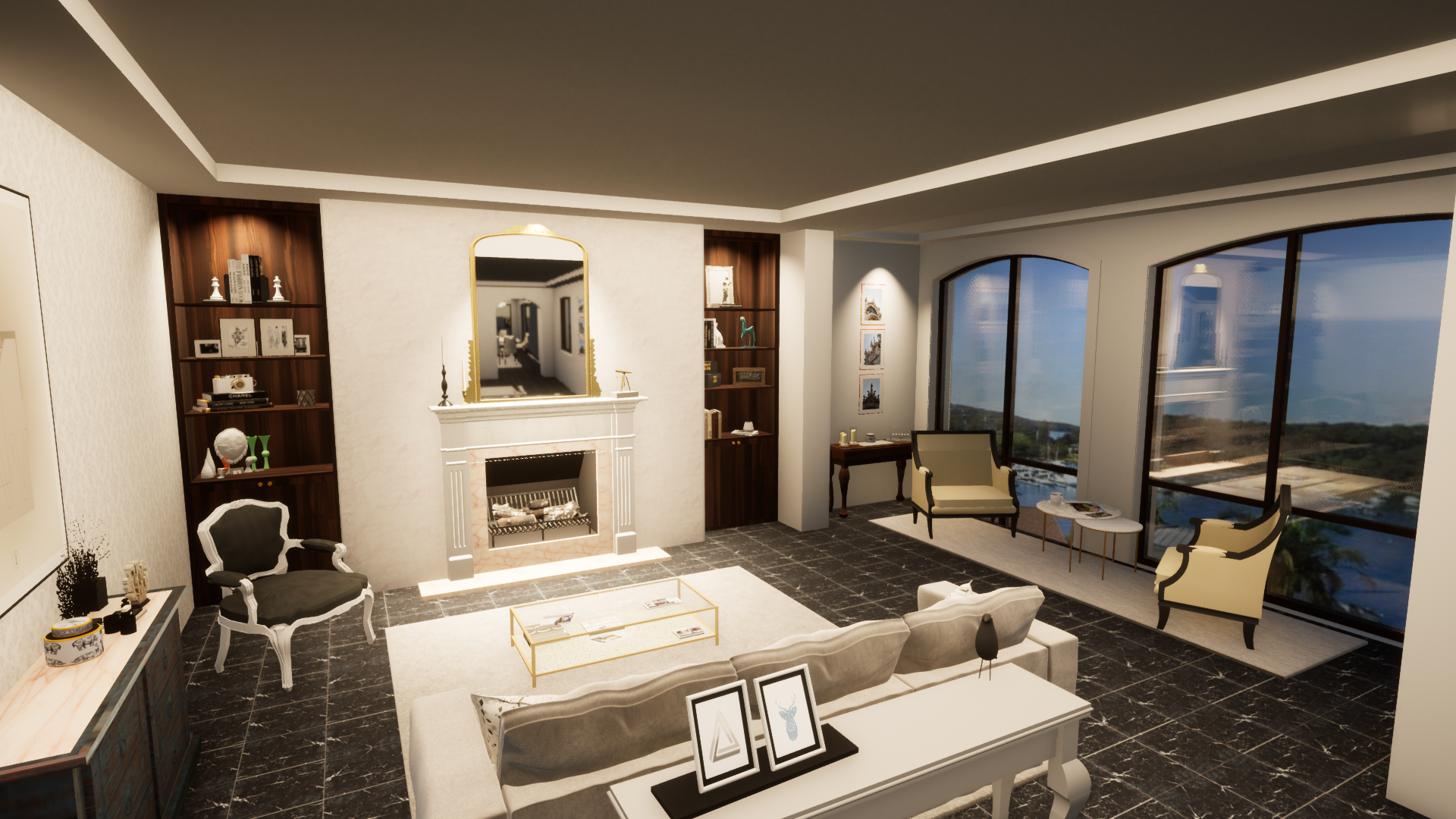
@Dave DonleyHI, I have noticed that i can save my Datasmith file from VW to any location which is good but TM wont allow me to select another location of the file. I am using the current TM 202.2 Preview 1 to test. Am i still missing something?? Still working with C4D exports. Example of my work.

-
Site Model & Plants not importing into Twinmotion
AlanW replied to Shane W's question in Troubleshooting
Hi Dont try to move your model in TM as it is referenced to VW file based on the RLs Click on the site model in right dialogue boxes and hit f to locate it. if you move it each time you change the VW model and reimport you will have to move the model. Leave it where it is. HTH -
Extrude along path not working 'as expected'
AlanW replied to hollister design Studio's topic in General Discussion
Hi, Then main thing when using EAP is not to try to move the line move the profile as the extrude runs down the centre of the profile. moving the profile moves the profile to the side of the line. hope this helps. Just use a polyline of 3d poly. -
@Pat StanfordThanks for reply Pat. Am Interested in knowing how much they pay for and what speed is their upload and download? Also what is the time delay in getting files up and down? More comments welcome. Seems like everyone is dragging the files up and down and working on them locally, not using cloud as a server, as we do in the office, may be wrong but still need to get head around this if its possible and feasible as an everyday working setup. Thanks in advance.
-
Is anyone using Cloud storage for all their server everyday working files? Our office is considering it but using Team viewer to download drawings they can take 20min of so for an average drawing, then i work on it at home. My concern is if i am continually saving this file as i am working on it is it as instant save as quick as it is to a local server? Any comments welcome Alan
-
Hi, Anyone else having issues with stability of VW2022 SP2???? Stalls and crashes many times a day. If I drag a window or wall or just do menial tasks it will stall and crash????????? Any remedies??
-
HI, What's the best affordable electronic measuring device that will draw your 3d plan as you measure. Is there one that does it accurately?? some use you camera on Iphone but they can be up to 25mm out. Thanks
-
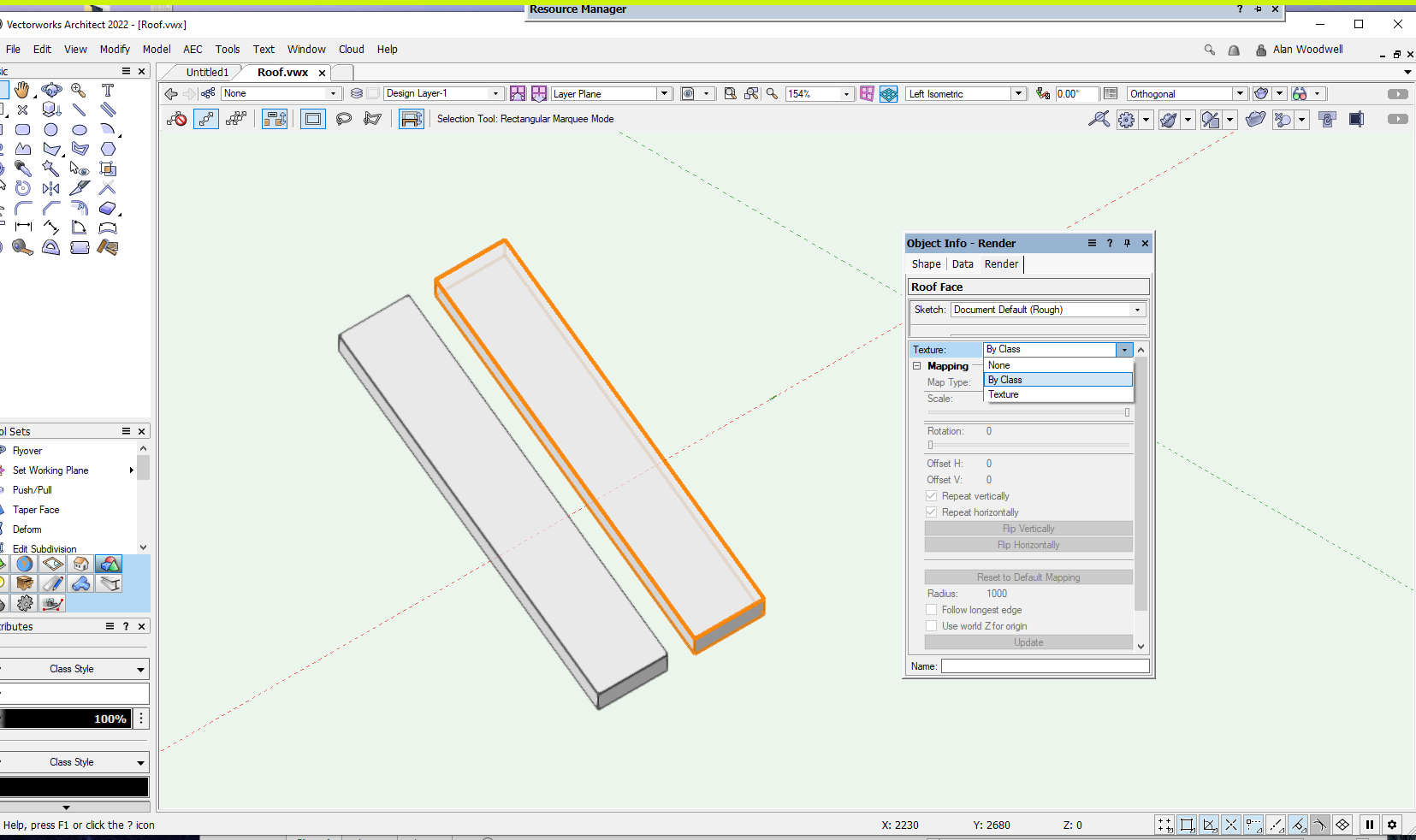
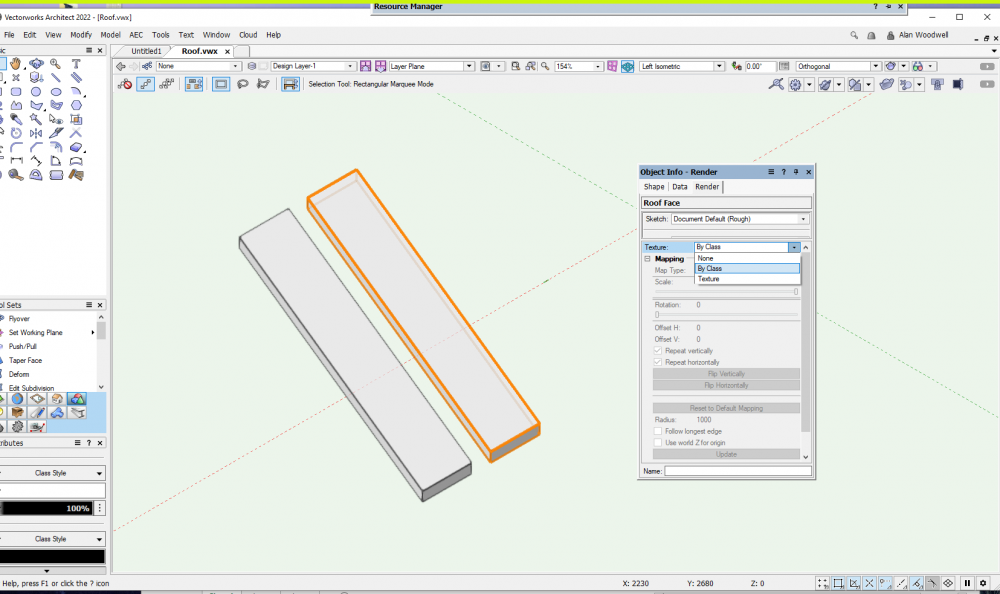
@TomHi, Did you use by component or by Class or texture and are you using VW 2022??? The only options now are By Class or Texture, Component is not there anymore.
-
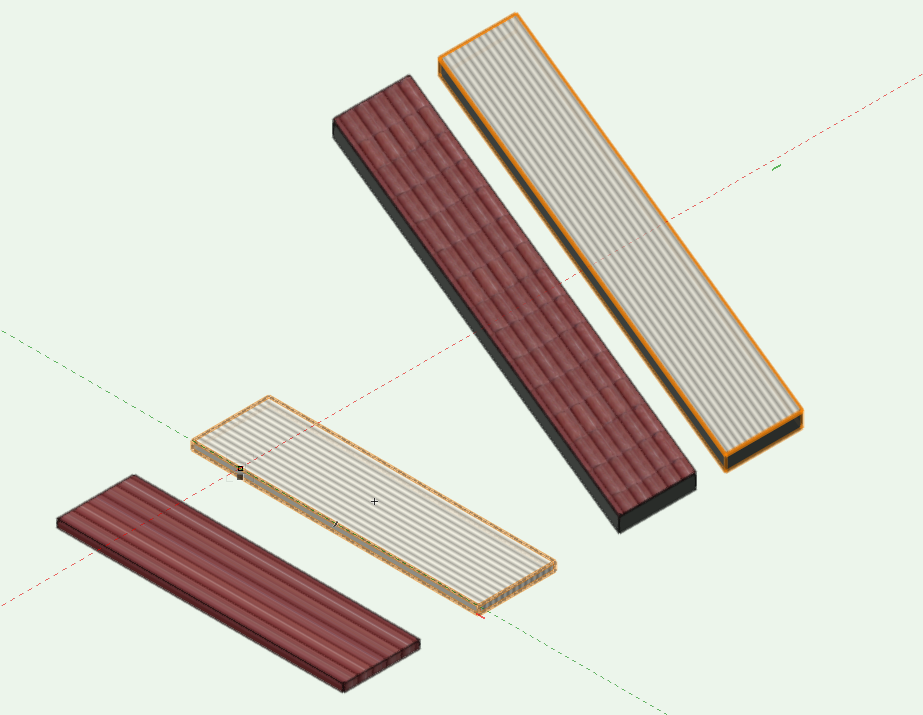
Hi i cant get the roof textures to show bu component in 2022. I exported back to 2021 and i can select by component and all works fine. seems there is no option to select by component. Am i missing something?? Thanks Roof.vwx Roof_v2021.vwx
-
Hi, I have windows 11 and and extremely quick computer and find that some viewports can take 10 min to update and often stall. Tried same on an old slow windows 10 and it rendered the same viewports in 1/10 of the time. can only surmise that its associated with Windows 11. anyone else experiencing the same issues???
-
Thanks Dave, I would be putting pressure on Epic Games (Twin Motion ) to have this option available on a server it makes sense when working in an office and a number of people on different computers working on the. If i export the Datasmith file to another location the Datasmith direct link cant find it. in the meantime i will use Cinema 4D export. Thanks
-
@zoomerHi I have no issue with C4D files as set i up a folder in the project file in the server and export the C4D from VW to that location and the texture file arrives in the same location automatically. All easy to control. Datasmith no way to control the destination as far as i can see.