Search the Community
Showing results for tags 'speaker array'.
Found 5 results
-
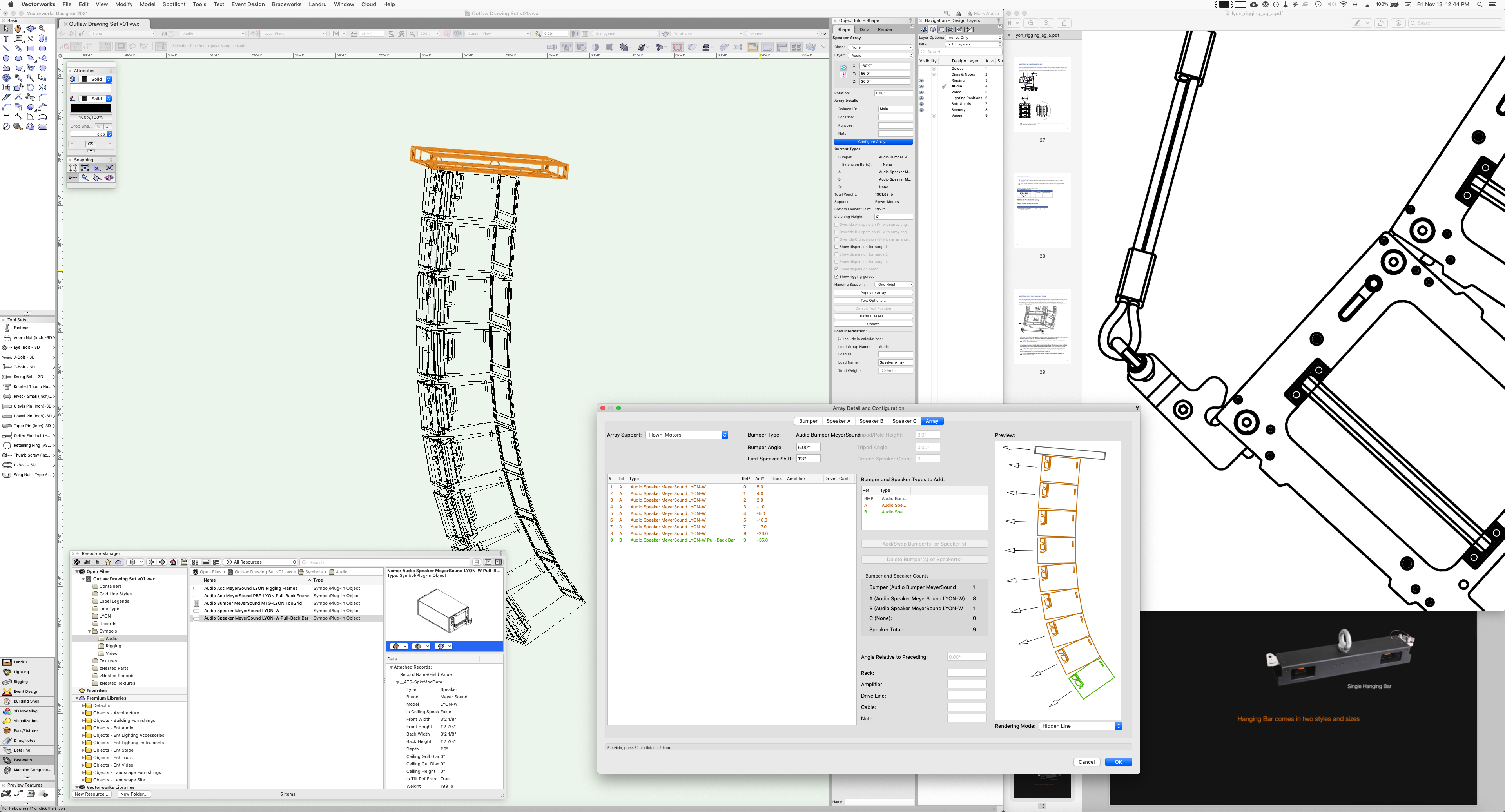
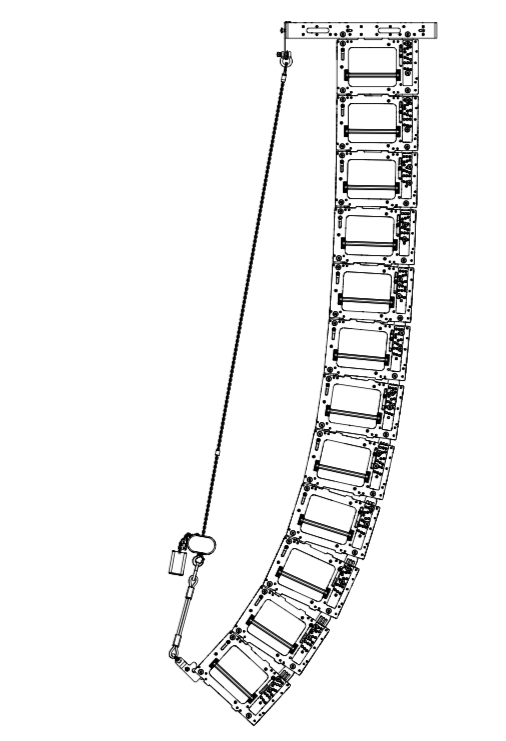
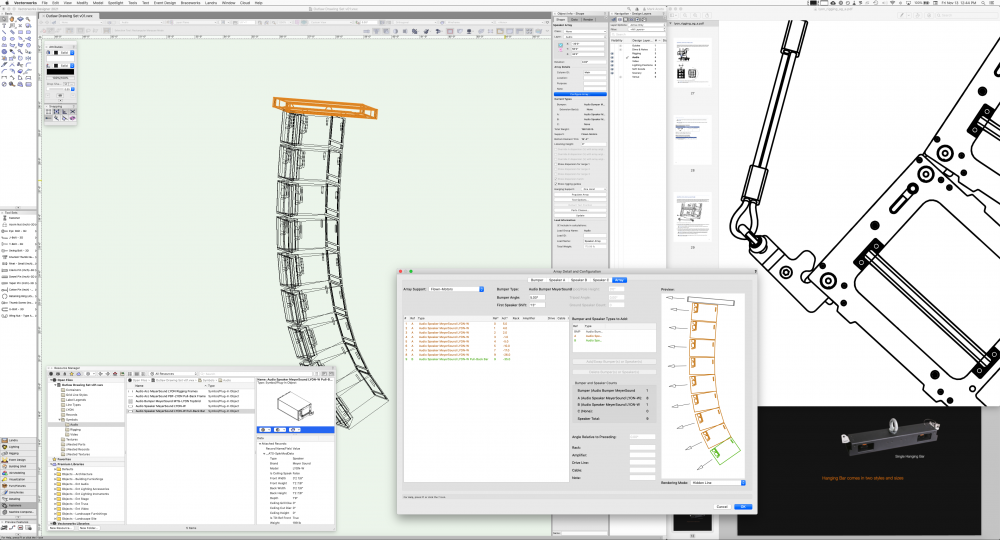
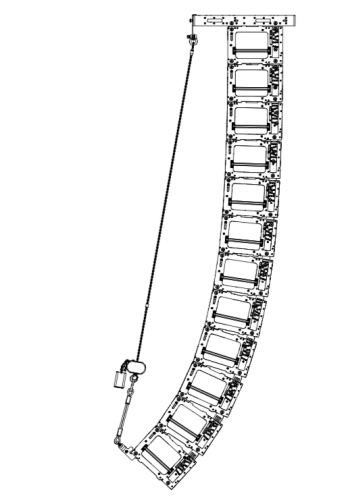
I'm trying to accomplish 2 things: Add a Pull-Back bar symbol to the bottom box in the array Keep the rigging frames that are in the original speaker symbol My assumption is that these objects are not visible in the array because they don't have a record attached to them... Just trying to get one step closer to this reality:
-
Hi all, I've been having issues with the speaker tool and the array tool. With the speaker tool every now and again every speaker will disappear. I have confirmed multiple times that they are not in a hidden class or layer, and we're talking 70 speakers in multiple classes on multiple layers, so accidentally deleting all of them at once is highly unlikely. I've tried re-importing the symbol and doing a custom selection. For now when it happens I just open a previous file and copy and paste the speakers in. Still wastes a lot of time getting all the speakers back to their correct position, but this only happens with point sources. The array tool is special in its own way. I have my arrays on Braceworks hang positions, and when I change the trim height of the system, the bumpers will follow, but sometimes the speakers follow, sometimes they don't, sometimes they end up 20' higher than the bumper, and sometimes two arrays are fine, but then three others are completely out of whack, and I have to reconfigure or repopulate the arrays. Am I doing something wrong, or can I be sure these are bugs? Vectorworks 2020 SP3.1 (Build 537701) Designer/Renderworks Educational Windows 10 64bit
-
So since we are getting all of these great new Speaker Manufactures symbols available with 2017 Service Select. How can we import these new items into an array using the Speaker array tool. I have looked around and cant find a solution. There must be a way to add the new service select speaker symbols into the speaker array tool. Anyone know how to do this! It would be super helpful. Example is L Acoustic symbols that where release. I would like to be able to make an array with them using the tool!
-
Hi All, When using the speaker tool, you can only add one main bumper within the speaker array tool. It's kind of weird that you are able to use three speaker types with no bumper between them. For example, a configuration with a 4 x K1-SB, 16 x K1, and 4 x K2 underhang. The K1 and K2 connection officially needs a underhang bumper. Would be nice to see this feature in the new service pack or the software release.
-
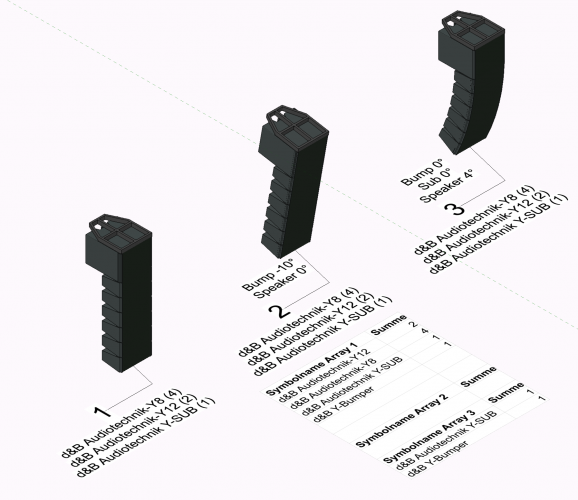
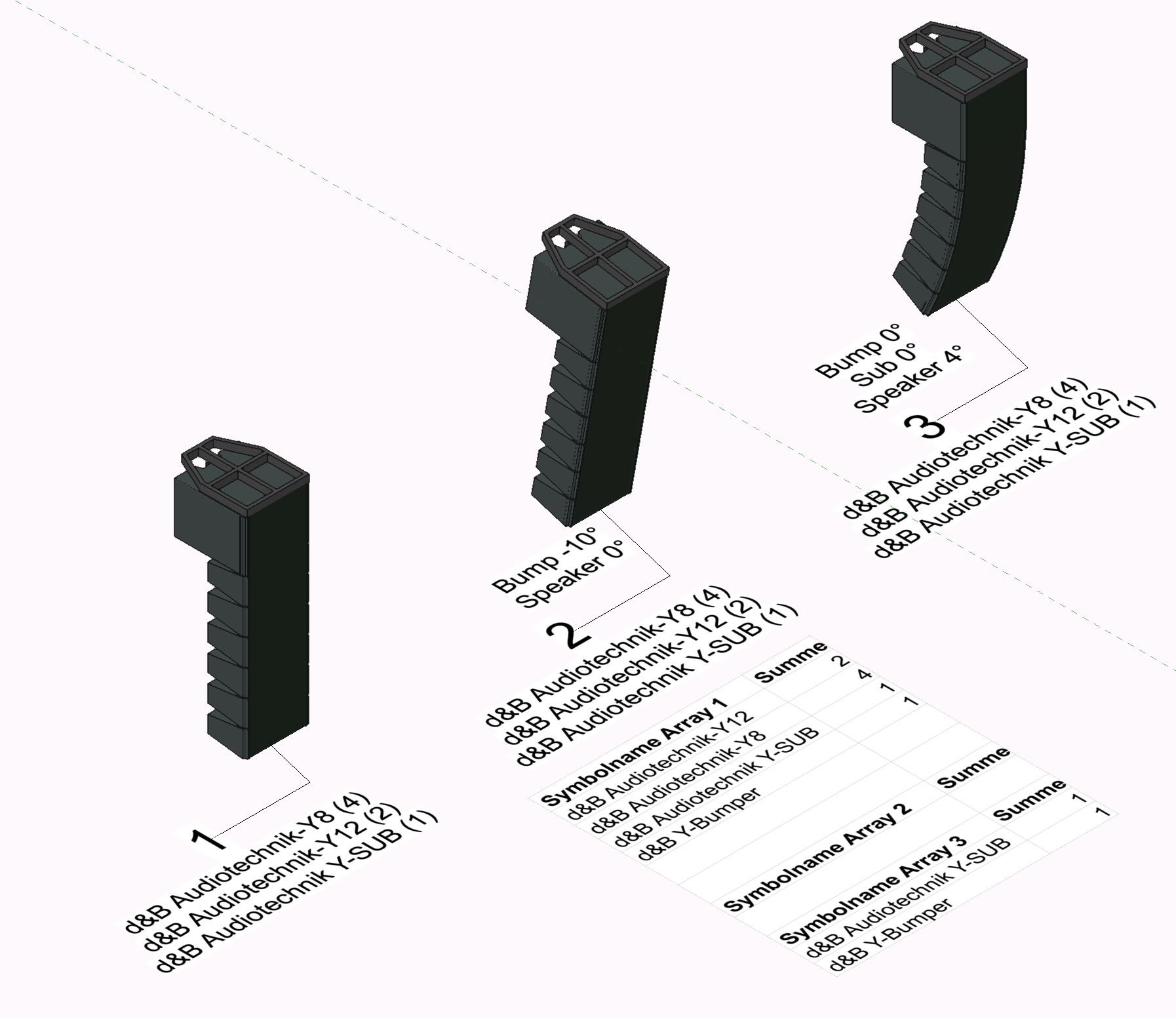
Hi all, in Vectorworks 2021 it's possible to use real Symbols in the Speaker Array Tool. So far so good, I'm really happy about this feature. One thing amazes me. It seems that the Symbols disappear in the worksheets if you set angles inside the Speaker Array, which we'll always have. In the attached Picture you can see the Problem. Array 1 is without angles. Array 2 with a Bumper Angle Array 3 with Bump/ Sub at 0° and Speaker at -4° Worksheet Count in the first Situation is good. Does somebody has any idea what I have to change or is this a bug? Thank you in advance