


Diego - Resuelvector
-
Posts
374 -
Joined
-
Last visited
Content Type
Profiles
Forums
Events
Articles
Marionette
Store
Posts posted by Diego - Resuelvector
-
-
Greetings,
I have a Vectorworks model and it is georeferenced but the moment I export the file to IFC the georeference information gets lost, even if in the Site Data the Reference Latitud and Logitud are displayed correctly
What other settings must I check to ensure a proper georeferenced export from Vectorworks 2023?
-
On 7/16/2020 at 1:42 AM, Pat Stanford said:
I won't have time to do anything on this until the weekend.
Can you please post or send me a simple version of the file that only contains a few of the property lines instead of the full 109 so I don't have to try and mock something up.
Hi @Pat Stanford, did you manage to fix this issue? I have the same problem
-
2 minutes ago, Tom W. said:
As long as it's not inserted in a Roof...
Yes, I don't usually do that,I clip the roof and add a custom Skylight symbol
-
For Skylights, the only way is create a Custom Record and a Custom Tag to show the desired info
-
Yes, a quick fix in your situation, could be to use a 2D polygon to clip the underside of the slab, It would give you the desired section detail
-
I hope there will be an option to access this plug-in through the Partner Products portal, is in german, but the plug-in does some amazing stuff
-
 3
3
-
-
1.The section fill is controlled by the Section Style Class, changing it you can show different fills/hatches , etc
2. Are you creating a horizontal Section Viewport or a regular 2D plan?-
1
-
-
Congratulations!
-
1
-
-
You need to assign a IFC definition to the symbols, even generic IFC definition will be enough, otherwise the objects will not be recognized by the IFC softwares
-
You need to define a component in the roof to clip the walls
-
On 9/22/2021 at 10:35 AM, Ramon PG said:
I think I used to do it. Can't find a setting for sloping panels.
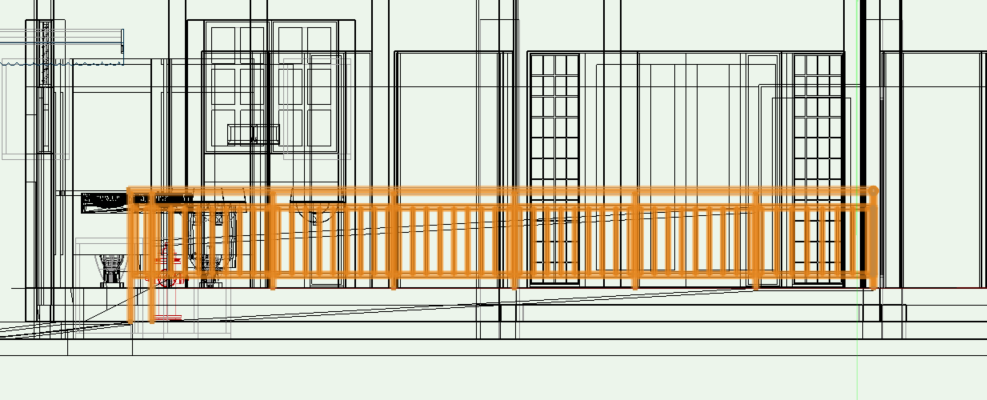
Put a 3D locus to each of the points you want the fence to lock, then use the 3D mode of the fence Tool
-
1
-
-
Great work!!!
-
A way to do it is ungroup the main roof and clip just the remaining Roof Face in Top/Plan view
-
With the cabinet tool you can't do that, un-check the countertop from the cabinet, use the Countertop tool and then you can create an opening for the sink, but you will have to manually adjust the size of the hole in the Countertop to fit the sink
-
I also have this problem, with site models I've tried several "workarounds" to no avail, any suggestions?
-
17 hours ago, Mercedes said:
Hello all,
We do single family residential work (stick framed mostly) in California, much of it renovations, and are thinking of switching from autocad to vectorworks. Our office used to be on VW but we switched to ACAD because it was too difficult to find draftspeople and other architects to help out. We use consultants rather than employees so it's not been practical to expect them to simply learn a new program. But we do work with some remote consultants. I'm wondering what your experience has been in this area, and if you have any suggestions for finding qualified staff. Thank you in advance!
Greetings I've working remotely as a consultant for several years now, with members of the forum too, if you need some help, I can provide you with my portfolio,
You can contact me at any moment too!
Kind regards
Diego -
On 7/11/2020 at 2:42 AM, Zeno said:
I’m used to convert the pointcloud
into a mesh model. Point visualization is in VW not corresponding to real point number. The mesh quality allows you to find very better the point you need or simply to show model parts very hard to model, like decorations or similar.
Out of this, clipe cube, registered views and workplane are the focus point you need to model in vectorworks from pointcloud.
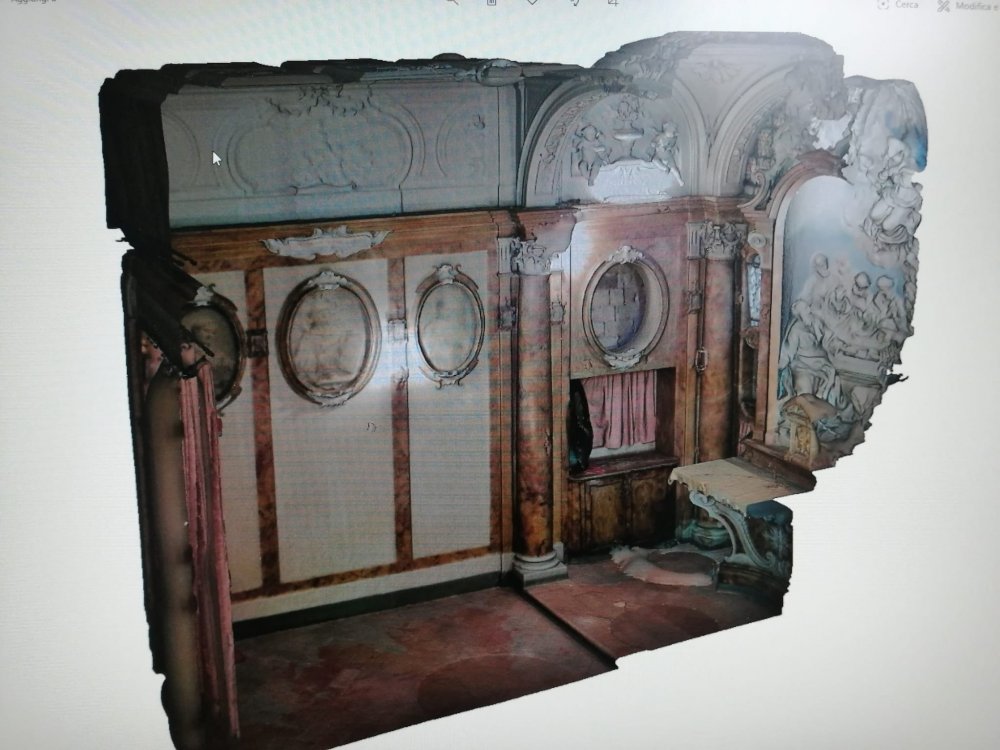
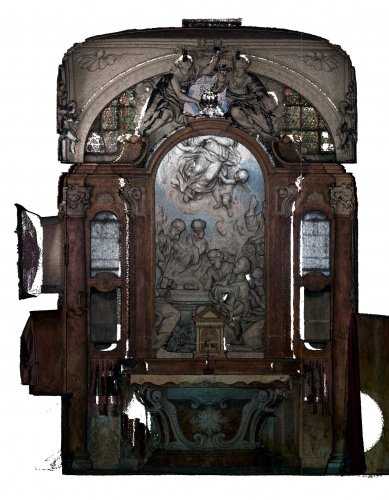
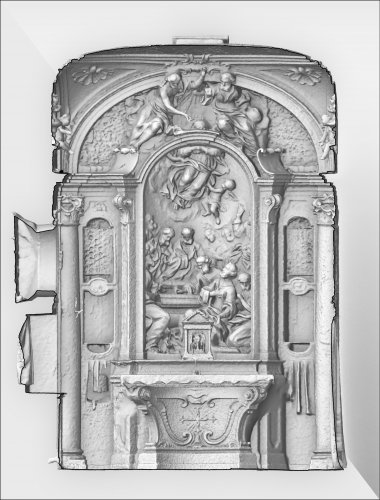
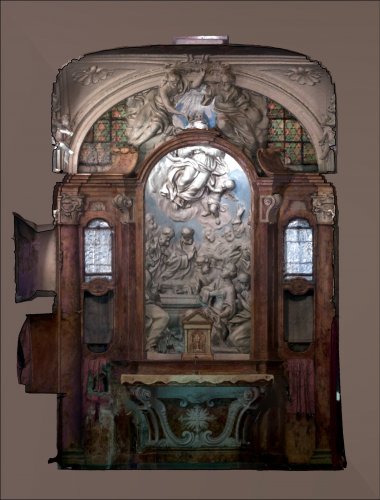
Yes, I'm curious about the process to convert point cloud to mesh, can you give us some pointers?
-
Right now I have a 2 step process, first, create the planes or rectangles aligned to the point cloud, and then create walls and slabs and so on, I hope there is a better method
-
Have you tried to reinstall Vectorworks? I've been using almost the same configuration with Vectorworks 2020, Catalina and a Sonnet eGPU with an 8 gig Radeon card without any issue, or try to contact tech support..
-
When you open the Get Info dialog window for Vectorworks, you have the "prefer eGPU" option checked?
-
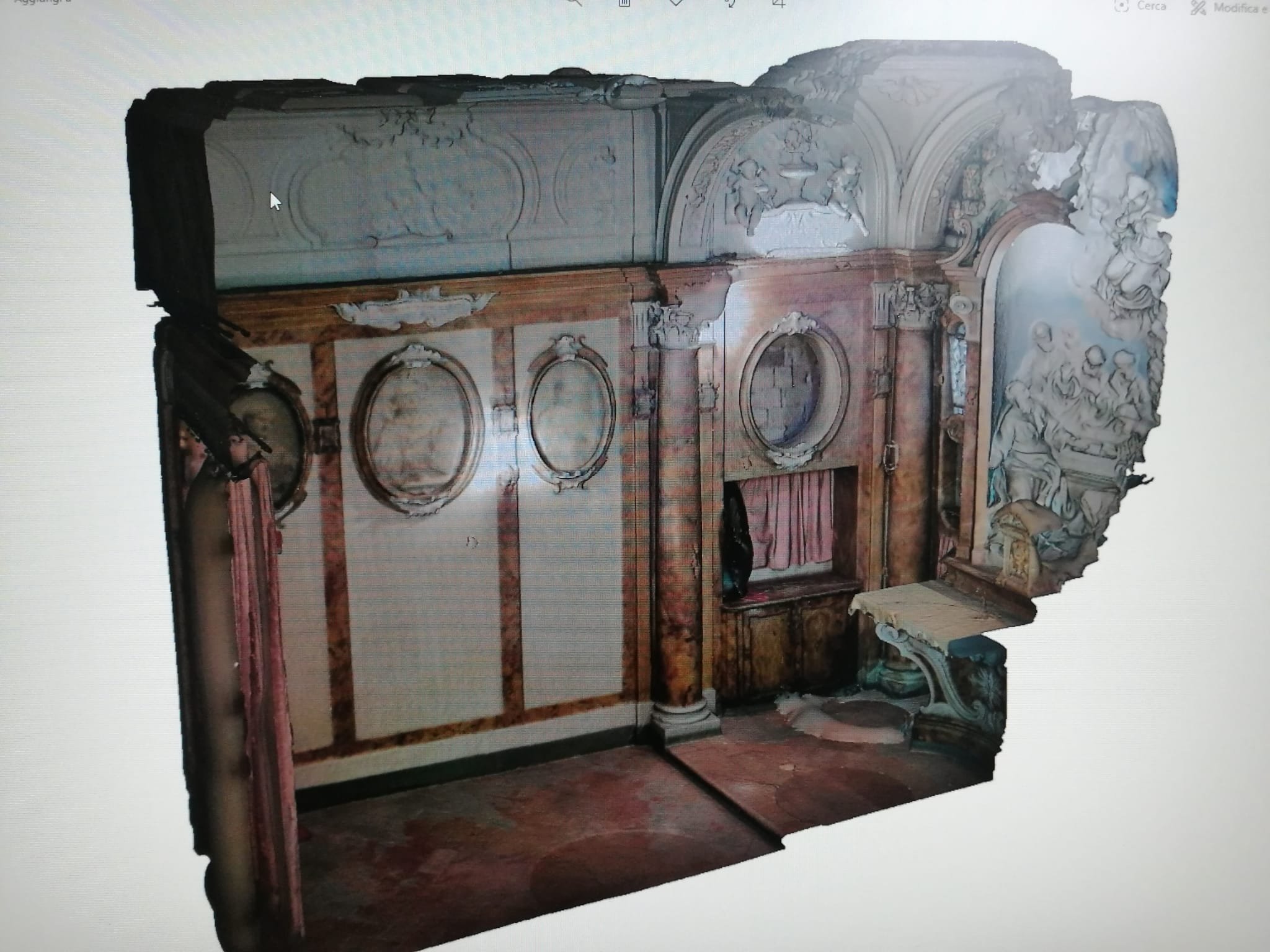
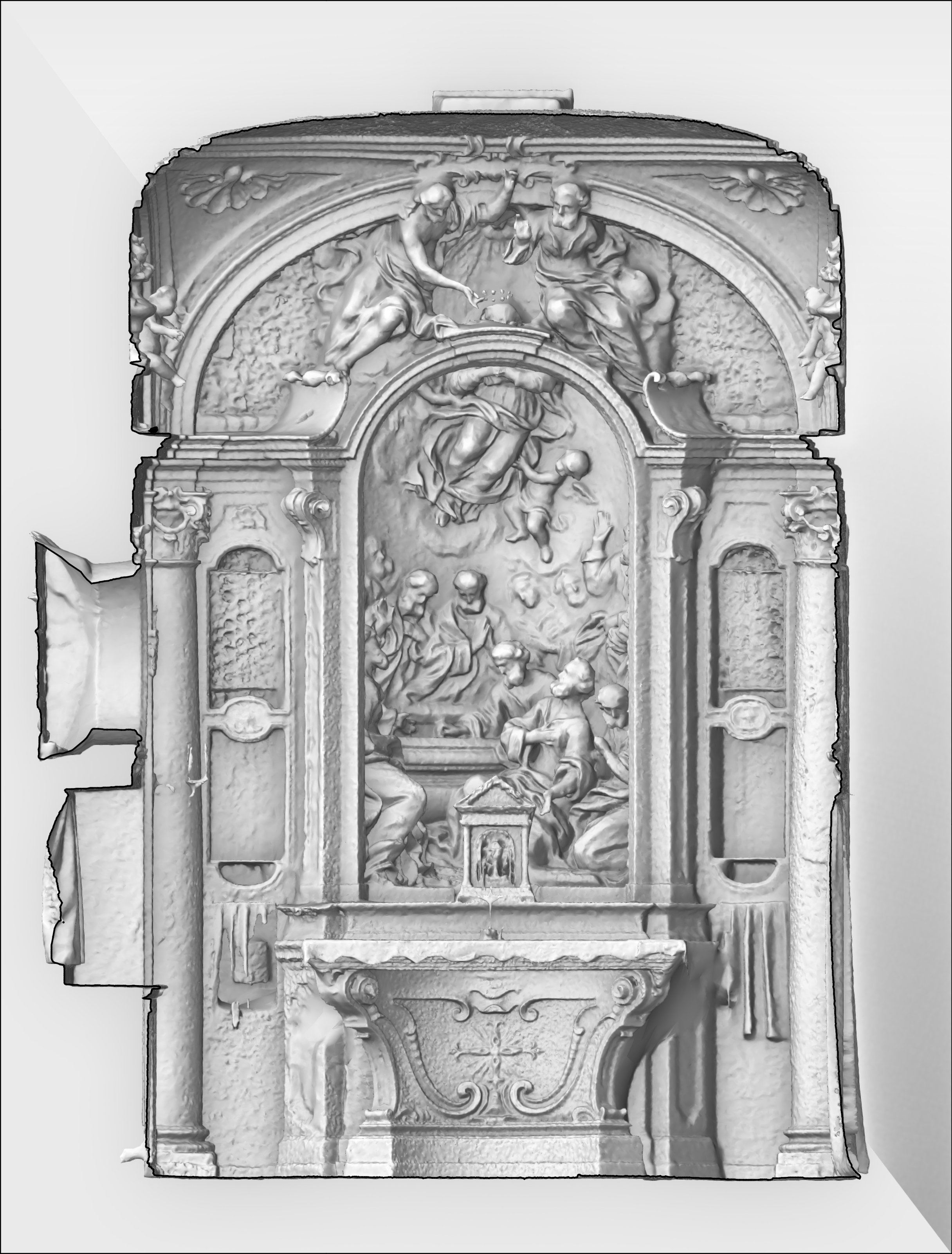
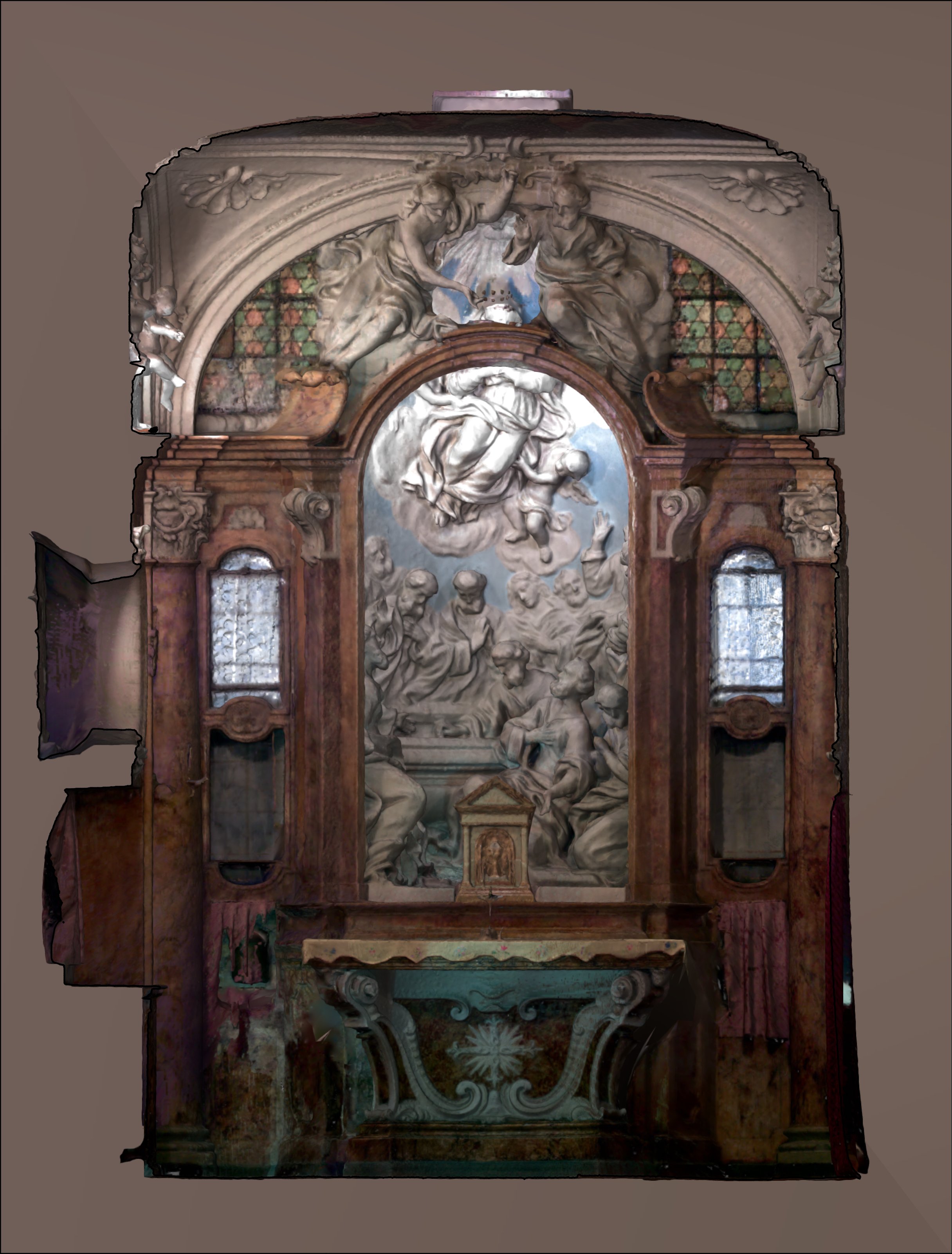
Greetings, I've using point clouds for refurbishments projects , I usually use the Clip cube and I start adding planes (rectangles) to work as Working planes and start modeling from them,
Is there a better way to use point clouds for architectural modeling in Vectorworks?
16_13_28.thumb.png.18e50fed3ef9643ff8c5d1a140eabc9a.png)
-
Besides the dimensioning tools that looks wrong in Dark Mode, the new icons are very confortable for eyes, when you work long hours in front of a screen, I think the icons are straightforward to use and there are always space for improvement, but the icons for Dark Mode are between Archicad abstract icons and the ultra cheesy icons of Revit..
-
On 5/14/2020 at 10:40 PM, Mark Aceto said:
@zoomer sounds like DirectX for Windows, and Metal for Mac but he also used the words “low level” for Metal, so that doesn’t inspire much confidence.
Low level means it would be deeply integrated into the Metal API and will be much faster that way
-
2
-
-
Twinmotion has a web page with a roadmap of updates and the direct link for Vectorworks doesn't appear anywhere
https://portal.productboard.com/7pu88c9kpmqtzt8hwg6arujh/tabs/5-in-progress-
2
-

16_13_28.png.8d14566147f90bbcab1e6a7694a151f7.png)
IFC with georefereced geometry fails to export correctly
in Troubleshooting
Posted
Thank you, I'll check those options to see if I have the values and settings right