Search the Community
Showing results for tags 'viewport styles'.
Found 2 results
-
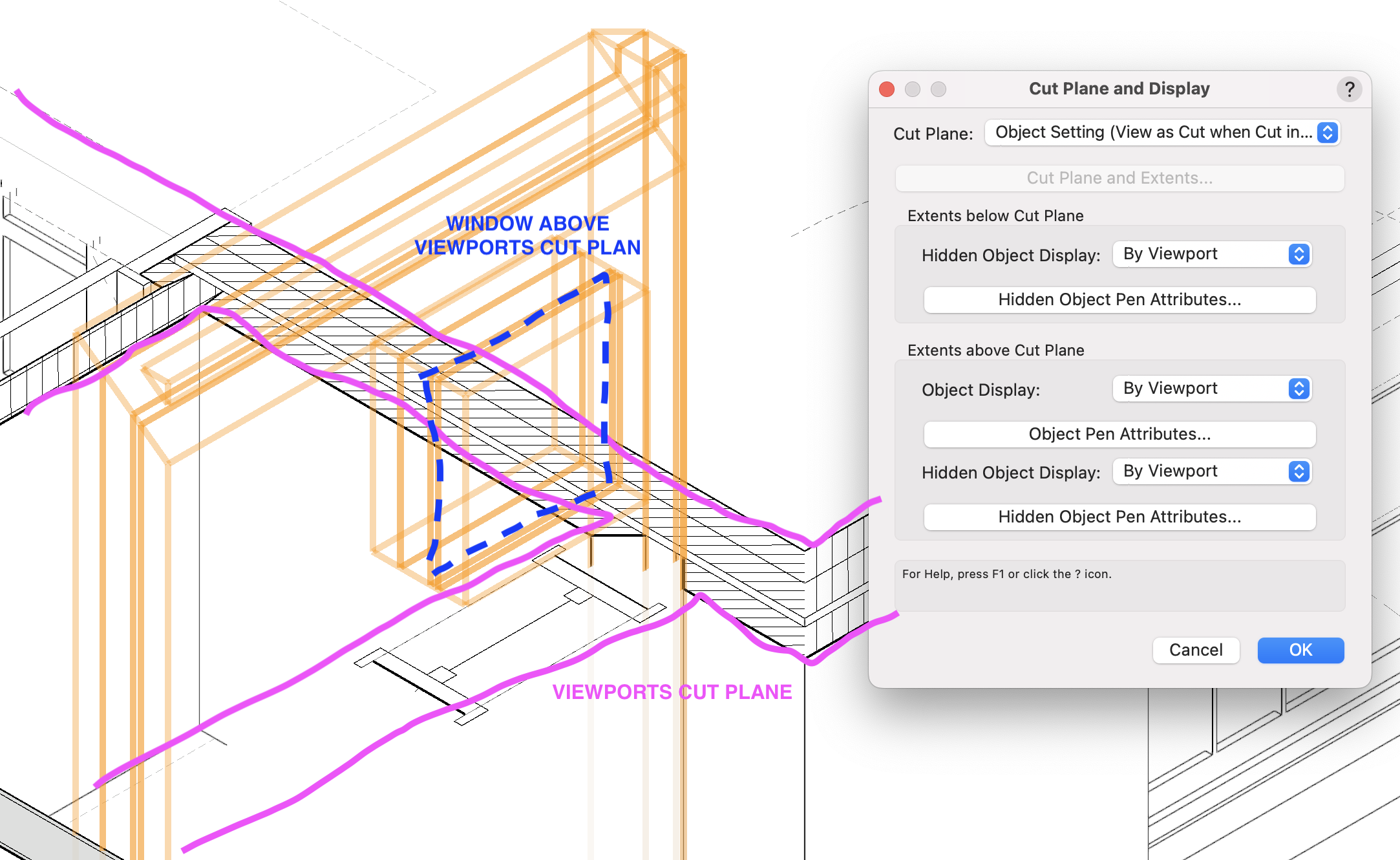
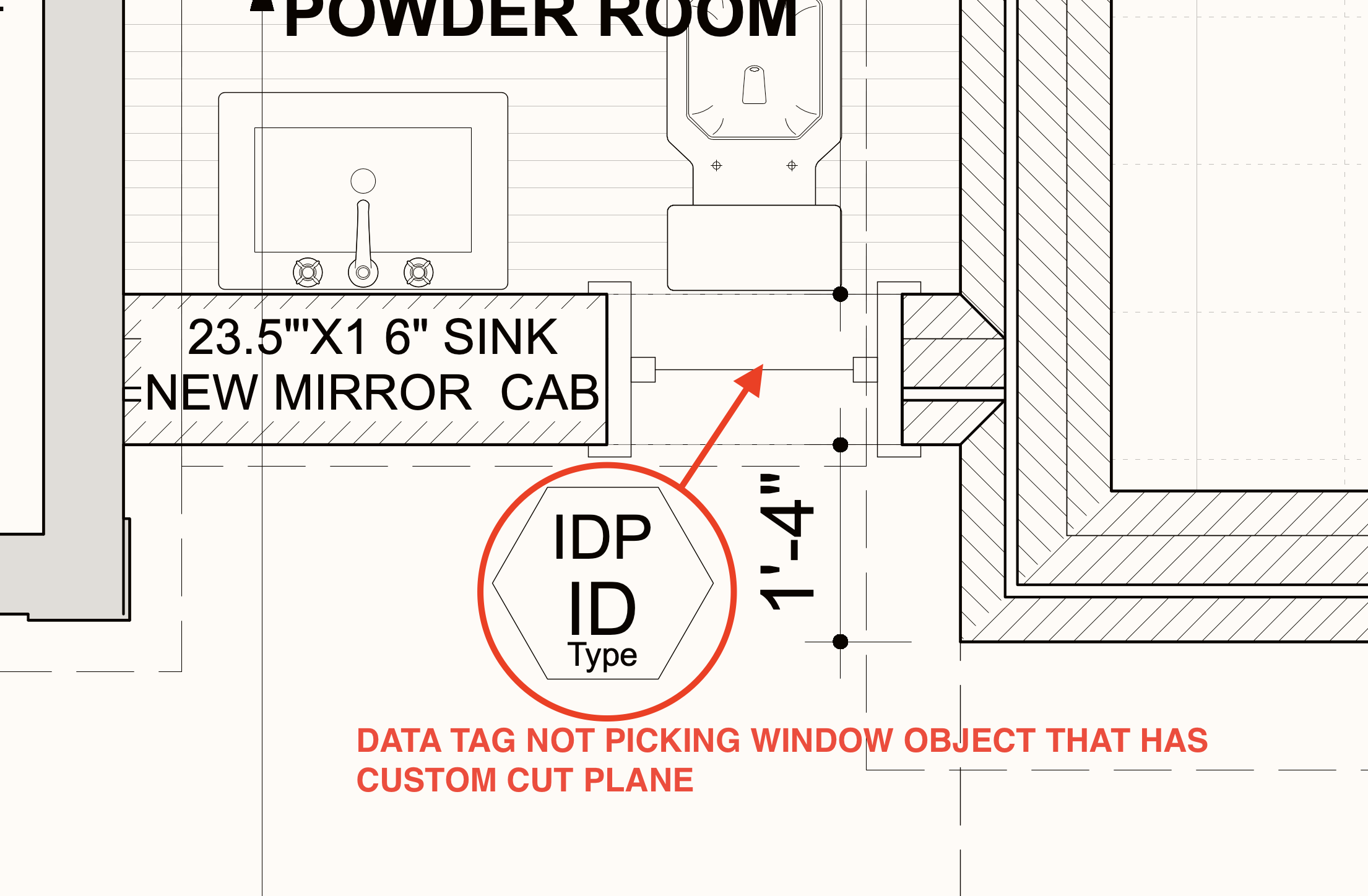
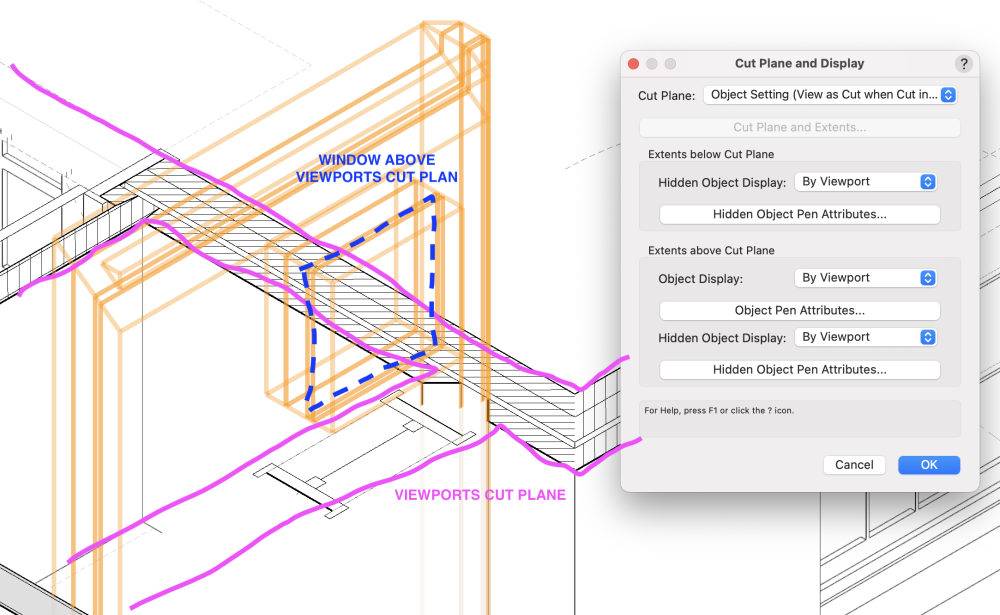
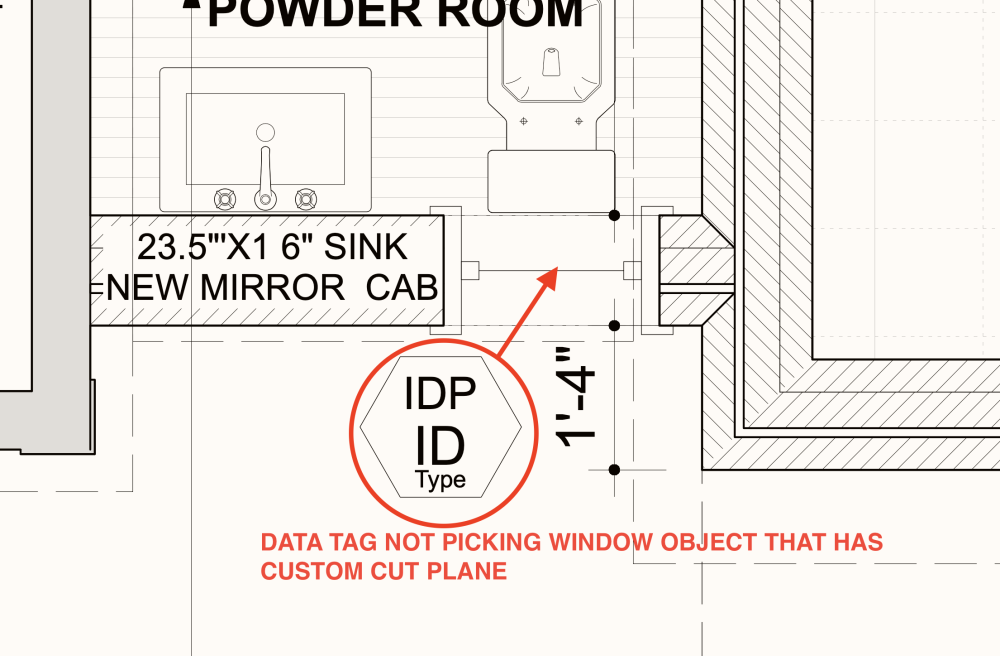
Hello, While data tags are really great and we deploy them wherever applicable we see these issues present when using them: 1. tagging spaces in section viewports - data tag is wrongly not seeing - not picking space objects that are actually cutted by cut plane of section viewport but instead only those not cutted but beyond cut plane. We saw on few occasions that there is small prompt provided to help chose from multiple overlapping legible objects (same as we have with coincident objects) but this prompt is not always there when there are multiple same spaces (for example) seen beyond cut plane ... 2. tagging objects (e.g. door/window and probably others) that are using own 'cut plane and display' settings (accessed through edit section in-place) are not seen by data tags. See attached screenshots. 3. we see that currently viewport styles are not really friends with data tags or this is is not fully fine-tuned yet - when unstyled viewport is converted to styled existing data tags in annotation disconnect from source object and reset to default vaules (we see this at least with tags for door/window and space objects ). We wanted to start to take advantage of new viewport styles but it seems that working with unstyled/styled viewport styles can trigger resset. Generally we see often disconnection of data tags from source objects for unknown reason and it is really pain to reasocciate them back one by one when there is a lot of windows/doors/spaces etc. We see it mainly happening in horizontal section viewports or regular section viewports. We normally place data tags only in annotation space. @Nikolay Zhelyazkov Would you have some clue what might be the issue or is there something we should be aware of? Thanks a lot. Pavol
-
The new Viewport Styles will allow you to save custom viewport settings as styles, making them easily transferrable between viewports and project files.
- 41 replies
-
- 29
-

-

-
- vectorworks 2024
- viewport styles
- (and 1 more)