Search the Community
Showing results for tags 'surface hatch'.
Found 4 results
-
 Hello, I'm having trouble with a few display issues in my hidden line elevations. These seem to only show up in hidden line render mode, not in OpenGL (I've attached a PDF of both to illustrate the issues). Issue #1 : The surface hatch of the siding is missing on part of the elevation (PDF attached). The wall itself is continuous, but the texture is getting interrupted for some reason (shown in pink in attached PDF) Issue #2: window IDs - the window ID text is missing from the East and some South windows. The ID hexagon is there, but the text is missing (shown in green in attached PDF). I checked and the ID text class is turned on. The second window ID issue is that some window IDs from the opposite side of the building "ghosts" through the building (shown in cyan in attached PDF). Any idea what might be causing these issues in hidden line render mode? Thanks! Elevation window ID issue_OpenGL.pdf Elevation window ID issue.pdf
 -
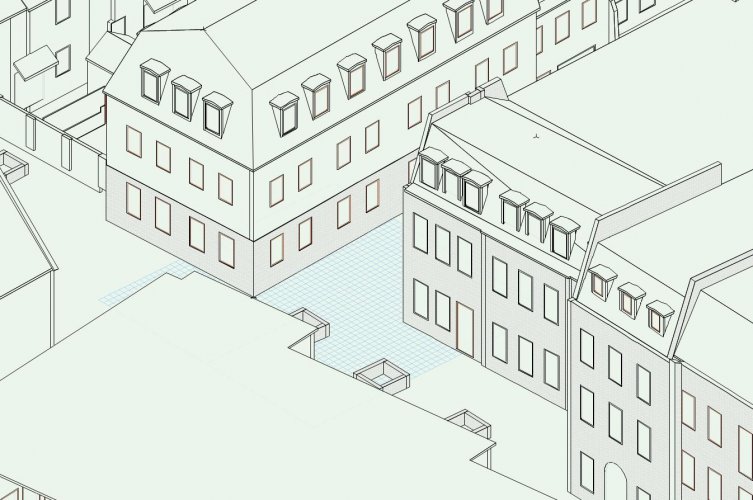
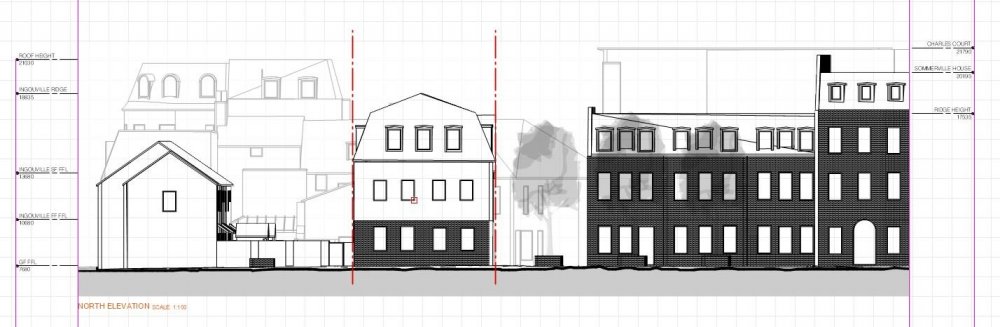
Vectorworks Community! I need some help with surface hatches. I have a brick texture on some of my buildings and have amended the surface hatch so that it appears lighter in 'Hidden Line' render settings (see attached image). The problem is when I create an elevation viewport the surface hatch appears really dark in the 'hidden line' render settings (see attached image). What settings do I need to change to correct this? TIA.
-
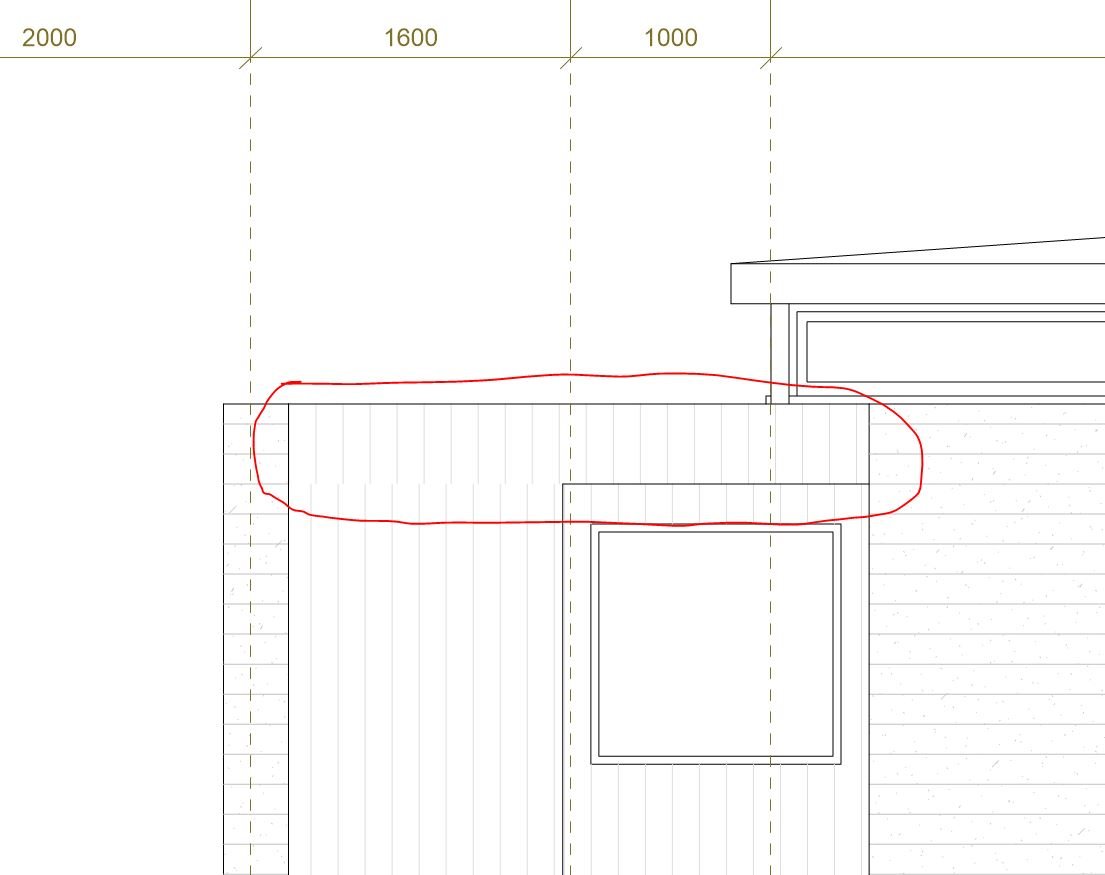
Hi What is the correct way to align the surface hatch on a wall that is above another wall? Thanks
-
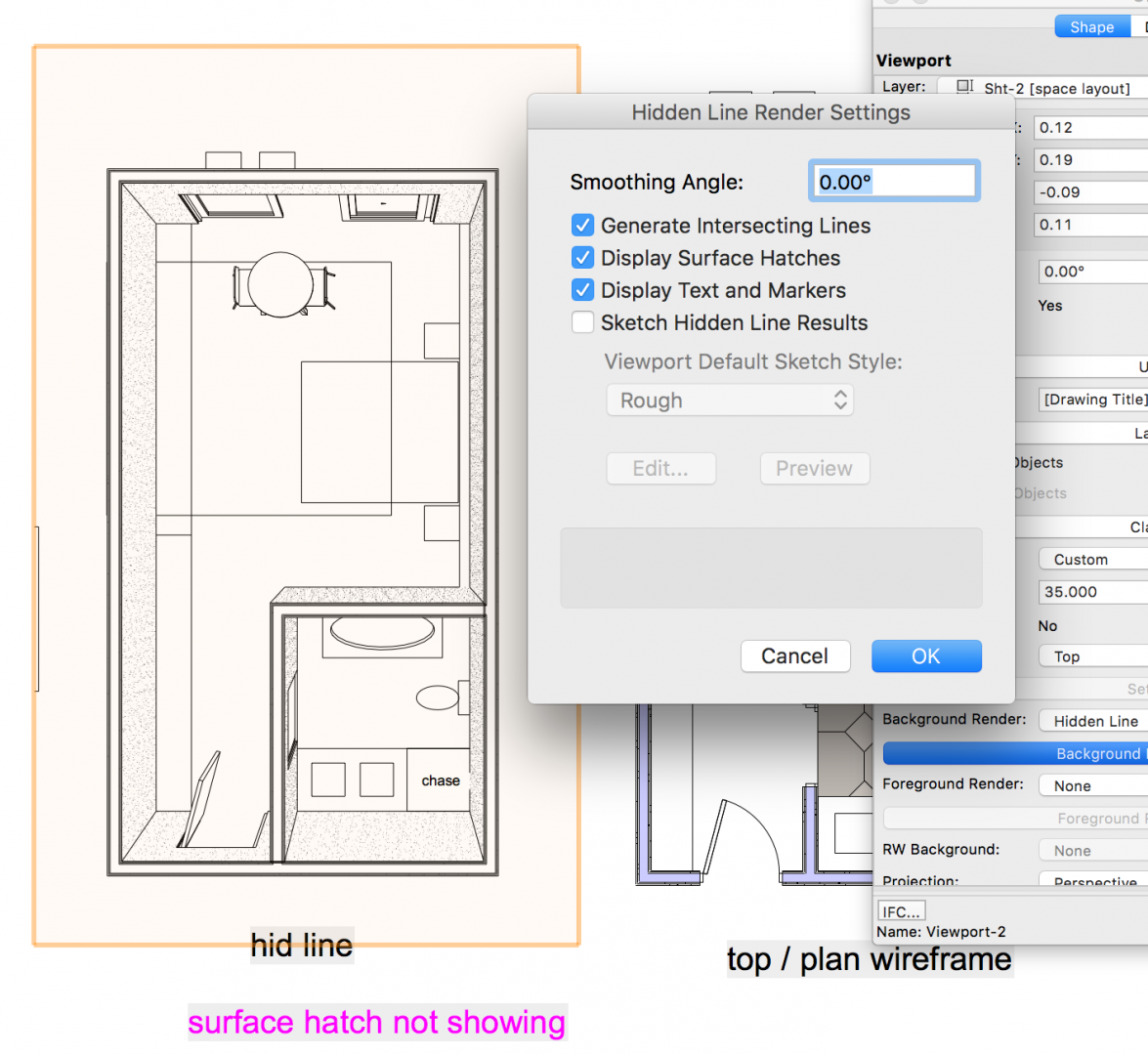
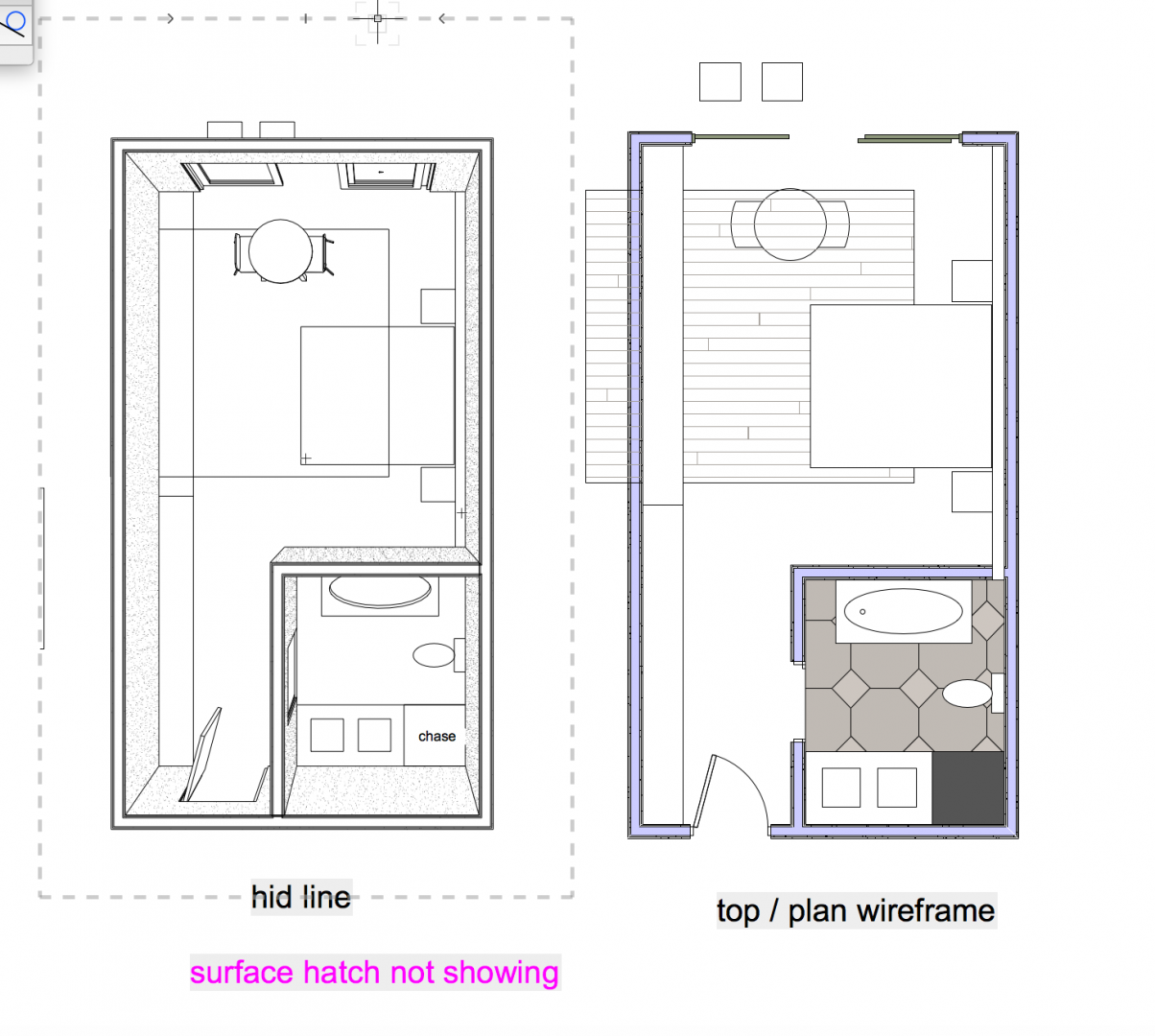
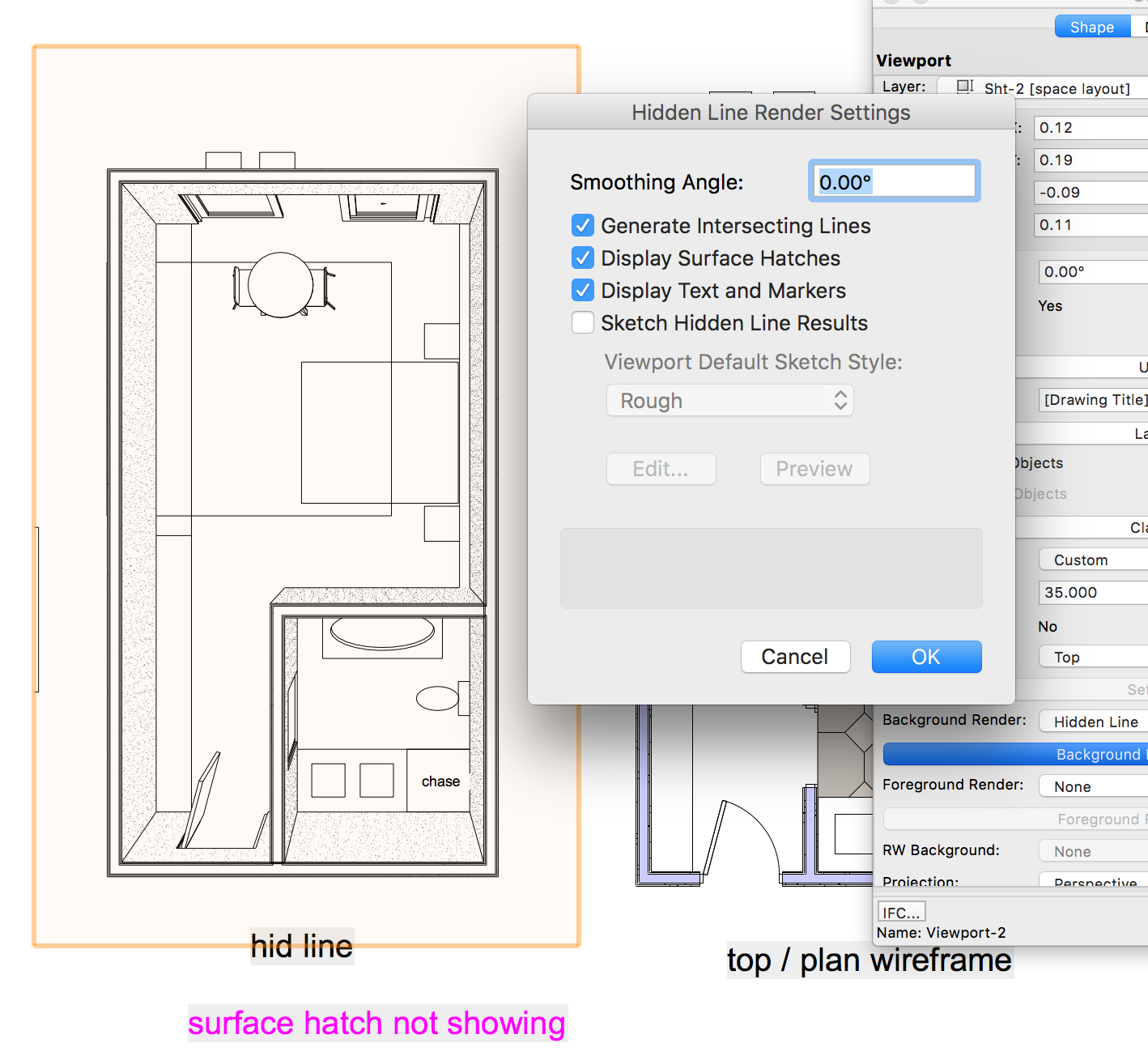
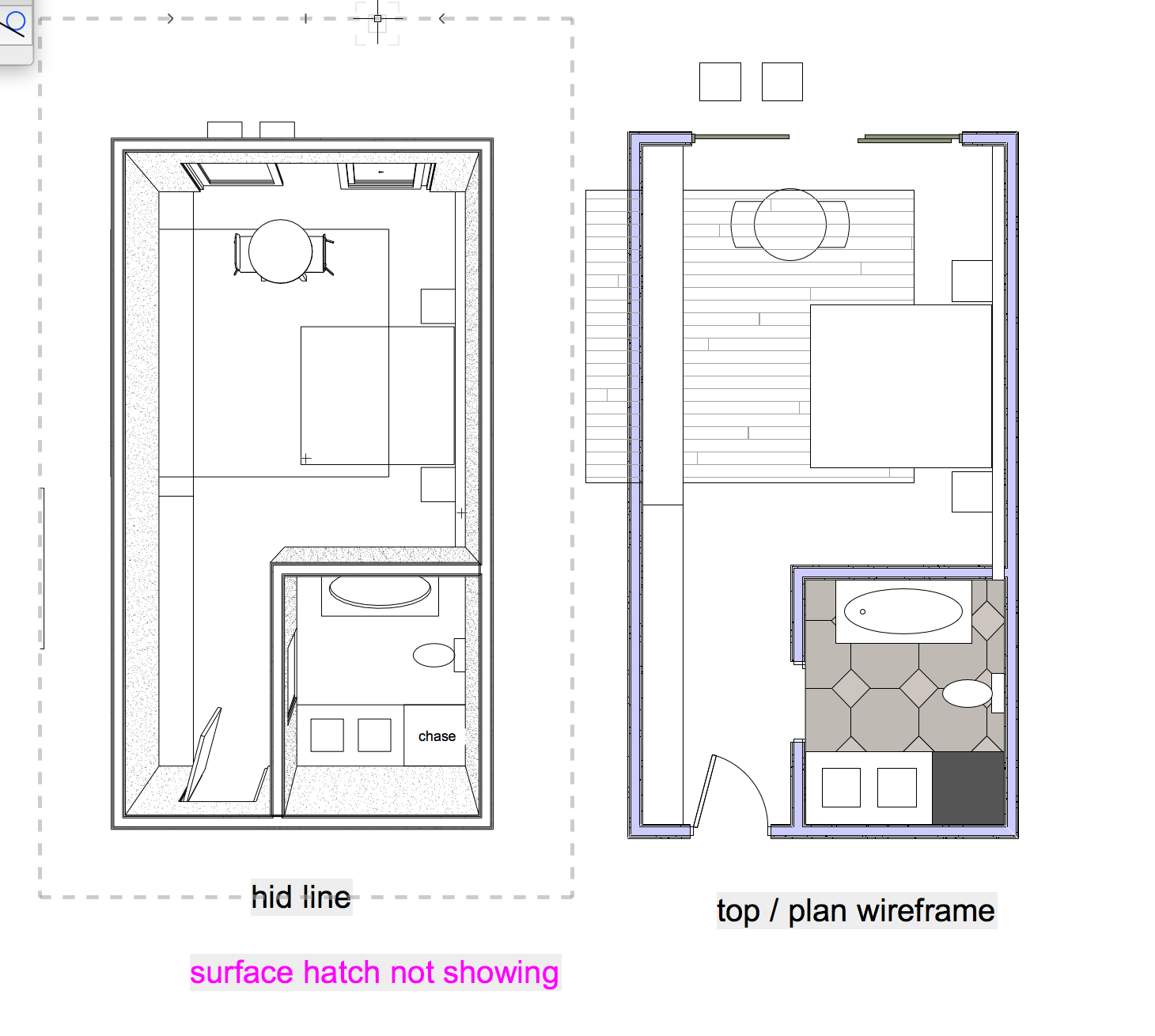
Can't figure out why surface hatch is not showing in my drawing ( hidden line render) does surface hatch work on tiles ? room_sample.vwx