
Bruce Kieffer
-
Posts
2,816 -
Joined
-
Last visited
Content Type
Profiles
Forums
Events
Articles
Marionette
Store
Everything posted by Bruce Kieffer
-
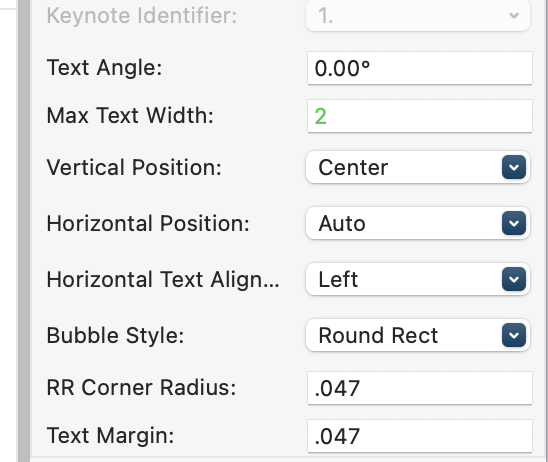
I found it! Vertical Position in the OIP. Fixed the spelling too!
- 1 reply
-
- 1
-

-
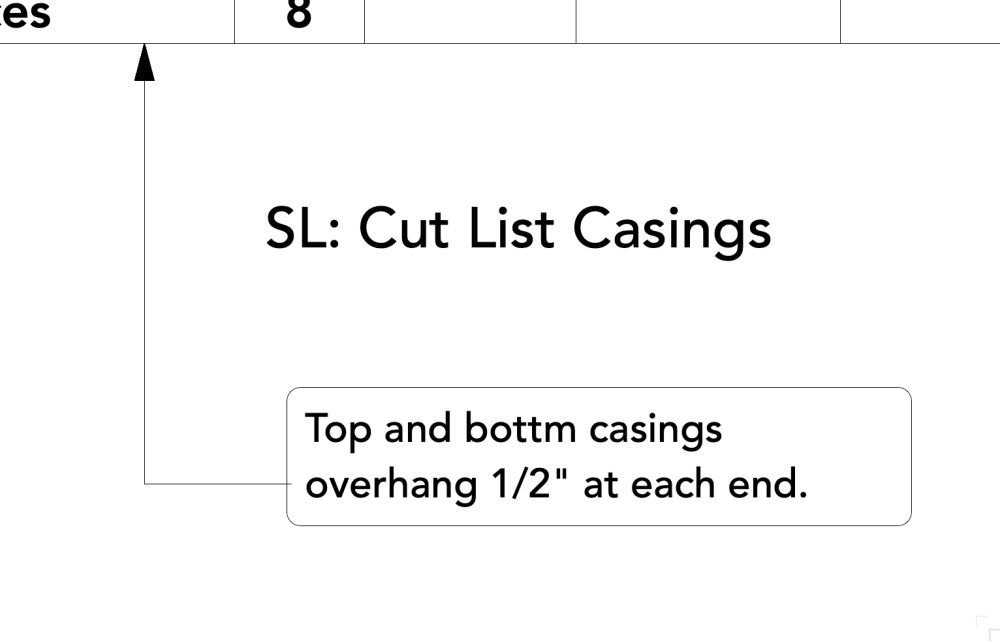
Is there a setting to move the callout leader shoulder up or down relative to the callout text?
-
 Thanks @Jonathan Pickup I use that too. I have it set too mouse hover and press the command key.
 -
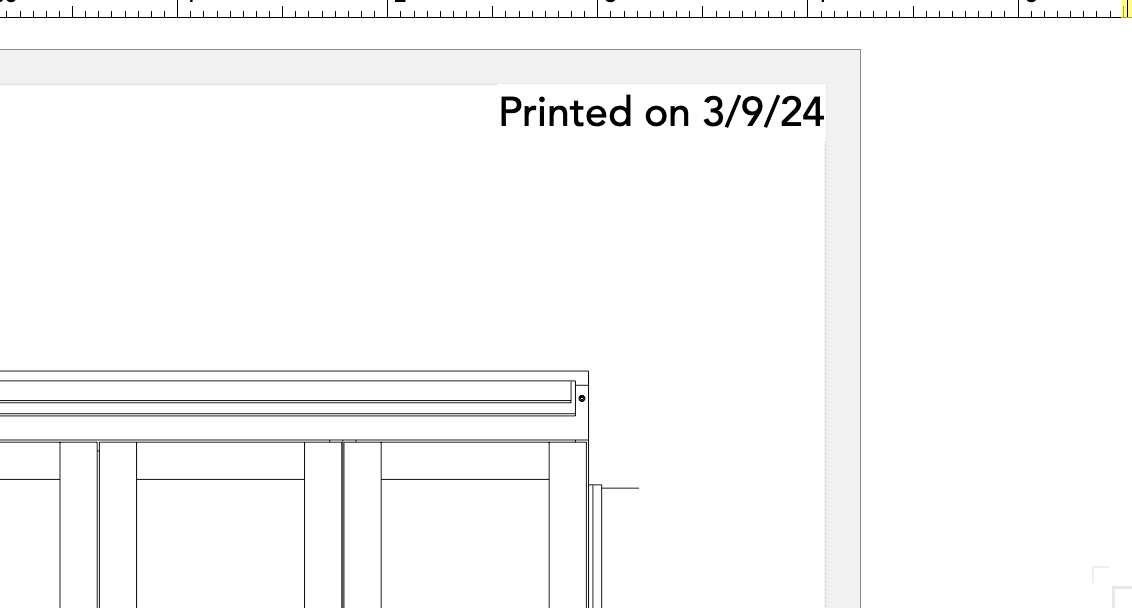
Is there a way to update a Current Date data tag?
Bruce Kieffer posted a topic in General Discussion
I realize I could delete and "set" a new version of the data tag. Just wondering if there's a faster way?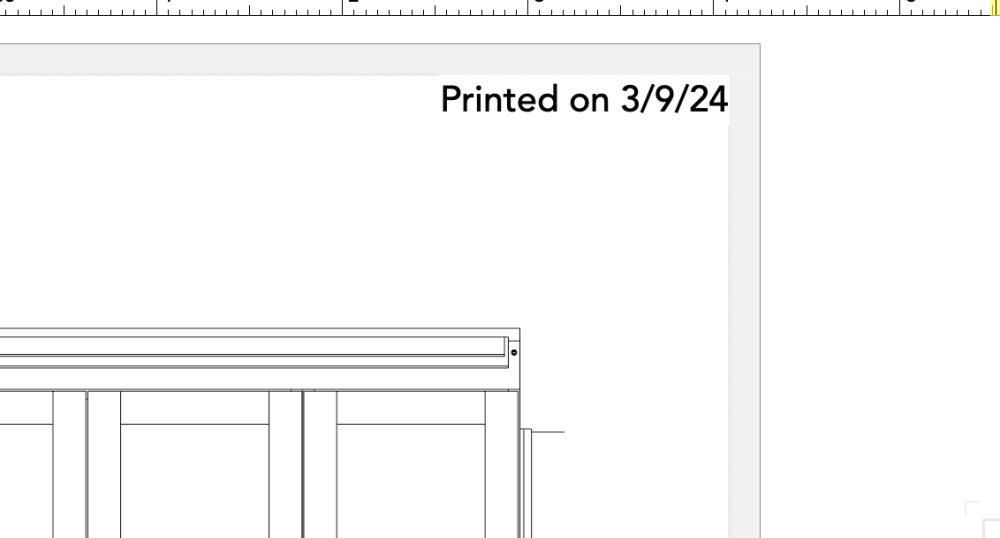
-
Thanks @rDesign, that's more than I want to do, and I don't want to mess with other colors on my screen. I will continue to use the OS Accessibility settings zoom I set up. I can see the text if I zoom in about 300%. Easy enough to do with my mouse's scroll wheel.
-
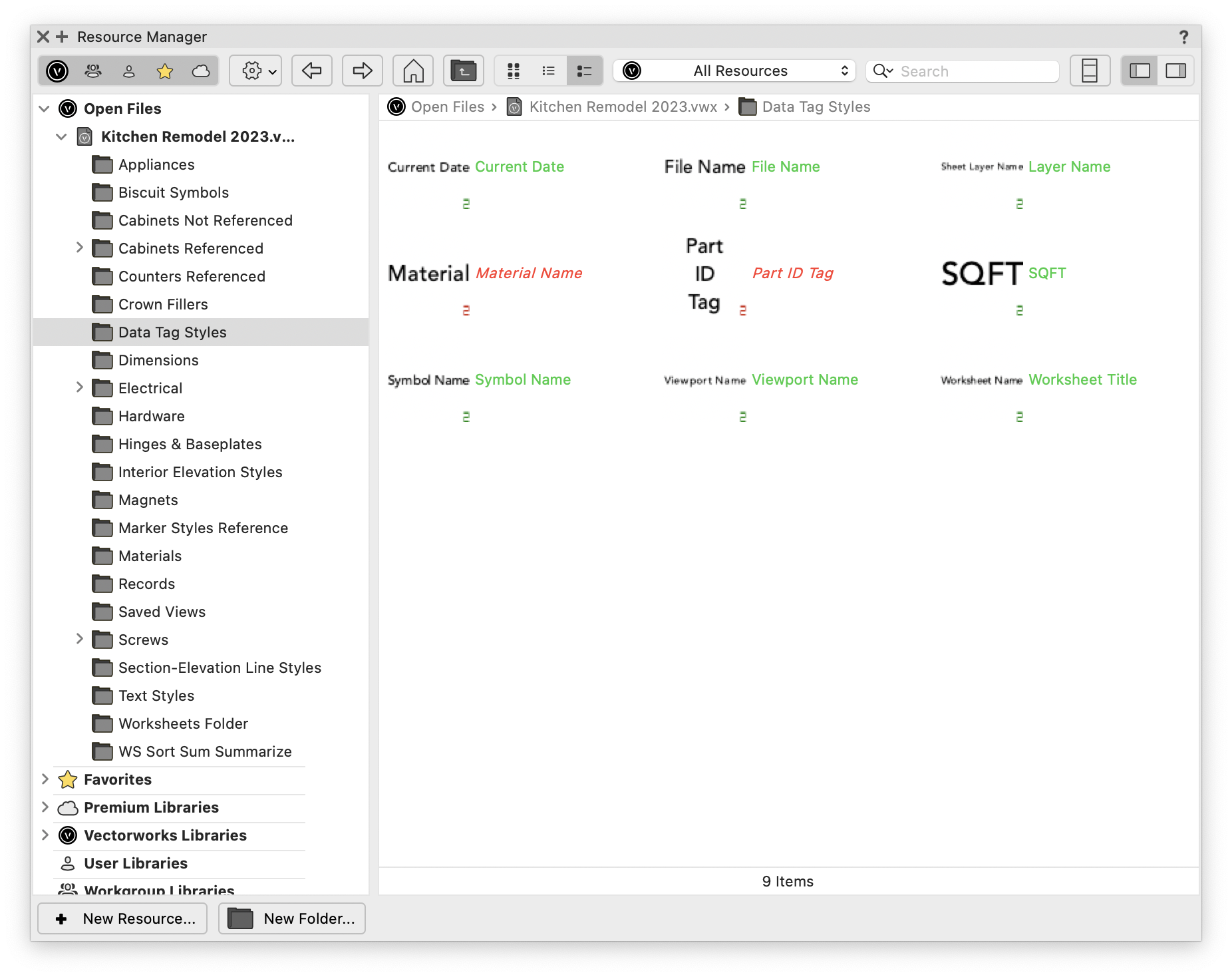
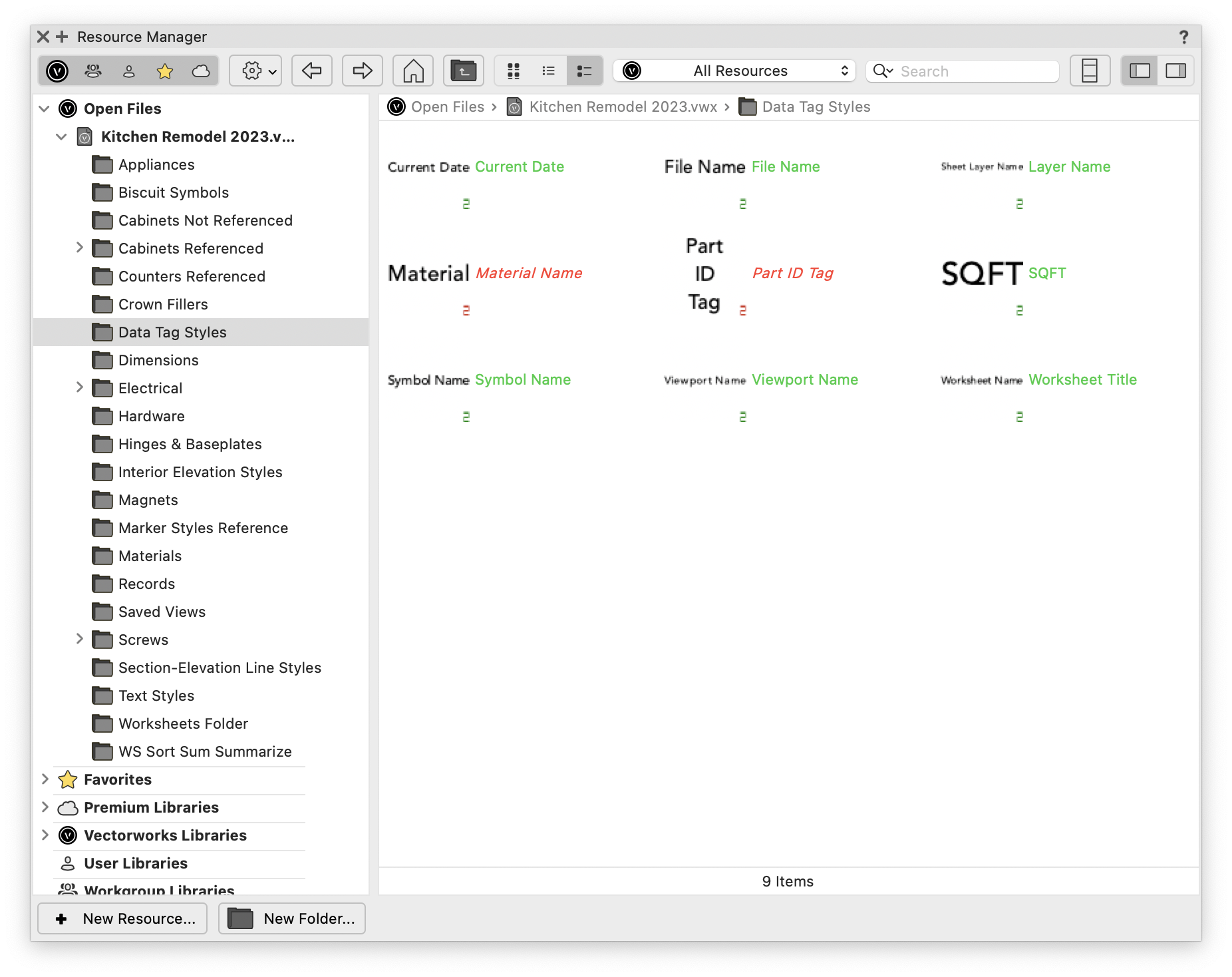
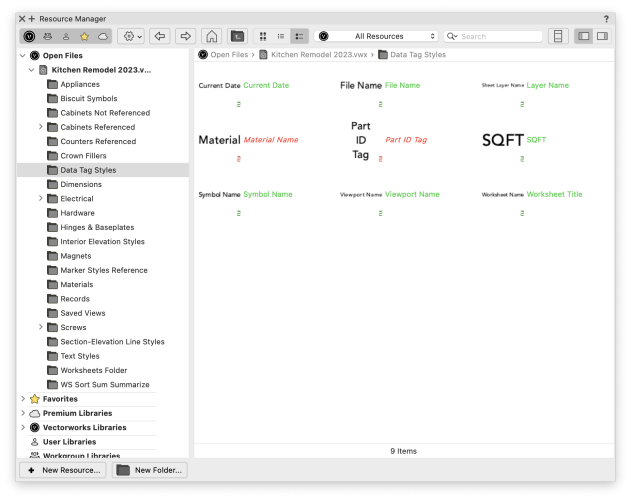
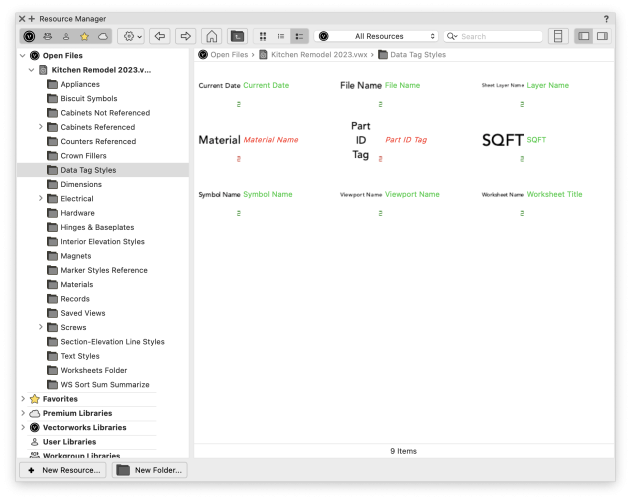
Give me (us) the option to change the green text color of RM resources like these. I am color blind, and I can hardly see this text.

-
Change Data Tag Style Text Color in RM?
Bruce Kieffer replied to Bruce Kieffer's topic in General Discussion
This is sad. I wish the designers would consider how the colors they choose affect color blind people. It's not just Vectorworks. I encounter this all the time. In this case it might be an easy fix to include allow changing the color in the interactive settings. I will post this "wish". -
Is there an interactive setting to change the color of the text for Data Tags in the RM? I can hardly see the color of the right hand text.

-
I often see two tool icons highlighted. I assume it's a bug.
-
Worksheet Title formula for Data Tag?
Bruce Kieffer replied to Bruce Kieffer's topic in General Discussion
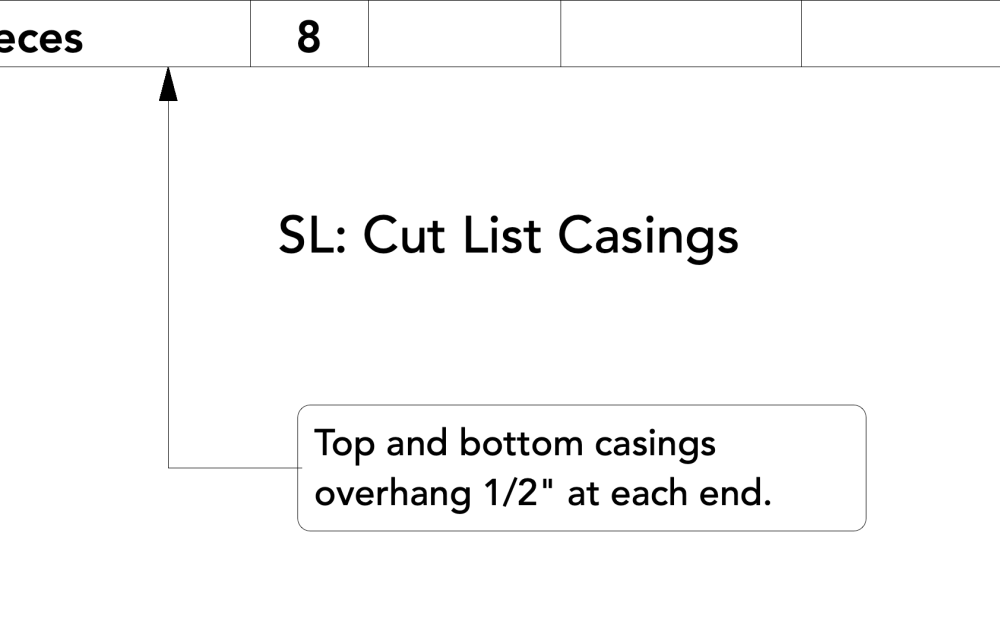
OK, so like I considered earlier, I set up a data tag to grab the text from the name field in the OIP. It's a bit of work, but easy enough. I copy the title of the worksheet, type into the OIP Name field "WS: " and then paste the worksheet title text. Then I associate the data tag to the worksheet.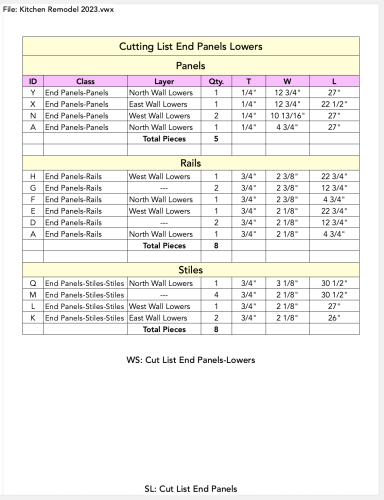
-
Snapping stops working when editing deeply nested objects.
Bruce Kieffer replied to Bruce Kieffer's question in Troubleshooting
I will file a bug report if I get it figured out. -
Snapping stops working when editing deeply nested objects.
Bruce Kieffer replied to Bruce Kieffer's question in Troubleshooting
I just tired to create a simple file to send you @rDesign that would show the snapping problem. I opened a new blank file and placed a symbol that I have trouble snapping in my complex file when I drill into the symbol. No problems in the blank file, but still problems in my complex file. I don't know how to show you this problem easily. I will send you a file someday if I ever figure out how to reproduce it simply. -
Worksheet Title formula for Data Tag?
Bruce Kieffer replied to Bruce Kieffer's topic in General Discussion
Thanks @Pat Stanford I was hoping for a simpler solution in the provided data tag formula options. I'll give your method a try, but I may just use the "name" part in the OIP. -
Is there a formula I can use to make the title of a worksheet appear in a data tag. I know about #N# where I can add a name in the OIP, but I want Vectorworks to pick up the worksheet title given in the RM. This one:

-
Snapping stops working when editing deeply nested objects.
Bruce Kieffer replied to Bruce Kieffer's question in Troubleshooting
@Tom W. How do I file a bug report? -
Snapping stops working when editing deeply nested objects.
Bruce Kieffer posted a question in Troubleshooting
I have symbols nested inside of other symbols, and solid objects nested inside other solid objects. When I go to edit them, at a certain depth of nesting object snapping does not work. It's like three or more levels in. Is there a way to make object snapping work in this situation? Is there a workaround? -
Viewport Name Formula for Data Tag?
Bruce Kieffer replied to Bruce Kieffer's topic in General Discussion
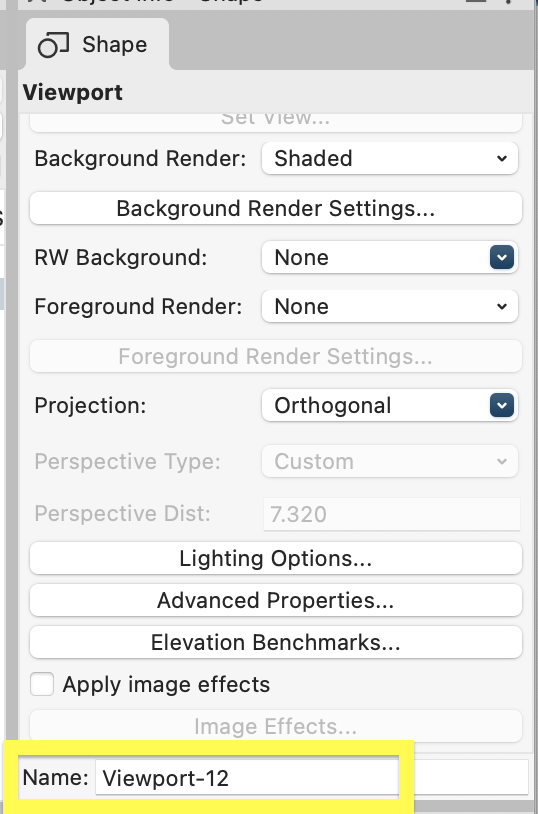
Thanks @Tom W. It works perfect.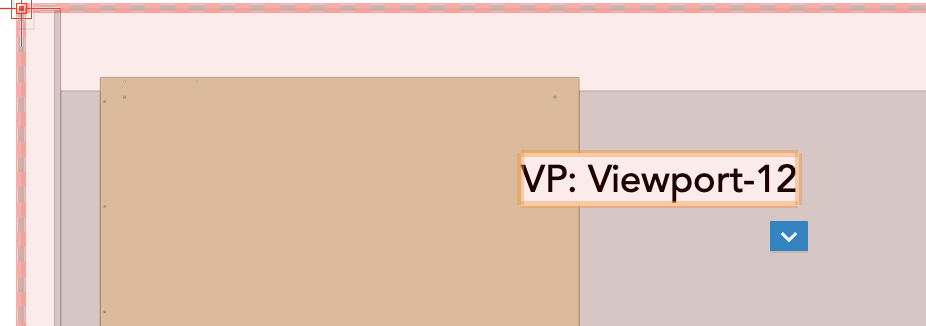
-
What is the formula to make the name "Viewport-12" appear in a Data Tag? I'm trying to create a data tag to pick up viewport names. I know how to get to the tag editor and the place to input the formula, but I can't find the correct formula from the available options.
-
# sign in worksheet cell. What does it mean?
Bruce Kieffer replied to Bruce Kieffer's topic in General Discussion
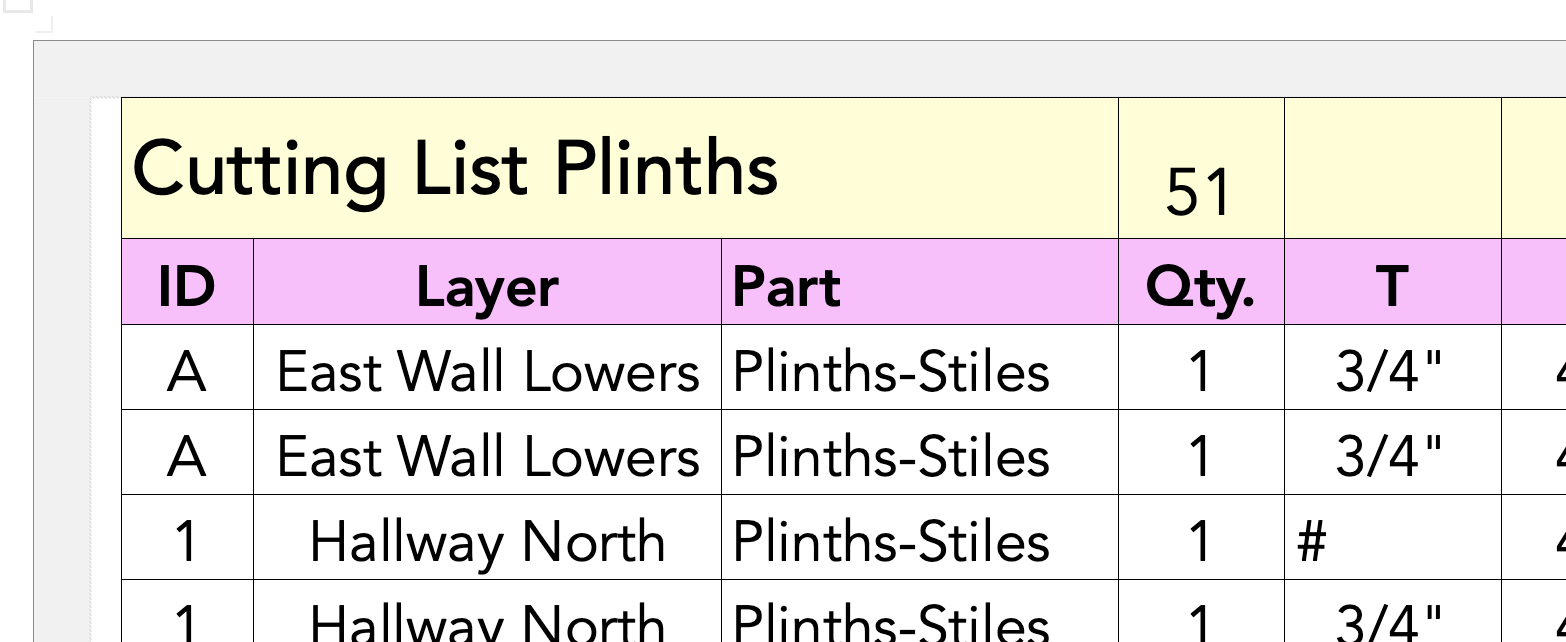
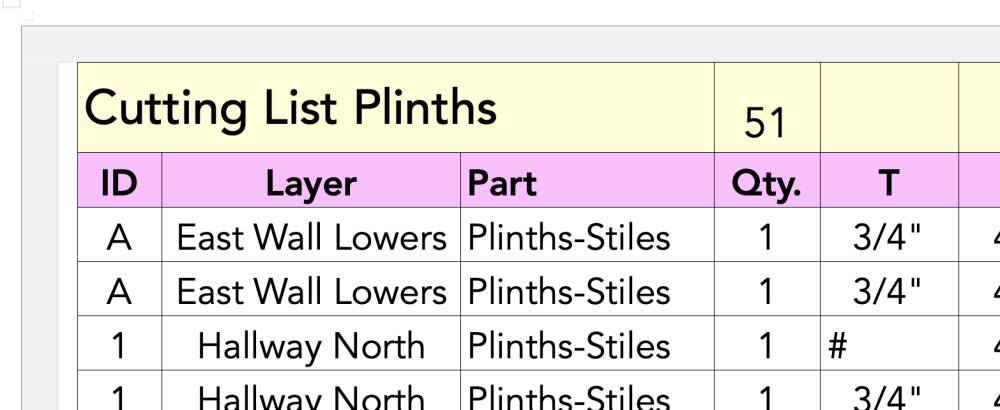
Yes it does! I've seen #### while editing the worksheet, but I don't recall seeing just one # outside of edit mode. -
It looks like this. What does it mean? I know what --- means, but I don't know what # means.
-
What might cause Data Tags font size and text position to change?
Bruce Kieffer replied to Bruce Kieffer's question in Troubleshooting
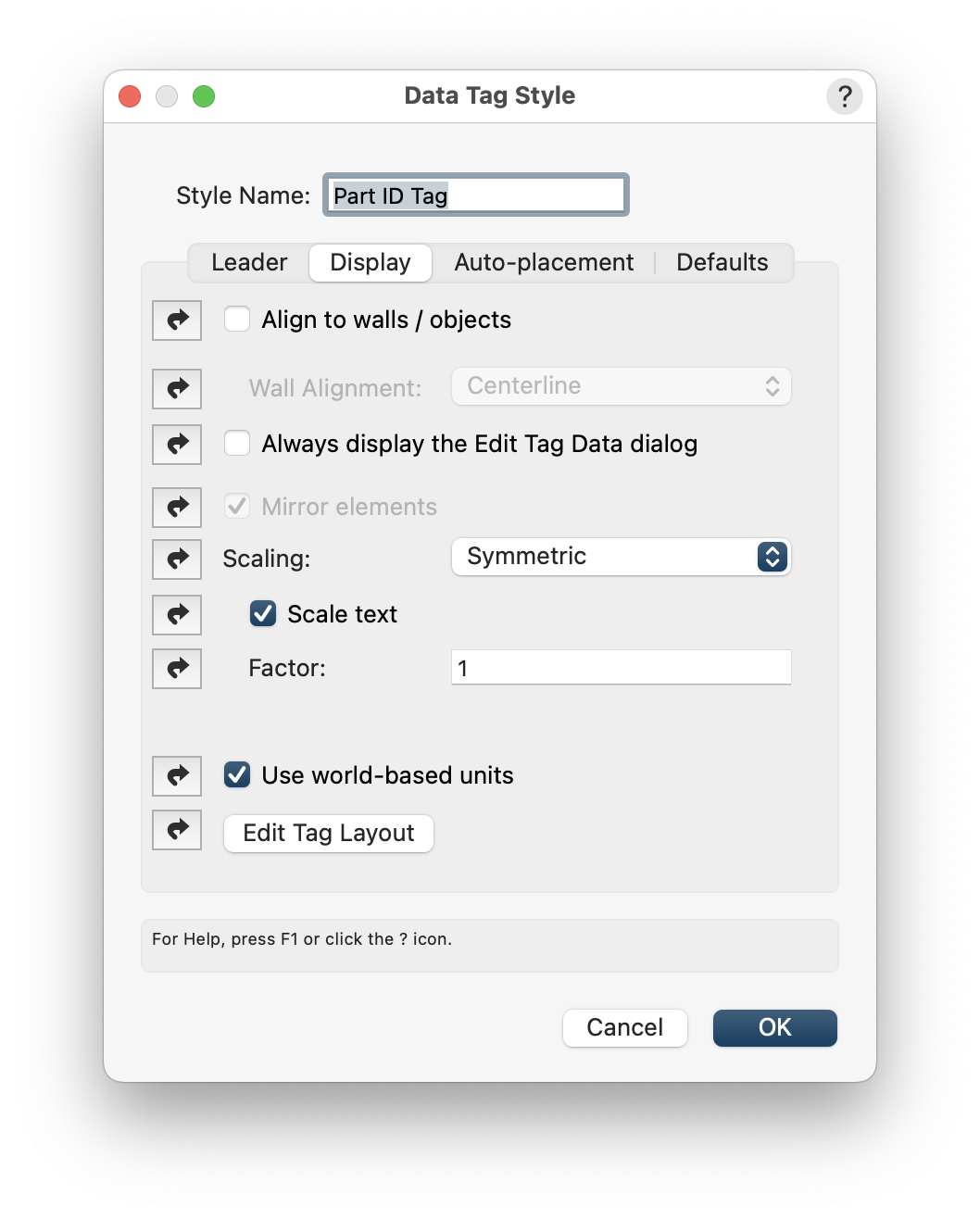
Got it. I think I do want them to be world based. I need to experiment. I wish that formatting data tags was simpler. -
What might cause Data Tags font size and text position to change?
Bruce Kieffer replied to Bruce Kieffer's question in Troubleshooting
I do have them set that way. Maybe I should try turning that off?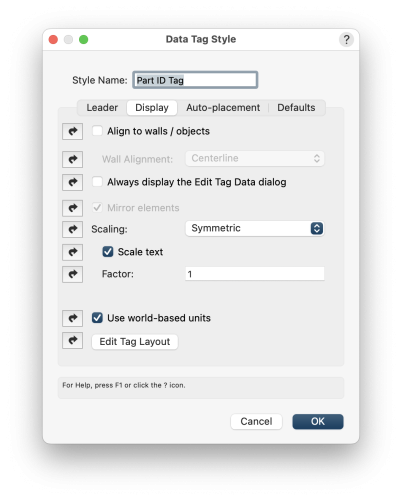
-
What might cause Data Tags font size and text position to change?
Bruce Kieffer replied to Bruce Kieffer's question in Troubleshooting
Yes I am. Will do, but first I need to determine the cause, or the sequence of events. -
My fonts size of some Data Tags, and the positions of some Data Tags, change for no reason that I can tell. What might be making them change?
-
I have an M1 iMac with an LG 27" Fine Line 5K second display.