Search the Community
Showing results for tags 'solid'.
Found 10 results
-
I'm using marionette for cabinets. So the bottom and sides, etc are extrusions. I can give a name to a normal extrusion which I can find in my spreadsheet with it's measurements. But how can I give a name to a extrusion in a marionette object? I want to extract the measurements of my extrusions out of the marionette objects into the spreadsheet.
-
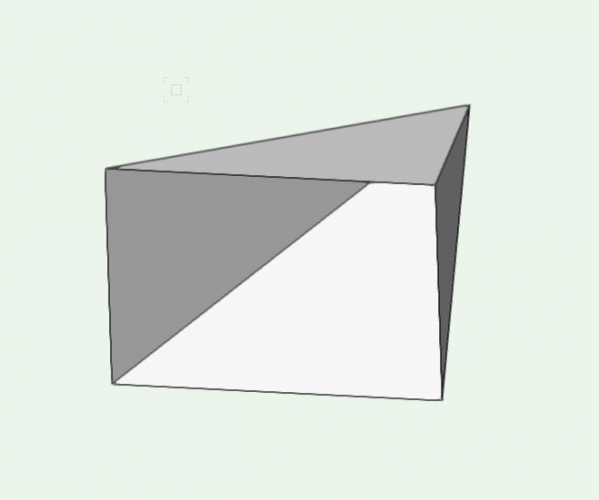
I have a set of polygons that were imported as OBJs - so it comes in as a solid addition. Is there a way to fill the solid so it's not just a shell? It's essentially an empty pyramid. Trying to avoid remodeling as I have a ton of these objects that need to be turned into filled solids.
-
I wish a shape Tool for 3D Solids to shape solids and Furniture. The shape tool shud be the same function how shape tool for the 2d geometrie.
-
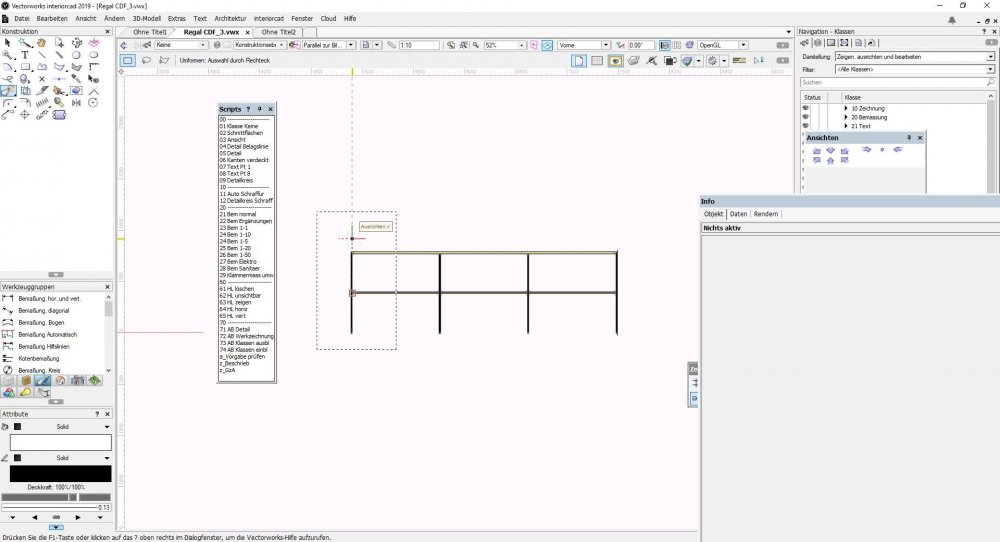
Hi Everytime I make a linear dimension, its default attribute will always be Solid, even if I change in the attribute palette to be None. What am I missing? thanks Joey Vectorworks 2019
-
Hello, I have stairs created with AutoCAD, which is a 3D volume (solid). Imported to Vectorworks and they appear as NURBS inside a Group. I'm not able to convert the NURBS to a generic Solid. Is there a possibility to have this 3D import as a Solid in Vectorworks and not NURBS? Thank you in advance!
-
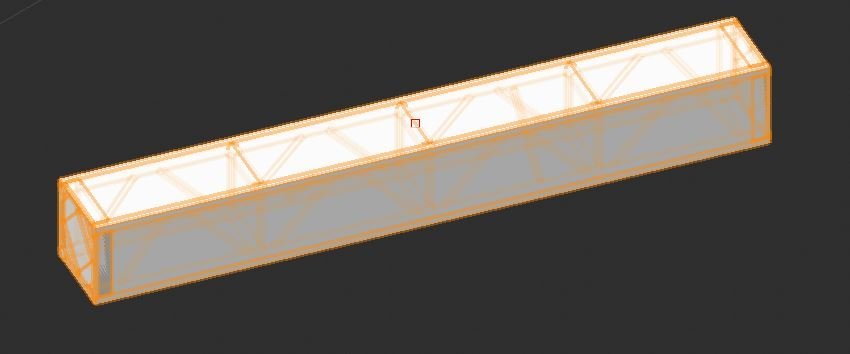
Hey all, While importing VWX truss symbols from the subscription library, the symbol shows up as a solid in 3D (see attached). Does anyone know how to make them show up like a normal truss. Like when using the Spotlight Truss Tool Plugin?
-
I have modeled and converted to a solid addition, and when I try taper solid, the tool fails. Why? File attached. Thanks tapersolid_notworking.vwx
-
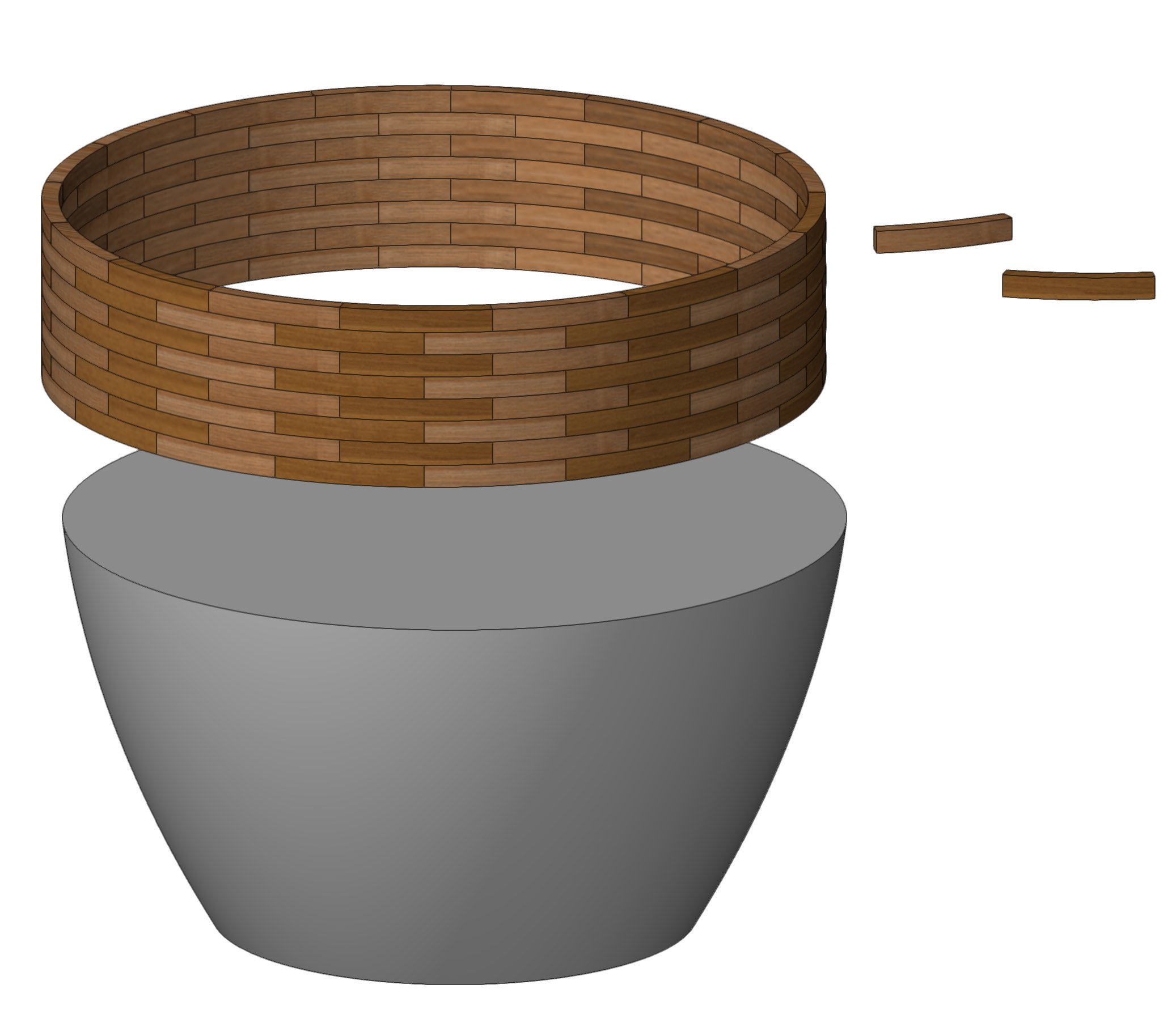
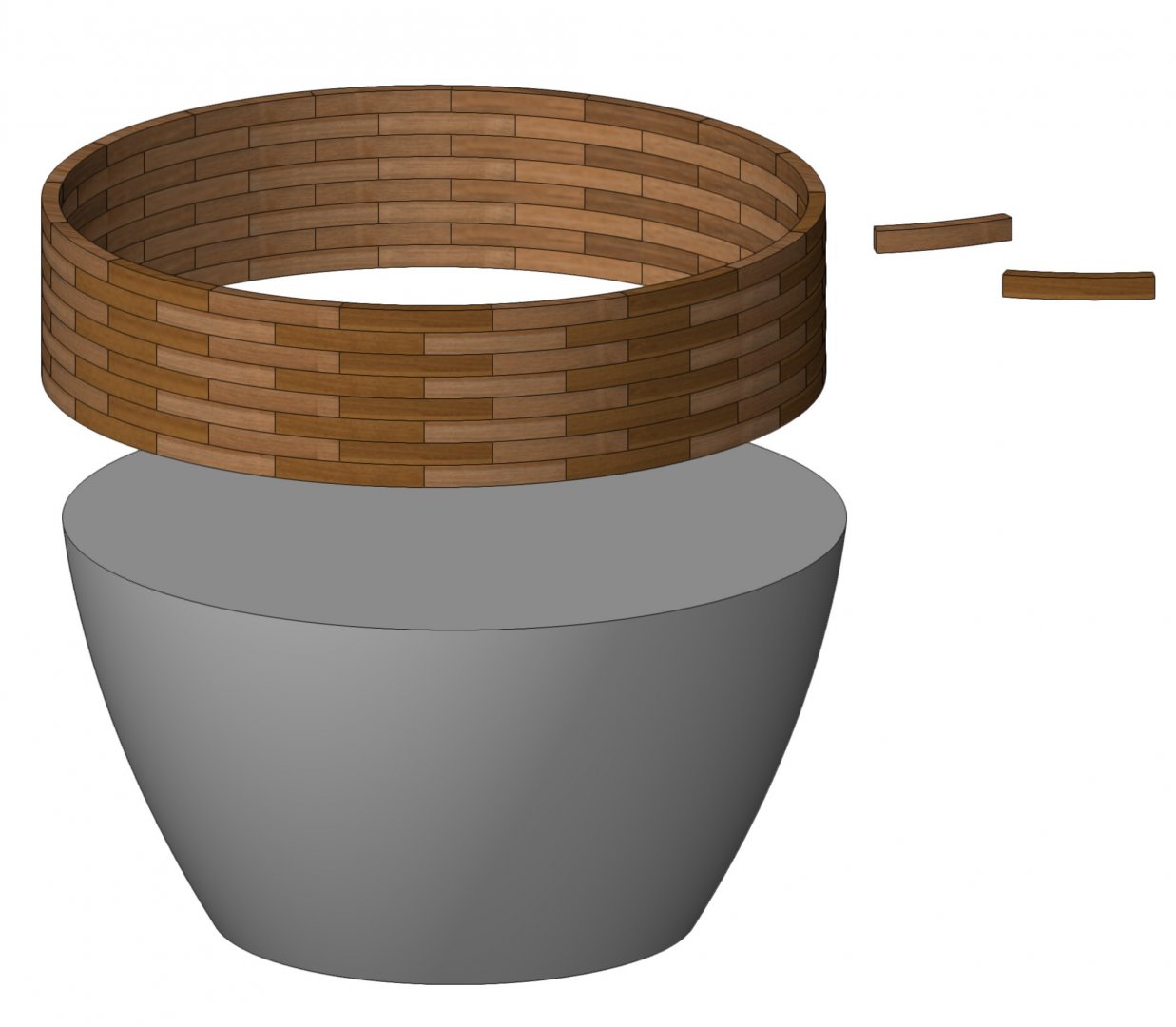
Hi, Everyone. I'm struggling to create a certain shape that I need for a furniture design I'm working on. Easiest way to explain is via the attached screenshot. I'm trying to create a subtle curved taper using the "brickmold" wood pieces but not sure how to go about this. Is it possible to form a straight column, compose or group it, then shave the sides to create the curved taper form? I might not be wording this correctly but I think the screenshot should be self explanatory. Any thoughts or comments will be much appreciated. Thank you.
-
Is there a way to determine the surface area of a 3D solid? I have a multifaceted solid with about 50 different faces. (essentially a single component solid of a modeled building) How can i find the total area without clicking on each surface and viewing the properties? Thanks!
-
Sorry if this is too basic of a question, but is there a way to reset a modeled shape so it exists freely of a previous modifier? As an example, say I do a solid subtraction on a shape but then want the shape to forget its solid subtraction and exist wholly as the new shape i've made (with of course the subtraction applied). Thanks!