Search the Community
Showing results for tags 'audio'.
-
While it is possible to directly attach motors to the bumpers in Speaker Arrays, what is frustrating is that where it attaches appears is very limited. For example the L-Acoustics K2-Bump + K2-BAR bumper has a long extension bar with multiple points that a motor (hoist) can be attached to, yet where vectorworks will let it attach does not extend the full length. Adding to this, there are some bumpers which CLEARLY have rigging points modeled into them, yet the hoist tool snaps to points that you cannot rig to. This is quite frustrating when trying to show accurate positions for where the hoists need to be rigged. Is there a remedy for this? Can I edit the symbols in some way? Or is there an update in the works for these tools?
- 1 reply
-
- 2
-
-
- audio
- audio system
-
(and 2 more)
Tagged with:
-
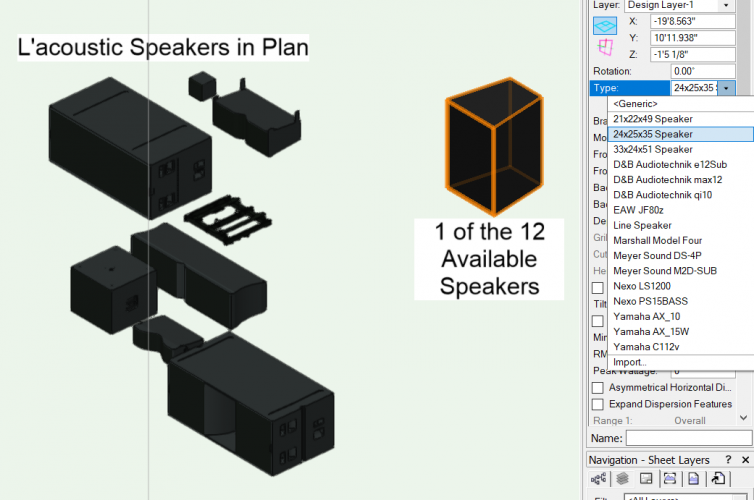
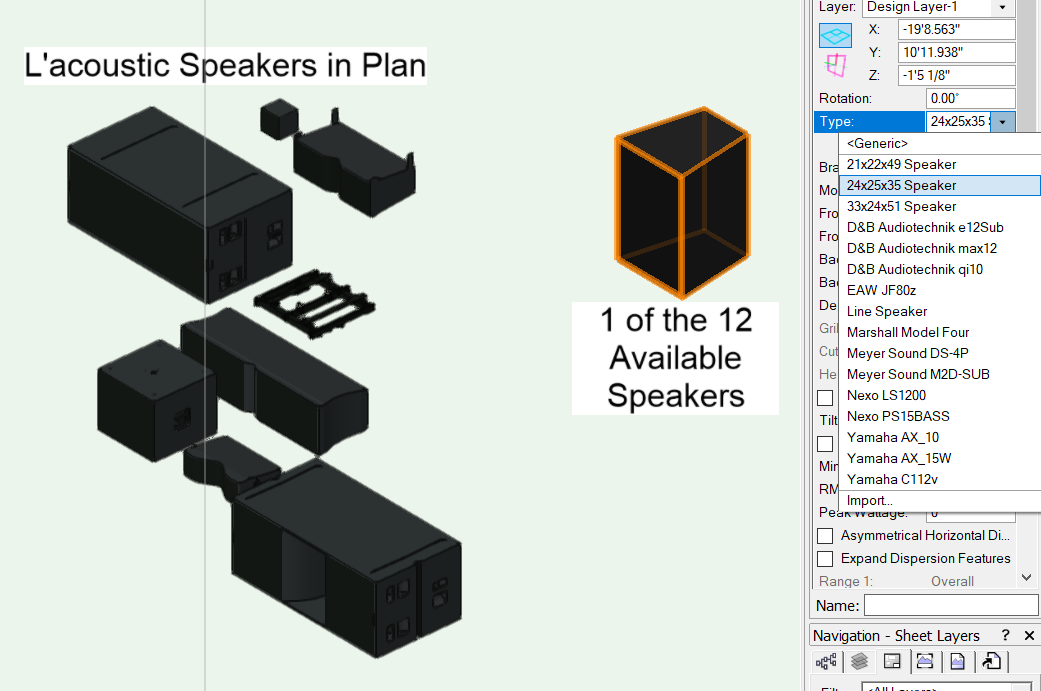
Now the question is, how do I use my custom bumper in the speaker array tool? RCF HDL-30A.vwx
-
Hello all .... I realize this is something I should have figured out a long time ago -- however .... The Spotlight tools are chocolate-- ie - insert a projector, speaker, array, etc .. The Spotlight libraries are peanut butter - ie. L'acoustics, Panasonic, etc ... How to I make a Reese's ?? (insert the library symbol into the plugin tool?) thanks e