Phil21
-
Posts
15 -
Joined
-
Last visited
-
Pat / Tamsin Thanks to you both for clarifying. That's a pity this basic function isn't included. 😞 Could I request this gets added to the next release? It is such a useful feature that should be in all versions. I don't need the full Architect package. Thanks again for your help. Phil
-
Hi Tamsin Thanks for the clarification. I wish I had known this before getting Fundamentals! Strange though that rotate plan worked in both Architect and Fundamentals workspaces in VW 2016. Phil
-
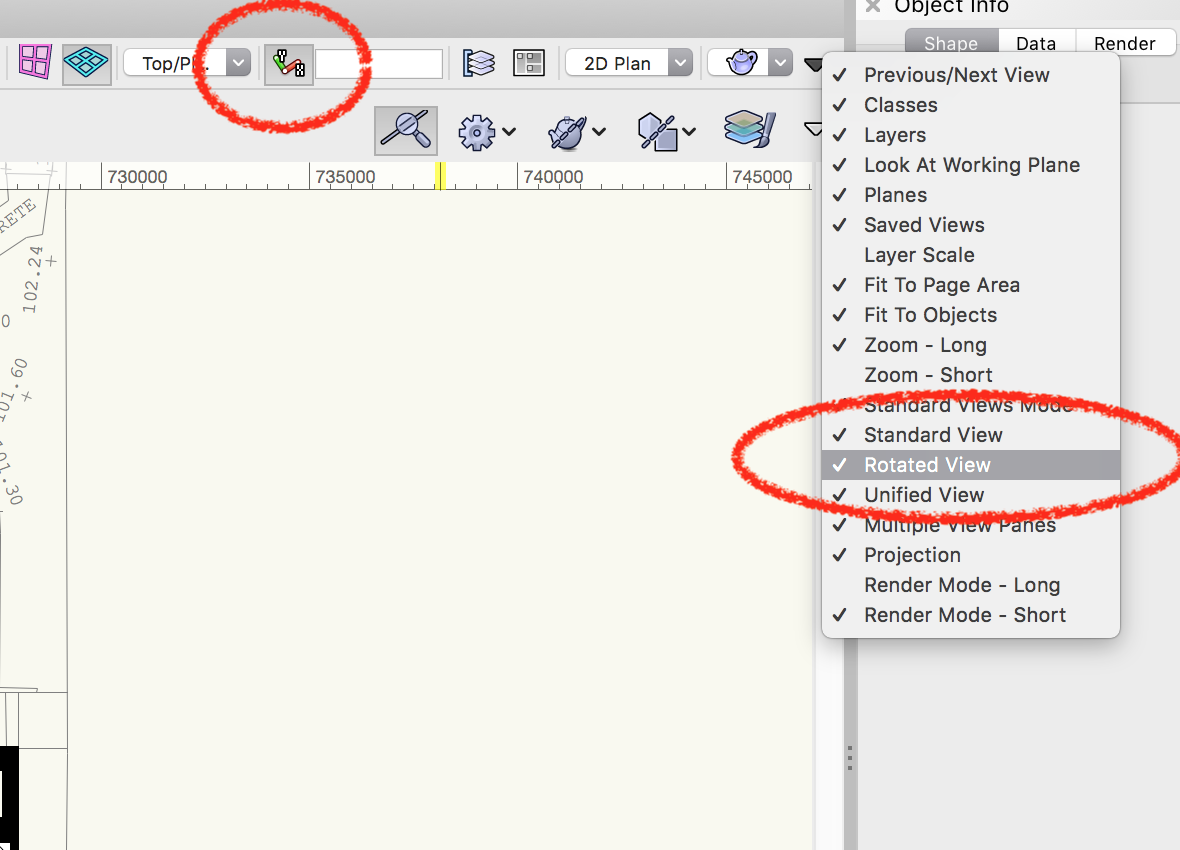
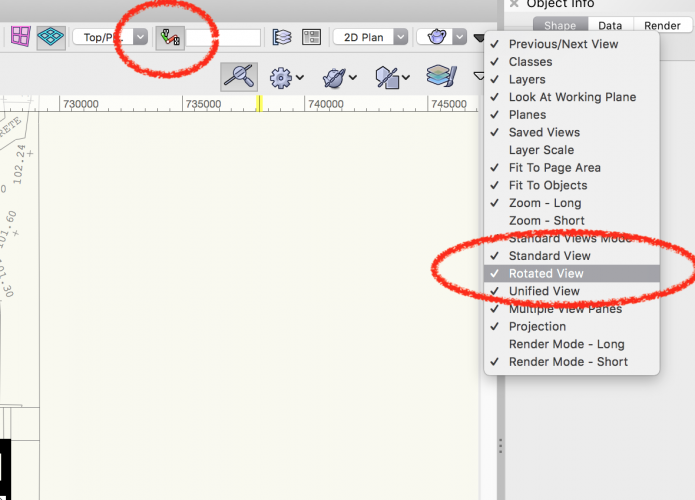
This clearly shows rotate plan as an option in VW 2020 Fundamentals, but it doesn't work! Maybe I'm missing something?!..
-
My VW 2016 is Architect & Fundamentals licensed copy and can rotate plan in both workspaces. Has this function been removed from 2020 Fundamentals? If so, this is a huge step backwards!!
-
Hi Pat I would have thought that if it wasn't part of Fundamentals it wouldn't even appear as an option? I hope you are wrong too as this was a much used feature. Phil
-
Hi I have just upgraded to VW2020 fundamentals, but having an issue with the 'rotate plan' command. I was previously using VW2016 Architect and used this tool a lot. But it doesn't seem to work at all in 2020. The 'rotate plan' icon appears to be greyed all the time, as if it was selected, but can't rotate my plan. Am I missing something obvious? Phil
-
OK, thanks Pat. I have used separate windows in previous versions (including 2016), but for some reason I can't find this option now! 😞 Shrinking windows doesn't work. Phil
-
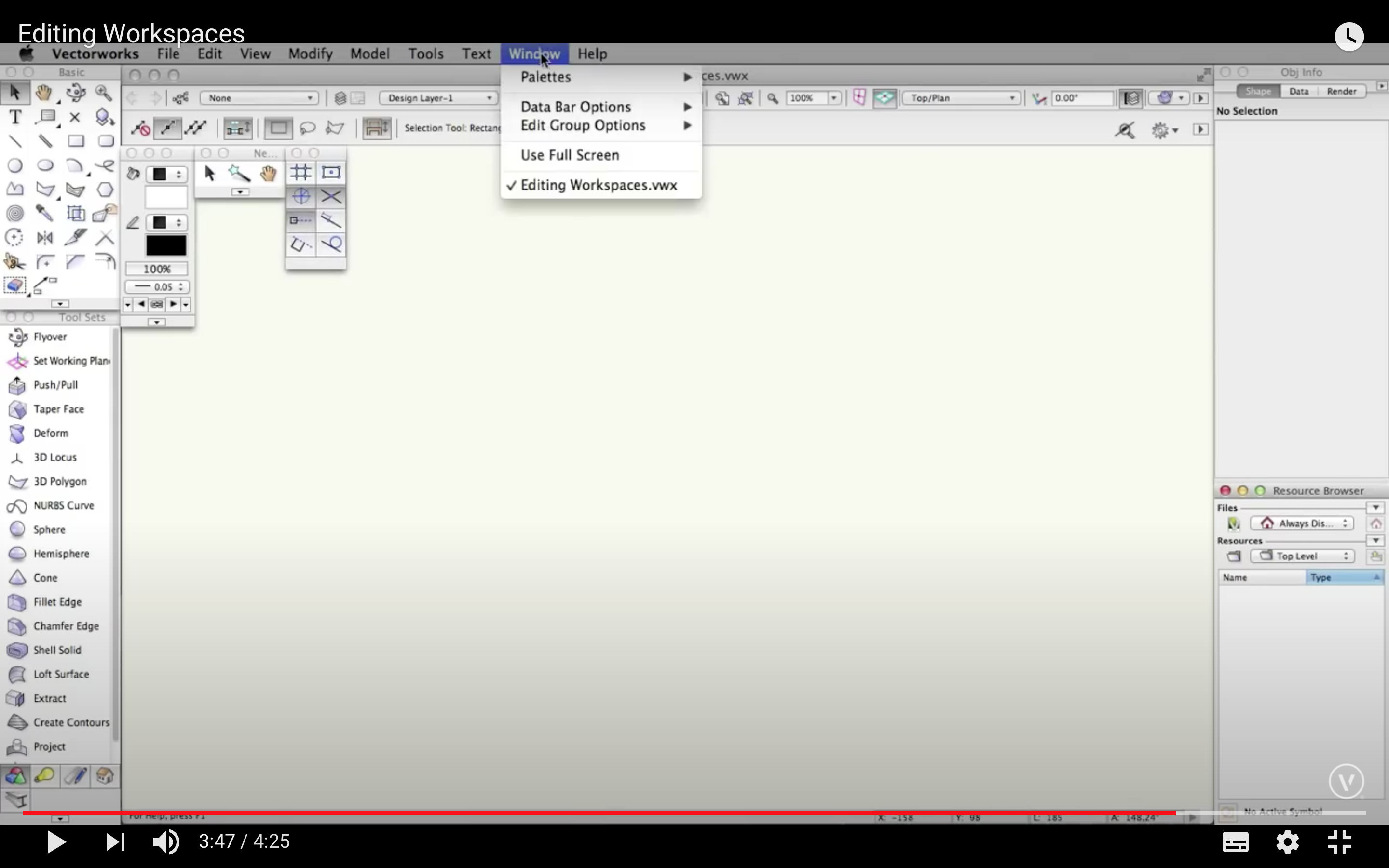
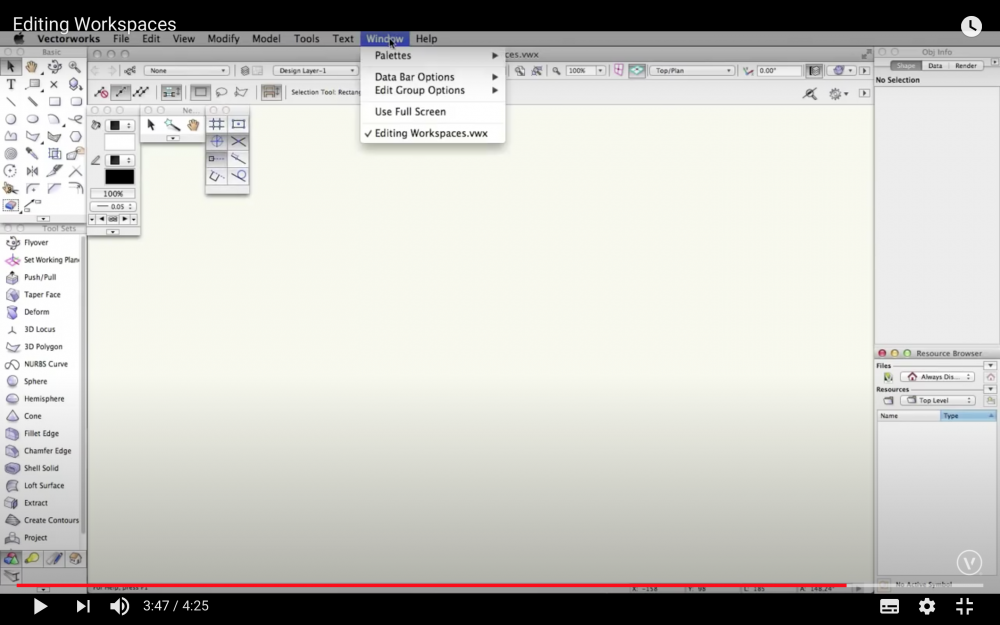
Hi Pat I cannot see how to add the 'Use Application Window'. Also, looking at the VW workspaces tutorial, it too doesn't show the 'Use Application Window' within the dropdown. (See screenshot). Just as a side issue. I am using VW 2016 running on OS 10.13.6 (High Sierra). Is this a likely cause? I think VW 2016 is only supported up to OS 10.12? Phil
-
Hi Pat I have WV 2016, but I guess the same principles apply. However, I have no workspaces in the workspaces folder where you mentioned. My workspaces are within Applications: Vectorworks 2106: Workspaces. When I remove the Architect and Fundamentals files from there, Vectorworks will not open as it cannot find these files. All used to be OK on my previous Mac, however does not work in my MacBook. This has been the scenario since I first installed. Regards Phil
-
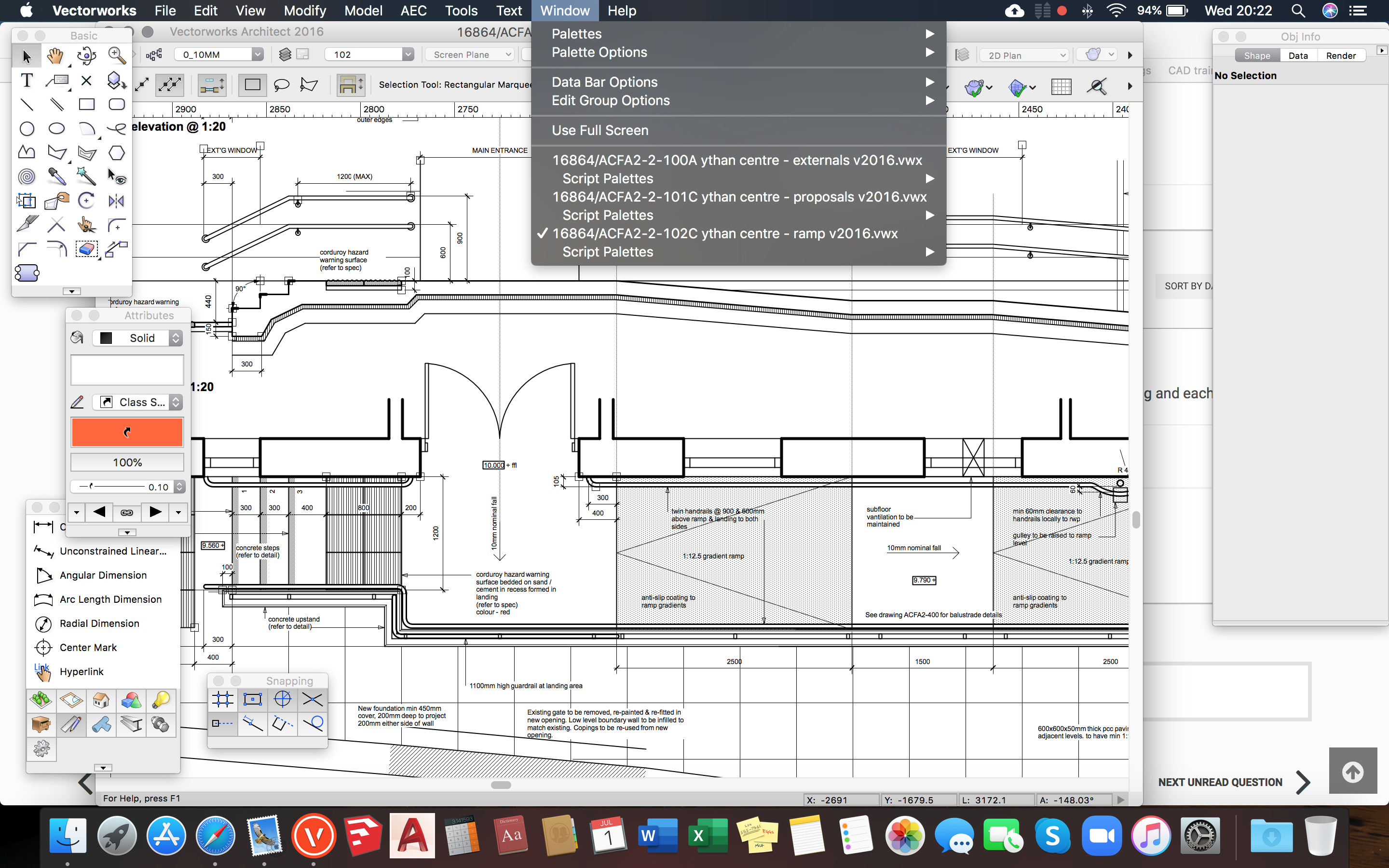
Hi Pat Fundamentals shows the same options as my version of Architect under 'windows'! Phil
-
Hi Pat I'm using the Architect workspace. Head scratching over how to edit workspaces. Sorry! Phil
-
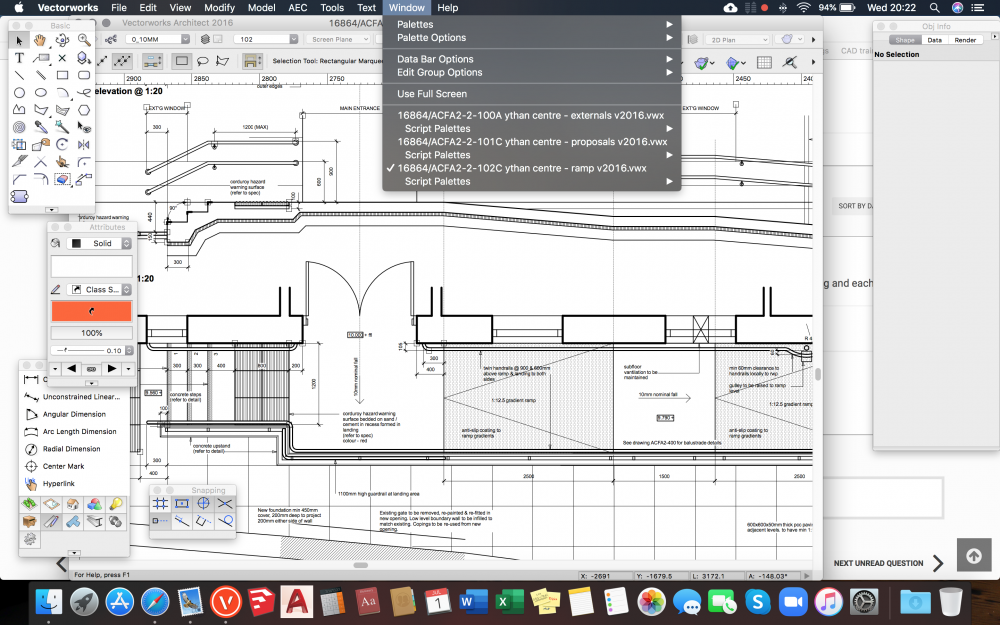
Hi Pat Thanks, but I don't see that option. See screenshot attached. Phil
-
Thanks RGyori This could be the issue as I am running 10.13.6
-
Hi How do I show separate drawing windows so that I can drag next to each other? Currently I can only scroll through a list from the 'window' drop down. I have previously been able to do this, but I must have changed a setting! Any help welcomed. Phil
-
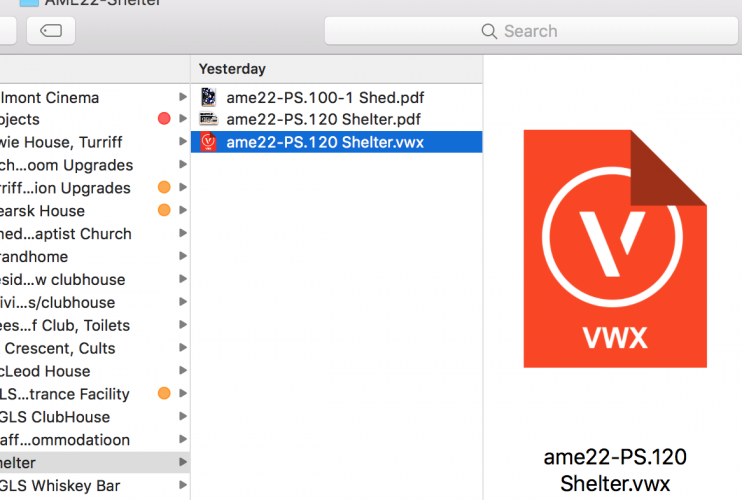
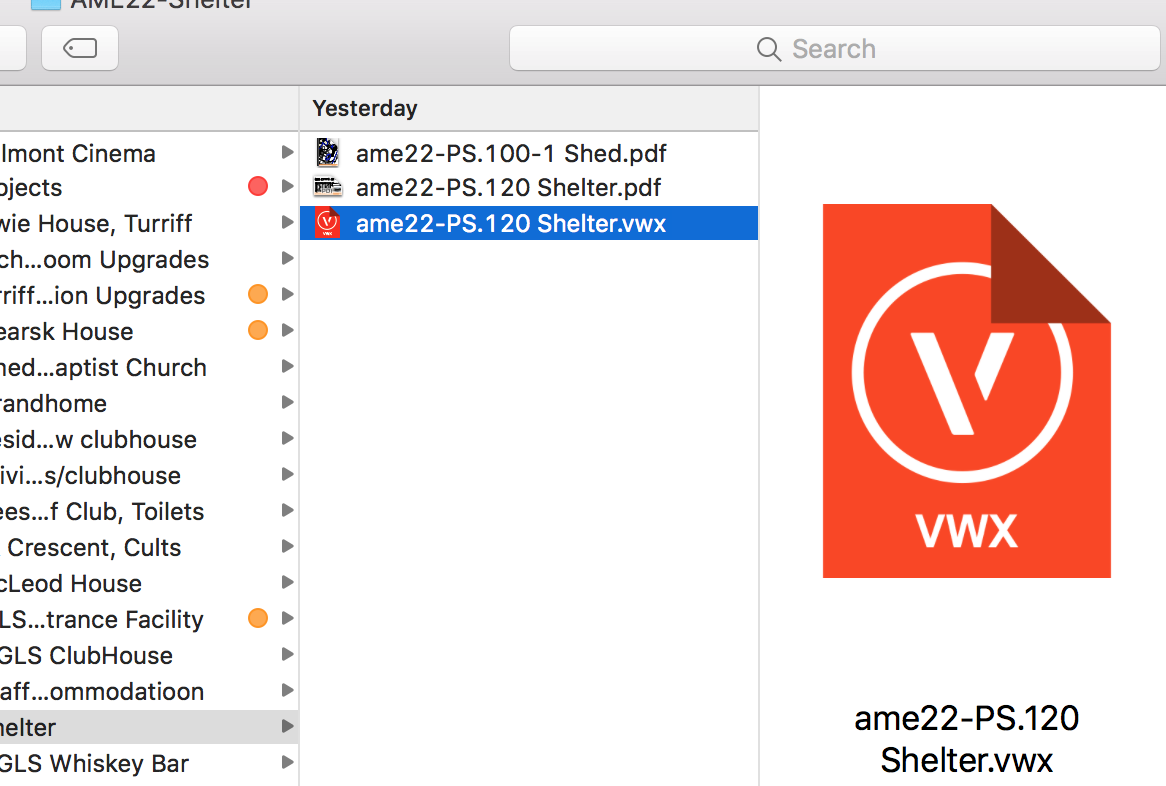
Hi I am using VW 2016. I have recently installed on my MacBook, however the file thumbnails are only showing the generic VWX icon and not the file preview. My Mac is set to show previews, which works fine for all my other Apps. However, it doesn't work for VectorWorks. Any suggestions welcome. Phil